The honest answer to "what is the AI design stack in 2026" is that there isn't one tool, and there isn't one stack. The designers actually shipping product assemble two or three specialist tools by stage, not by hype. The 2026 State of AI Design Report found designers now run about seven AI tools on average, roughly double a year earlier, precisely because no single tool wins every stage of the work.
So instead of ranking tools head to head, this guide maps them to the four stages of a real workflow: ideation, iteration, build, and polish. It borrows the phased framing senior product designer Felix Froessell laid out ("Ideation, Iteration, Build, Polish, Content"), names the two things every listicle skips (which tool reads your existing codebase, and what the whole stack actually costs once metered credits stack up), and is honest about where Superdesign helps and where it doesn't.

What is an AI design stack in 2026?
An AI design stack in 2026 is a small set of specialized AI tools assembled by stage rather than one all-in-one platform. You pick a tool for ideation, another for building, another for polish, and let each do the one thing it's best at. The 2026 State of AI Design Report found designers run about seven AI tools on average, up roughly 2x year over year, because the work splits cleanly into stages and no single tool is best at all of them.
The mistake most "stack" lists make is dumping every tool into one bucket. A canvas ideation tool, a React component generator, a full-stack app builder, and a design-system source-of-truth are not interchangeable. They sit at different points in the same pipeline. Once you separate the stages, the question stops being "which tool is best" and becomes "which tool is best here," which is a much easier question to answer.
The data backdrop worth keeping in mind: the report puts weekly AI use at 91% of designers, with Claude (78%) and Claude Code (65%) leading the model and agent layer, and 50% of designers now shipping AI-generated code to production. AI has moved from novelty to default. The skill in 2026 is orchestration, knowing which tool to reach for when. For what people actually point all these tools at, our analysis of 210,000 real design prompts found the answer is overwhelmingly product UI (dashboards, pricing pages, login screens), not the generative art the demos suggest.
What are the four stages of an AI design workflow?
The four stages are ideation (explore directions fast), iteration (refine the one you like), build (turn it into running code in your repo), and polish (systematize and finish). Most tools are genuinely good at one or two of these, and weak or absent in the others. Naming the stage you're in tells you which tool to open.
Here's the stage-to-job-to-tool map, which is the part the top-ranking pages leave out:
| Stage | The job to be done | Tools that win here |
|---|---|---|
| Ideation | Explore many directions fast, on a canvas, ideally aware of your existing UI | Superdesign, ChatGPT / Claude (briefs), Google Stitch |
| Iteration | Refine the chosen direction, compare variants, lock the look | Superdesign, Figma, v0 |
| Build | Turn the design into running code in your codebase | Cursor + Claude Code, Lovable, Bolt, v0 |
| Polish | Systematize tokens, finish interactions, handle real content | Figma + Figma Make, Midjourney / Remotion (assets) |
Two clarifications make this map useful. First, ideation and build are different stages with different winners, even though the SERP tends to lump v0, Lovable, and Bolt (build) in with Figma and Stitch (design). Second, the tool that reads your existing codebase is its own missing column, and it matters more than the listicles admit. We'll come back to both.
Which AI tool is best for ideation and iteration?
For ideation and iteration, you want a fast, visual surface where you can explore several directions at once and refine without burning through a build budget. This is where canvas tools and a strong language model for briefs earn their place. It is also, honestly, where Superdesign is built to sit.
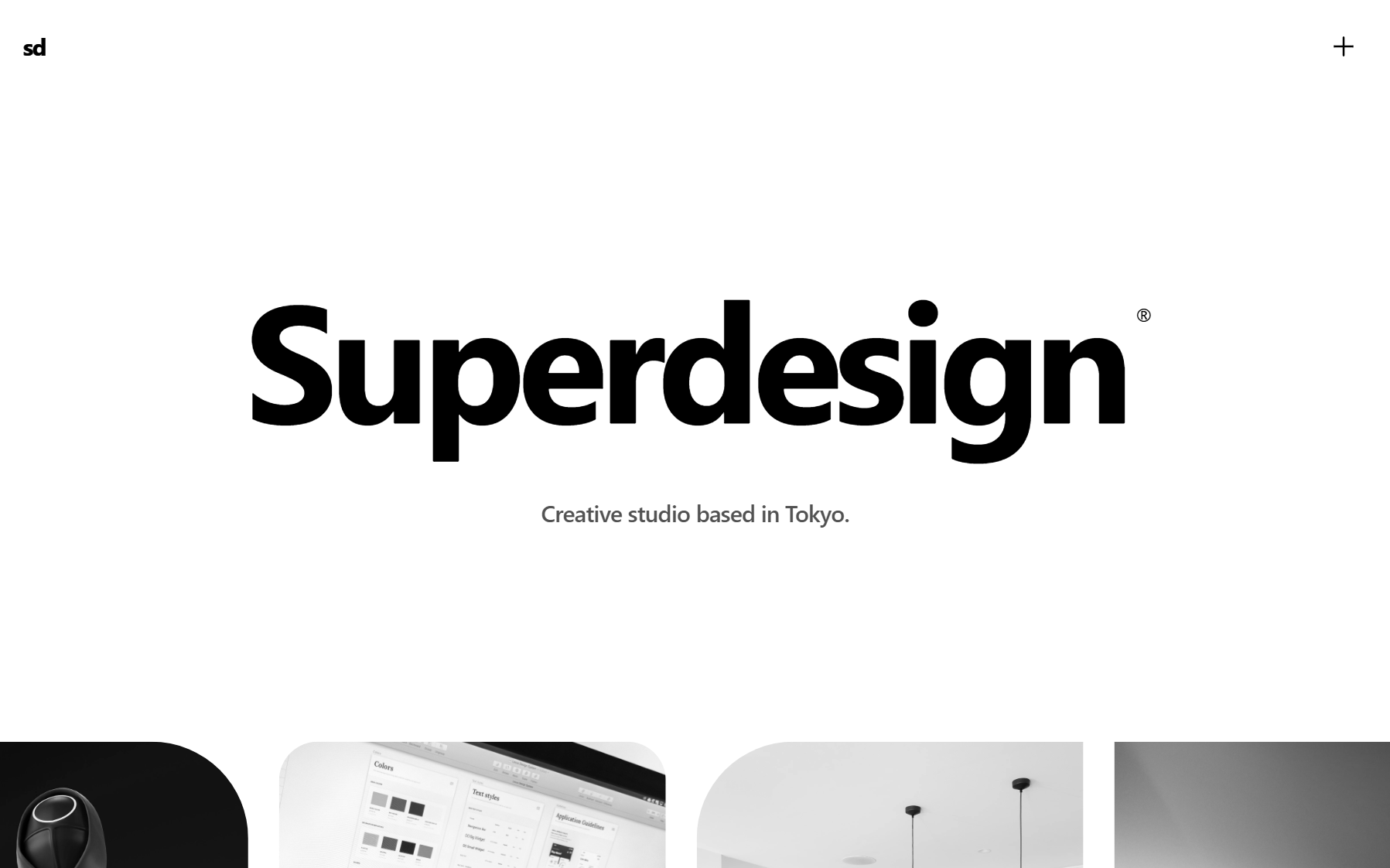
Superdesign is an AI product design agent that generates UI on an infinite canvas and outputs real code (React, Tailwind, CSS), not static mockups. Its ideation edge is that it explores in parallel. Instead of one linear chat thread, you fork several design directions at once, each carrying context forward, and generate whole multi-screen flows side by side. v0 and Lovable run one thread at a time, so comparing directions means re-prompting and losing what you just had. On Superdesign's canvas you see the variants together and pick, which is exactly what the ideation stage is for: cheap breadth before expensive depth.
The second ideation move is starting from reality instead of a blank prompt. Superdesign's free Chrome extension grabs any live web component, your own production UI or a pattern you admire, and turns the messy DOM into clean Tailwind pixel for pixel, then drops it on the canvas to remix. That replaces the usual screenshot-into-Figma detour: you design on the real thing, not a flattened picture of it. The deeper "reads your whole codebase" argument is its own thing, covered below and in the best AI UI generator pillar.
Froessell, who slots Superdesign into the ideation phase of that workflow, describes the web canvas as making quick exploration easy and creative to use. He's also refreshingly honest about the ceiling, which we come back to later, because it's the right way to think about every tool in the stack. For the explore-and-refine stages specifically, a flat, predictable price helps: Superdesign Pro is $20/mo with a free tier, so iterating a lot doesn't quietly run up a bill (more on why that matters below).
The other ideation move worth keeping is the boring one: a good language model for the brief. Claude or ChatGPT to pressure-test the concept, name the sections, and write the first copy pass, before any pixels exist. The 2026 report's 78% Claude adoption isn't an accident; the brief is still where a lot of the design actually happens. If a blank brief is where you stall, our UI design prompts are grouped by screen type and already name the layout, sections and visual system, so you can start from one and cut it down to your product.
Which AI tool is best for building the design into code?
For the build stage, you want a tool that produces runnable code and either lives in your repo or hands off to it cleanly. This is the busiest, most competitive part of the stack, and the right pick depends on whether you're scaffolding a component, spinning up a full-stack MVP, or editing inside an existing project.
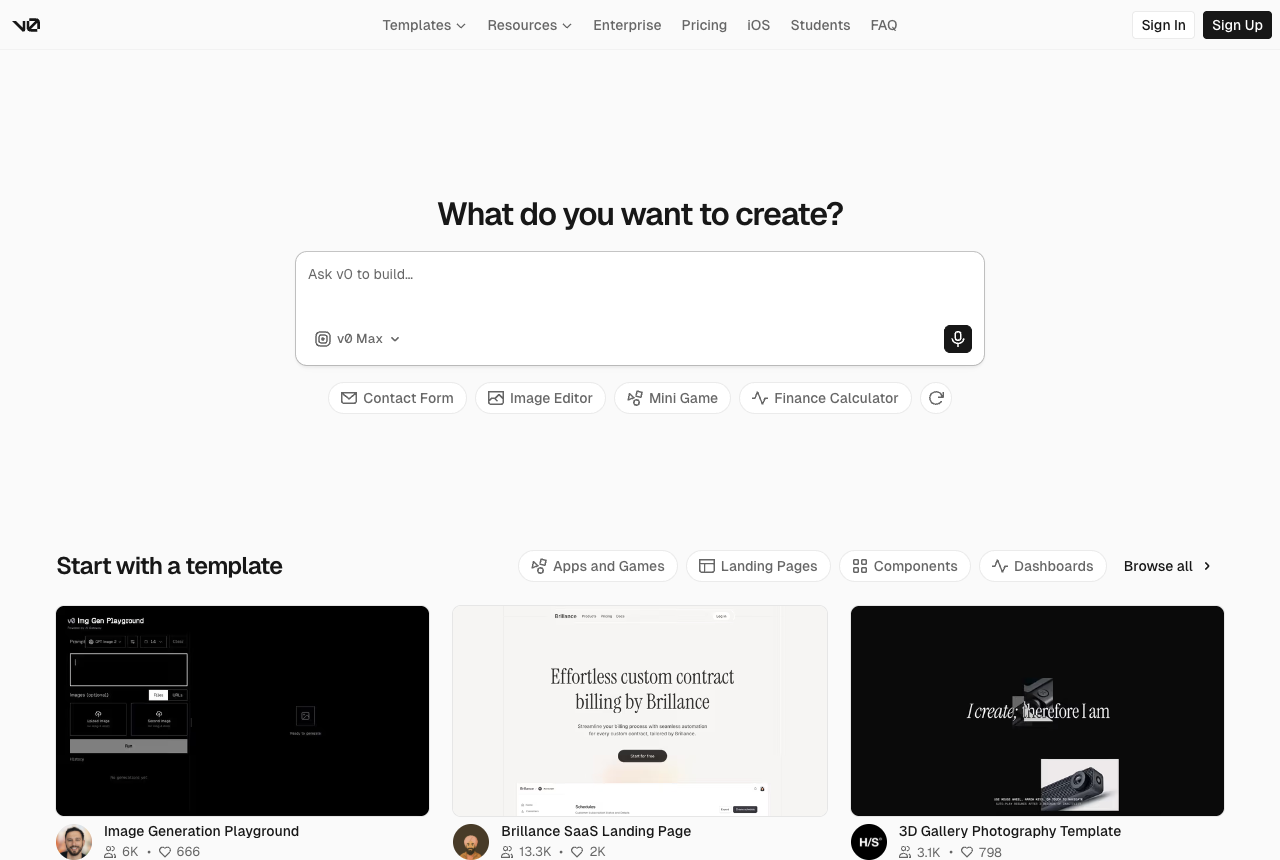
v0 by Vercel is the cleanest pick for React, Next.js, Tailwind, and shadcn/ui frontend scaffolds. The output is modular, accessible, and SSR-ready out of the box, and it one-click deploys to Vercel. The catch is the 2025 pricing change: after v0 moved to usage-based billing, users reported credits burning far faster, with one person spending $30 in a single day just to add a couple of category pages and calling the new model "insanely worse." Others flagged that site-wide edits could silently delete working code. It's browser-only and starts from a blank prompt, so it doesn't know your existing codebase.
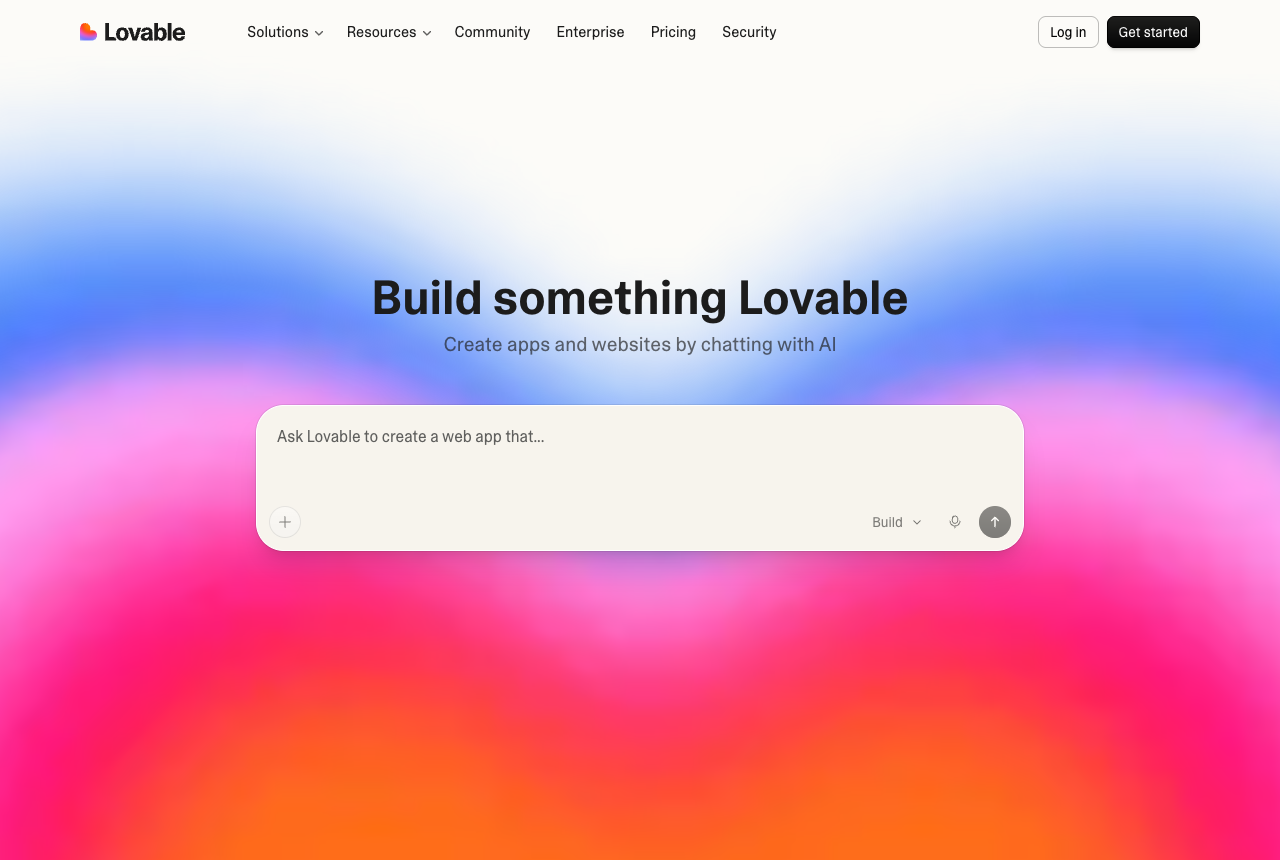
Lovable is the fast idea-to-full-stack-app builder, popular with non-engineers shipping a first MVP. It turns a text brief into a navigable app (frontend, backend logic, database) in hours, and the React and TypeScript it generates is clean enough to extend, with bi-directional GitHub sync. The real-world snag is dual-layer billing: the $25/mo Pro tier is the entry ticket, but live-app Cloud and AI runtime usage is billed separately and isn't shown on the pricing grid, so users are told to plan for 1.5x to 3x the implied credit burn, with a 3-page CRUD app routinely running 140 to 250 credits.
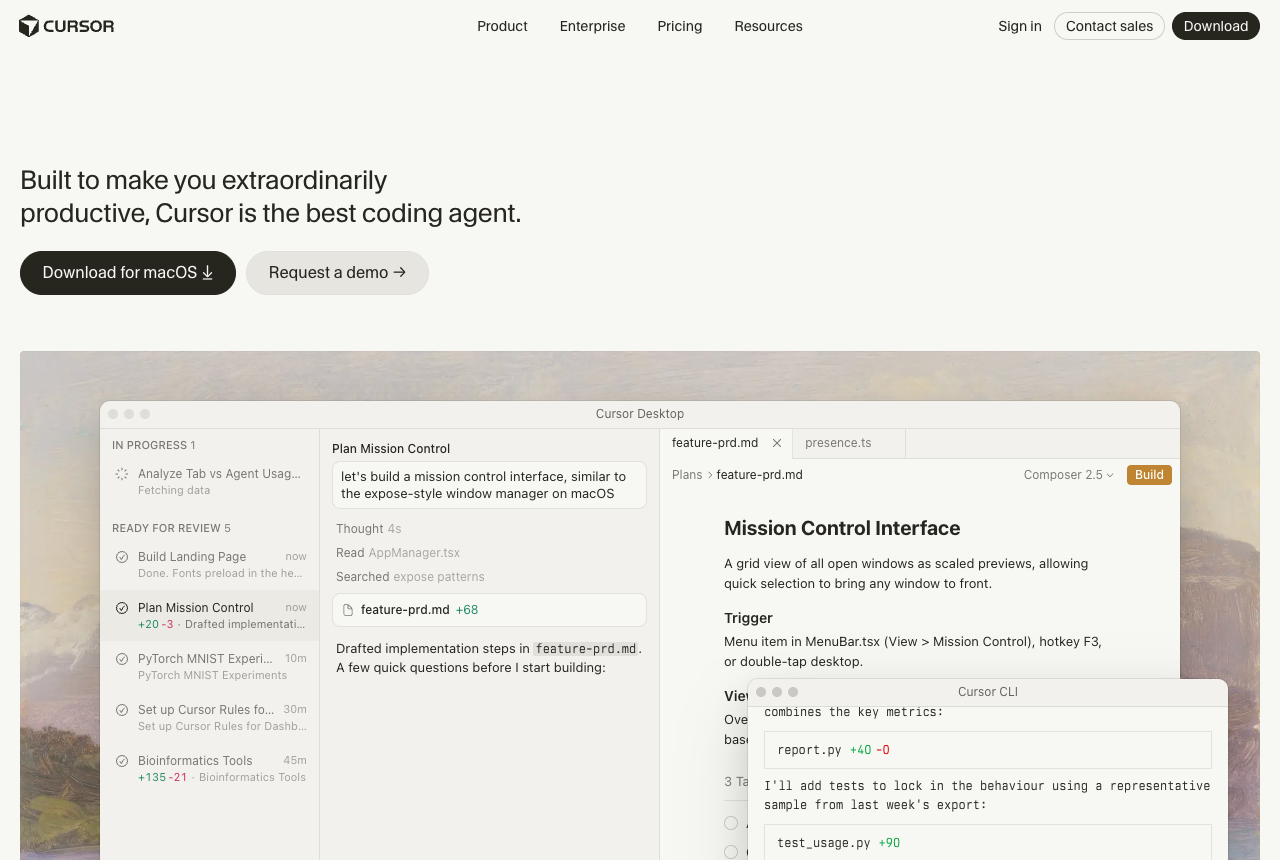
Cursor is the home base for most developers in 2026: an agentic AI editor with whole-project understanding, great for refactors, migrations, and supervised edits, usually paired with Claude Code in the terminal. It has no dedicated design surface (no canvas, no variation compare), so design is a side effect rather than the point. Its June 2025 switch to usage-based billing produced some of the loudest backlash in the category; the CEO issued a public apology and offered refunds after the change was poorly explained, and heavy users reported runaway overages.
Bolt rounds out the build tier for greenfield full-stack starts in the browser. Like v0 and Lovable, it produces runnable code that usually needs cleanup before it ships, and it doesn't read an existing repo. If you're comparing the app-builders directly, we go deeper in v0 vs Lovable and Lovable vs Bolt.
Which AI tool is best for design systems and polish?
For systematizing tokens and finishing the work, Figma is still the source of truth for most teams, with Figma Make handling fast interactive prototypes inside that ecosystem. This is the stage where AI generation hands back to human craft, and where a real design system stops drift.
Figma remains the system of record for design systems, component libraries, and final polish; the 2026 report shows design-systems usage as one of the fastest-growing AI use cases, not a shrinking one. Figma Make is its native text-to-prototype layer, good at turning finalized frames into clickable, front-end prototypes using modern frameworks like Tailwind and Radix. The loudest complaint is the credit cap: designers call the 3,000 credits per month on a paid seat insufficient, draining fast on fix-the-AI loops (one user reported redoing a transition "about 30 times because he kept getting the colours wrong"), and one user even hit 2x overage after the meter kept counting past a zero balance.
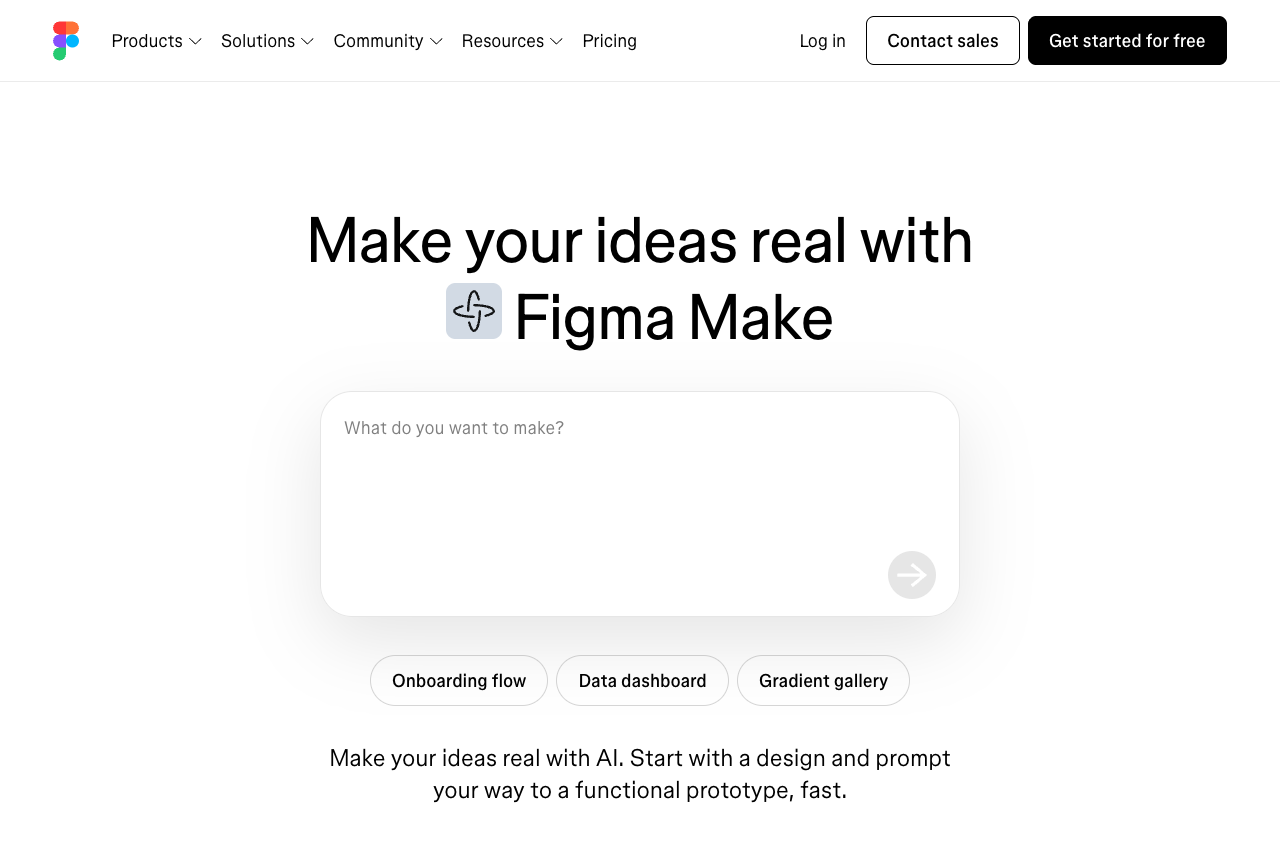
The honest read on this stage: Figma Make outputs prototypes, not production code, and reviewers find the fidelity early. So polish is still mostly a human stage, with AI assisting. Your design system lives in Figma, your final taste calls live in your head, and that's fine. If you're weighing whether you even still need Figma, see Figma alternative for developers.
How does the Superdesign skill plug into a coding agent?
It installs as a one-line skill inside Claude Code or Cursor, so the ideation engine lives where you already work instead of a separate browser tab. The other stack tools (v0, Figma Make, Google Stitch) are browser-only islands you context-switch to; Superdesign is driven by your coding agent, which is what makes it the ideation layer of a developer's stack rather than a detour out of it.
Triggered from your agent, it reproduces your current UI first, builds a design-system file capturing your existing tokens and components, then generates and compares variations on the canvas before handing real React and Tailwind back into your IDE. The full "starts from your codebase instead of a blank prompt" argument is the best AI UI generator pillar, and the design-system file itself is the practical analog of a DESIGN.md config: one source of visual truth your AI reads on every generation. You install it once:
npm install -g @superdesign/cli@latest
superdesign login
npx skills add superdesigndev/superdesign-skill
Then you trigger it with /superdesign and a plain-English request like "redesign the homepage and add a book-a-demo section." The full walkthrough is in the founder's tutorial:
To be clear about where this fits: Superdesign is the ideation and iteration engine of the stack (explore directions in parallel, capture real components, design with codebase context), not the full-stack app builder (that's Lovable or Bolt) and not the final-polish-and-systematize layer (that's Figma). It slots in early, when you're exploring directions that should match your product, and hands off to your build tools cleanly.
Can AI design tools generate production-ready code, or just prototypes?
It depends on the stage, and the honest framing is "60 to 80% there, the last stretch is you." App builders (Lovable, Bolt) and frontend generators (v0) produce runnable code that usually needs cleanup before it ships. Figma Make and Google Stitch output prototypes, not production code (if that gap is the dealbreaker, our roundup of alternatives to Google Stitch leans toward the code-output tools). Tools that read your codebase (Superdesign, with its real React and Tailwind handoff) get you closer to drop-in, but no tool ships the whole thing untouched.
A useful voice here is Froessell, who uses these tools daily and frames it as AI getting him a good chunk of the way there while the last stretch stays him and Figma. That's not a knock on the tools. It's the right mental model. AI compresses ideation and the first draft dramatically, and then human taste, your design system, and the specific quirks of your codebase carry the last 30 to 40% that makes a UI actually shippable. Any page that promises "production-ready" with no asterisk is selling you something.
How much does a full AI design stack cost per month in 2026?
More than the sticker prices suggest, because most of the stack moved to metered credits, and a failed iteration still costs you. v0, Lovable, Cursor, and Figma Make all drew real 2025 to 2026 billing backlash, and the listicles never tally what running several of them together actually costs once the meters stack up.
| Tool | Sticker price | The real-world catch |
|---|---|---|
| v0 | Free + usage credits | Credits burn fast post-2025 revamp; $30 in a day for two pages |
| Lovable | $25/mo Pro | Second billing layer (Cloud + AI runtime); plan for 1.5x to 3x |
| Cursor | $20/mo Pro | Usage overages; public apology + refunds after the 2025 switch |
| Figma Make | Figma seat + credits | 3,000 credits/mo "feels like a demo"; top-ups add up fast |
| Superdesign | Free + $20/mo flat | Flat, predictable; not a full-stack app builder |
The practical takeaway: keep the metered tools for the stage where their output is the deliverable (v0 for a scaffold you'll ship, Lovable for an MVP), and put a flat-price tool on the stage you iterate the most. Ideation and iteration is where you run the most prompts, most of which you'll throw away, so a flat $20/mo there (Superdesign) makes the line item you can't predict otherwise into one you can. That's not a pitch against the metered tools; it's a budgeting argument for matching the pricing model to the stage.
Is it better to use one all-in-one tool or combine specialized tools?
Combine two or three specialized tools, picked by stage. That's the thesis the strongest independent writing on this topic (The Crit is good here) and the State of AI Design Report's seven-tools-on-average data both point to. An all-in-one promises simplicity but loses at the edges; a focused stack lets each tool be excellent at its one job.
A workable 2026 starter stack looks like this: a language model for the brief (Claude or ChatGPT), a codebase-aware canvas for ideation and iteration (Superdesign), your editor for the build (Cursor plus Claude Code, or v0 for a clean React scaffold), and Figma as the design-system source of truth for polish. If ChatGPT is your home base, the brief and the ideation step can collapse into one surface with a ChatGPT design plugin. Swap pieces to taste, the point is the shape, not the exact roster. The workflow is bidirectional: explore and generate with AI, refine the system in Figma, implement in your IDE.
And the perennial question, does AI replace designers in 2026: the evidence says no. The 2026 report's own framing is that AI moved design work up a level, with designers orchestrating more tools and taking on more product and engineering scope, not getting replaced by them. AI compresses ideation and first drafts; humans still own taste, critique, and the last 30 to 40% that makes a UI shippable.
Where does Superdesign fit in your 2026 stack?
Superdesign fits at the front of the pipeline, as the ideation and iteration engine, then hands off cleanly to your build and polish tools. It earns that spot with three things the rest of the stack leaves open: it forks several directions in parallel so you compare instead of re-prompting, it grabs real live components into clean Tailwind so you design on reality, and it runs as a skill inside your coding agent instead of a separate browser tab, all on a flat price you can iterate against without watching a credit meter.
If you want to see it in motion before installing anything, the web app runs the same infinite canvas in the browser, and the prompt library is a fast way to borrow proven prompts for the ideation stage. For deeper comparisons by stage, see v0 vs Superdesign, Lovable vs Superdesign, and Bolt vs Superdesign, or the broader best AI UI generator guide. If you came here from the build side, Cursor for design covers the design gap in a coding agent, and what is vibe design frames the bigger shift.
The honest bottom line: there's no single best AI tool in 2026, only the right tool at each stage. Map your workflow to the four stages, match each tool's pricing model to how much you'll iterate there, and let the tool that reads your codebase do the ideation. The stack assembles itself from there.