Quick version: Lovable builds the whole app from a prompt (frontend, backend, database, auth, deploy), while Superdesign designs the UI layer inside the codebase you already have and hands back production React and Tailwind you own. They're not really substitutes. They live on different layers of the stack, and the right pick depends on whether you're starting from zero or improving something that already exists.
So this guide skips the "which one wins" framing. Instead: what each tool actually owns, where Lovable's greenfield wall bites, the honest sourced tradeoffs, and the "use both" play that a lot of teams land on.

What's the difference between Lovable and Superdesign?
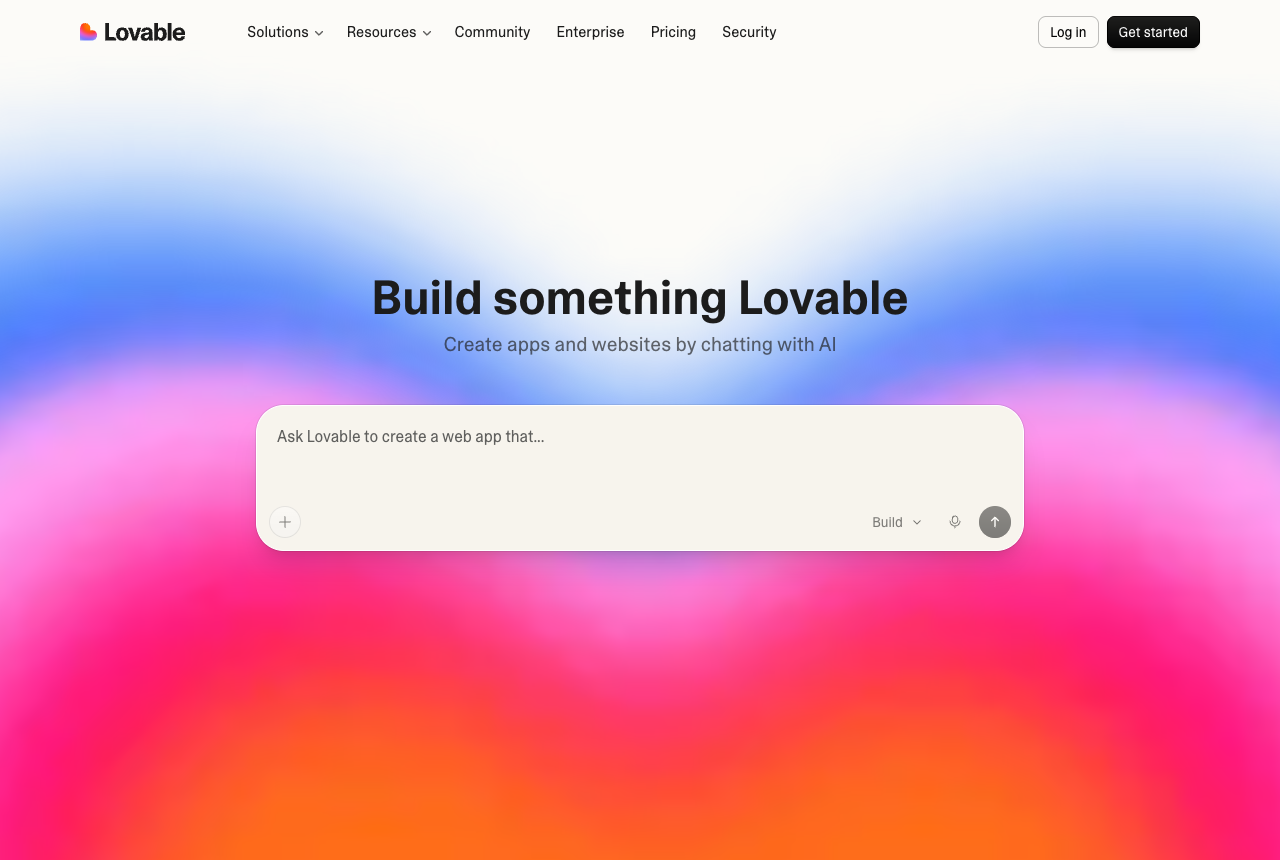
Lovable is a prompt-to-full-stack-app builder; Superdesign is a UI design agent that works inside your existing repo. Lovable takes a plain-English description and spins up an entire application (React frontend, Supabase backend, database, auth, and a live URL), aimed at non-technical founders shipping a whole MVP from scratch. Superdesign owns only the UI and design layer, but it does that inside your real IDE, reading your existing codebase and design system, then handing back production React/Tailwind you control.
That's the whole disagreement in one line: Lovable creates the app; Superdesign designs the interface of the app you already have. One is broad and greenfield. The other is narrow and codebase-aware. Calling them competitors is like comparing a house builder to an interior designer. Useful together, terrible as a forced either/or.
Worth saying plainly so there's no confusion: Superdesign does not build backends or full apps. No database, no auth, no API routes. If you need the whole stack generated for you, that's Lovable's job, not ours. Being honest about that is the point, because it's exactly what tells you when each tool is the wrong call.
Lovable vs Superdesign: the comparison table
Here's the layered view at a glance. Notice how little overlap there actually is.
| Lovable | Superdesign | |
|---|---|---|
| Layer | Full-stack app (frontend + backend + DB + auth) | UI/design layer only |
| Starting point | Greenfield, spins up a fresh project | Your existing codebase and design system |
| Where it runs | Browser-only platform | Inside your IDE (Claude Code, Cursor, any coding agent) + web canvas |
| Output | A deployed app you host on the platform | Production React/Tailwind code you own, in your repo |
| Backend / database | Yes (Supabase, auth, data) | No, design only |
| Codebase awareness | No, starts a new project beside your repo | Yes, reads your real files and tokens |
| Best for | Non-technical founders building a whole MVP from zero | Developers and designers improving UI in a real product |
| Pricing shape | Subscription + metered credits + separate usage-based Cloud/AI | Flat $20/mo Pro, plus a free tier |
If your situation is "I have nothing and want a working product by tonight," the left column is your tool. If it's "I have a codebase and the UI needs to be better," the right column is. Most "which is better" debates are really just people sitting in different columns.
What is Lovable, and who is it for?
Lovable is an AI full-stack app builder for people who want to go from idea to working software without an engineering team. You describe your product in plain English and it generates the frontend, a Supabase backend, a database schema, auth, and a live deployment. For a non-technical founder validating a concept, it's genuinely impressive: reviewers and users repeatedly cite jaw-dropping speed, the kind of "working UI in under 10 minutes" demo that makes the rounds on X. It's grown to a huge user base and a large template ecosystem off the back of exactly that.
The strength is breadth. Lovable handles the whole stack so you never think about infrastructure. The honest tradeoffs show up once you push past the first prototype, and they're worth knowing before you commit:
- Greenfield-only. This is the big structural one. As Builder.io's own comparison puts it, "Lovable optimizes for greenfield work. If you've got an existing repo, you're starting a fresh project next to it instead of working inside it." It can't start from or edit an existing codebase, so for an existing product it's the wrong layer entirely.
- Dual-layer, hard-to-predict billing. You pay a subscription plus metered credits, and then a separate usage-based Cloud + AI bill on the deployed app. Lovable's pricing lists this as a real line item, and it drives the classic "I expected $25, I got $60" surprises, especially once a live app starts getting traffic.
- Credit burn in debugging loops. Superblocks' review describes the AI "introducing new errors while fixing old ones," trapping users in cycles where you spend credits to fix something Lovable just said it fixed. Users report burning real credit counts on layout issues and AI-created bugs.
- Struggles past the prototype. The same review notes it "struggles when your app needs non-trivial business logic, multi-step flows, or custom integrations," and explicitly advises against it for sensitive data, payments, or regulated workloads.
- Security has bitten people. CVE-2025-48757 left endpoints across 170+ Lovable projects exposed because the AI generated Supabase configs with Row Level Security off by default, leaking data via the public anon key. It was disclosed in May 2025. Generated output needs a real review before you ship it.
None of this makes Lovable bad. It makes it specific. It's the fastest path to a whole working app from zero, and a poor fit if you already have a codebase or need to own and maintain the UI long-term.
What is Superdesign, and who is it for?
Superdesign is an AI design agent that owns the UI layer and explores many design directions at once on an infinite canvas, then hands back real React/Tailwind. Three things set it apart from Lovable's single linear chat thread, and they're worth leading with because they're exactly where Lovable's billing and one-screen-at-a-time loop hurt the most:
Parallel, tree-search design instead of one thread. Lovable iterates one direction at a time in a chat: you prompt, wait, prompt again, and every retry spends credits. Superdesign forks multiple design directions at once on the canvas, carries context forward across branches, and can generate whole multi-screen flows side by side so you compare real options instead of re-rolling a single thread. Exploring breadth is the default, not an expensive afterthought.
Free Chrome Component Grab: design on reality, not screenshots. Superdesign's Chrome extension captures any live web component (your own shipped UI, or anything you like as inspiration) and turns the messy DOM into clean Tailwind pixel-perfectly, ready to remix on the canvas or paste into Claude Code or Cursor. It's free forever. Lovable has no equivalent: to riff on an existing screen you'd screenshot it into another tool and rebuild from a picture. Capturing the real component beats designing off a flat image.
Production code you own, on a predictable bill. The output is production React/Tailwind that drops into your repo, no platform lock-in and no infrastructure to host, on a flat plan rather than metered credits (more on the pricing split below). Because it reads your existing project and design tokens before it designs, it improves the product you have instead of generating a parallel one. That codebase-awareness is the broader "works with my repo" argument we unpack in the best AI UI generator pillar.
The honest boundary, again: Superdesign is not a full-stack builder. It won't generate your backend, database, or auth. If you have those already (most real products do), that's a feature, not a gap, because you just need better UI faster, not a new framework to migrate into.
Can Lovable work with an existing codebase?
No. Lovable is built for greenfield work, so pointing it at an existing repo means starting a fresh project next to your real one rather than editing inside it. Builder.io, hardly a Superdesign partner, states it directly: "if you've got an existing repo, you're starting a fresh project next to it instead of working inside it." For a brand-new MVP that's fine. For a product that already ships, it's a wall.
This is precisely the situation Superdesign was built for. It reads your existing codebase and design system, replicates your real pages, and designs against your actual tokens. So the "which tool" question often answers itself by a single fact about your starting point: greenfield leans Lovable, existing product leans Superdesign. If you already have a frontend you care about, a tool that can only generate a parallel app from scratch isn't really in the running for the UI work.
Is Lovable's generated code production-ready and secure?
It ships fast, but it needs review before production, and it has a real, documented security history. The most-cited example is CVE-2025-48757: Lovable's AI generated Supabase configurations with Row Level Security disabled by default, exposing endpoints across 170+ projects and leaking data through the public anon key. There have also been broader vibe-coding exposure stories where Lovable-hosted apps with basic flaws leaked user data, with commenters noting the platform markets to non-developers who wouldn't catch a security flaw if it flashed red.
That's not a reason to avoid Lovable. It's a reason to be deliberate about who owns the data layer. The lesson maps cleanly onto the layered view: a prompt-to-app tool is great for scaffolding, but the backend and data security still need human eyes before real users touch it. Superdesign sidesteps this entirely by design, since it never touches your backend or data. It generates UI code you read and own, and your existing data layer, auth, and security stay exactly as you built them.
Why do Lovable credits run out so fast, and which is cheaper?
Two reasons: debugging loops re-spend credits, and there's a second billing layer most people don't budget for. The Superblocks review describes the AI introducing new errors while fixing old ones, so you burn credits fixing things it claimed were already fixed. On top of the subscription-plus-credits model, Lovable charges a separate usage-based Cloud + AI bill on the deployed app, which is what drives the "I expected $25, got $60" complaints once an app gets traffic. The thin free tier (a few daily credits) also makes it hard to evaluate seriously before paying.
Superdesign's pricing is the deliberate inverse: a flat $20/mo Pro plan plus a free tier (and a free-forever Component Grab extension), no metered credits and no second usage-based layer. So "which is cheaper" depends on usage, but more importantly Superdesign is predictable: you know the bill at the start of the month, and forking ten design directions doesn't cost ten times as much. The broader case against credit-burn pricing across this whole tool category lives in the best AI UI generator pillar.
Can you use Lovable and Superdesign together?
Yes, and it's a clean workflow because they sit on different layers. The common play: scaffold the full-stack app in Lovable to get your data models, API routes, and auth standing up fast, then design and maintain the UI with Superdesign inside your IDE. Lovable gets you to "it works." Superdesign gets you to "it looks like a real designer built it," and keeps doing so as the product evolves, since it reads the codebase each time.
This hybrid suits early-stage teams who need to move fast on everything but still care about the product experience. You're not picking a winner, you're stacking each tool on the layer it actually owns: Lovable for the app skeleton and backend, Superdesign for the UI craft and ongoing design work. If you want to dig into the design side, our prompt library has the most-used starting prompts, and the 2026 AI design stack post covers how these pieces fit together with the rest of your tooling.
So which should you use?
Pick by your starting point and which layer you need to own:
- Choose Lovable if you're a non-technical founder with no codebase yet and you need a whole working app, backend and all, as fast as possible. It's the fastest zero-to-MVP path there is, just budget for metered credits and review the security before real users arrive.
- Choose Superdesign if you already have a codebase and the UI needs to be better, you want to fork several design directions at once instead of re-prompting one thread, capture real components straight off the web with the free Chrome grab, and own clean React/Tailwind in your repo on a flat, predictable bill. See Superdesign as Cursor for design for the in-IDE workflow.
- Use both if you're early-stage: scaffold with Lovable, then refine and maintain the UI with Superdesign in your IDE.
Whichever way you lean, the fastest way to settle it is to give both tools the same brief. Our UI design prompts page has prompts by screen type, from dashboards to pricing pages, so paste one into Lovable's chat and onto the Superdesign canvas and compare what comes back.
If you're comparing more tools in this space, the best AI UI generator roundup, v0 vs Superdesign, and Bolt vs Superdesign cover the neighbors, and the Lovable alternative hub goes deeper on the field. Or just try Superdesign free and point it at your existing project to see what codebase-aware design feels like.