Search "best AI UI generator" and you'll get a dozen lists aimed squarely at designers: Figma plugins, web-based mockup tools, drag-and-drop canvas builders. Great if you're a designer. Not what you need if you're a developer who just wants to ship a UI that looks good without opening Figma.
There's a second problem with most of those lists: nearly every one is published by a tool vendor that conveniently ranks its own product first, and almost none of them show you the actual code each tool produces or answer the question developers actually care about, "will this work inside my existing codebase?" I should say the quiet part out loud: I build Superdesign, so I am a vendor too. That is exactly why this guide does not hand out a number one. It groups the tools by the job each one genuinely wins, and it tells you plainly where Superdesign earns its spot and where one of the others beats it.
I built this guide differently, and I ran every tool in it myself. It covers the best AI UI generators specifically for developers, judged on what matters when you ship code: output quality, IDE integration, whether the tool understands the project you already have, and how predictable the pricing is once you start iterating for real. One distinction runs under all of it. Most of these tools are coding agents that emit a UI as a side effect of getting code to compile, not design agents built to make the look the actual deliverable. I wrote up that difference in design agent vs coding agent, and it is the lens I use to judge everything below.
So, the short answer to "what is the best AI UI generator?" There is no single winner, there is a best tool per job. If you are a developer who wants production code that fits an existing codebase, driven from Claude Code, Cursor, or VS Code, that is Superdesign (our tool, and the section below discloses exactly why and where it stops). For fast React component scaffolding on the shadcn stack, v0. For a full-stack scaffold from zero, Bolt.new. For Figma-centric handoff teams, Figma Make. For free mockup ideation, Google Stitch. For the highest-fidelity designer mockups, UX Pilot. For design-system-aware React, Magic Patterns. The rest of this guide is the reasoning, the code each tool actually outputs, and the fine print.

What makes an AI UI generator useful for developers?
A developer evaluating an AI UI generator needs different things than a designer does. The criteria:
- Production code output. React, HTML, Tailwind, or framework-specific components that drop into a real codebase. Not mockup images. Not Figma exports. Actual code.
- IDE integration. The tool should live where you already work: VS Code, Cursor, Claude Code, Windsurf. Switching to a separate browser tab to generate UI and then copy-pasting it back is friction that compounds over time.
- Codebase awareness. The best tools know what you've already built. They generate components that match your existing style system and design tokens instead of introducing patterns that clash with your current code.
- Natural language interface. Describe what you want in plain English. No canvas manipulation, no layer naming, no component-library navigation.
- Predictable pricing. This one is new for 2026. Most tools moved to usage-based credits, and as you'll see below, that turned into the single most common complaint across the entire category. A failed iteration shouldn't cost you money.
With those criteria in mind, here are the best AI UI generators for developers in 2026.
How the prompt-to-code loop works
Whatever you are building (a dashboard, a landing page, an app screen, a store), the loop with a code-output agent like Superdesign is the same four moves. The thing that changes is the design decisions for that build type, not the loop. So here it is once.
The prompt-to-code loop
Prompt with the specifics baked in
Describe the screen, the audience, the outcome, and the sections you want, in order. Specificity is what separates an on-brand result from the generic gradient slop a one-line prompt returns. If you want to see what that level of detail looks like before writing your own, our UI design prompts are grouped by screen type, and each one already names the layout, the sections, and the states.
Grade the draft against a real bar
The first generation is a draft, not the answer. Check it against the standards for what you are building (the per-build-type guides cover those), not just "does it look nice."
Fork directions, do not re-roll one
Compare a few treatments side by side on the canvas instead of re-rolling a single variation, then carry the strongest one forward and keep tightening it in plain English.
Take real React and Tailwind into your repo
Export code you own, not a hosted page, so it matches your existing components and ships through your normal build. No platform lock-in.
The per-use-case guides (landing pages, app UI, portfolios, stores, editorial blogs) skip this loop and go straight to the decisions that are unique to each.
Superdesign: best for design to code inside your IDE (our tool)
Full disclosure first: I build Superdesign, so read this section knowing that and weigh it against the rest. Here is exactly where it earns its spot: you are a developer, you want production code that fits the codebase you already have, and you want design to happen inside your IDE instead of a separate browser tool. That is the one job it is built for, and I will tell you exactly why, along with the jobs where a tool further down is the better pick.
Superdesign is built specifically for the developer-as-designer workflow. It's an AI design agent that generates production-ready UI from natural-language prompts on an infinite canvas, and it works three ways: directly in the web app, invoked from your coding agent (Claude Code, Cursor, and other IDEs) so the agent offloads visual design to Superdesign, or added to ChatGPT as a ChatGPT design plugin if the chat surface is where you already work. It is a design agent, not a coding agent: I tuned it to explore many considered directions in parallel and compare them on the canvas, which is the part a coding agent skips on its way to "does it run."
The thing that separates Superdesign from most of the list: it produces code, not mockups. You describe a UI, you get React components and Tailwind classes that go into your project. There's no intermediate design step, no Figma export, no manual re-implementation. If a landing page is the job in front of you, the AI landing page generator is the fastest way to feel that loop: one prompt, several design directions side by side, real React and Tailwind out.
What makes Superdesign different for developers
- Codebase-aware generation. Superdesign can read your existing components and style configuration, so new UI matches your current design system rather than introducing generic defaults that clash with what you've built. This is the dimension almost no designer-first tool handles.
- DESIGN.md configuration. Define your visual language once, typography scale, color palette, spacing, component patterns, and every generation follows those rules automatically. Your UI stays consistent across the codebase without manual enforcement.
- Infinite canvas for variations. Generate multiple layout approaches side by side, compare them visually, pick the best, and iterate, all in one view instead of a linear chat.
- Two entry points. Prompt directly in the web app, or drive the canvas from your coding agent so design happens without leaving your workflow.
- No waitlist. Available now. Start generating UI in a few minutes.
How does the Superdesign skill work in your coding agent?
The most developer-native way to use Superdesign is its skill, which you add to Claude Code, Cursor, or any coding agent so it can design without you ever leaving the editor. You install it once:
npm install -g @superdesign/cli@latest
superdesign login
npx skills add superdesigndev/superdesign-skill
After that you trigger it with the /superdesign slash command and a plain-English request, for example "redesign the homepage and add a book-a-demo section." Here is what happens next, walked through in the founder's tutorial below:
- It learns your project first. On an existing codebase, the skill investigates your current UI and creates a
superdesignfolder holding a design-system file (the full context of your existing design system and product) plus HTML replicas of your real pages, so new designs build on what you already have instead of starting blank. - It explores variations on the canvas. The agent opens the Superdesign canvas in your browser and generates several directions at once (the tutorial shows four banner variations side by side), and you keep prompting to refine the one you like.
- It designs whole flows, not single screens. Pick a direction and it generates every page in the flow, and the result is clickable, not a static mockup.
- It hands back to code cleanly. Select a page and hit "Copy design prompt" to paste full design context into your coding agent, or ask the agent to fetch the design and plan the implementation directly. The design and the build stay in one place.
That is the whole loop: prompt, explore on the canvas, iterate, then implement, all driven from the IDE. It is also why Superdesign reads your codebase where browser-only tools can't, the skill is running inside your project the whole time.
Superdesign offers a free tier and a flat $20/month Pro plan. For solo developers or small teams who were previously spending hours implementing mockup specs or paying for contractor design work, the time savings are real, and a flat plan means an experiment that doesn't pan out doesn't show up on your bill. To get a feel for the output before installing anything, browse the design prompt library, a free collection of UI design prompts you can copy and run, or go from a prompt to UI screens right in the browser with the AI UI generator.
v0 by Vercel: best for React component scaffolding
v0 is Vercel's prompt-to-UI tool. You describe a component or page, and v0 generates React code built on shadcn/ui and Tailwind CSS. It is still the benchmark for clean code on the shadcn and Next.js stack, and its February 2026 update pushed it further: a full VS Code-style editor inside v0 with file-by-file edits and a diff view, plus Git integration so you can branch a chat, open a PR against main, and deploy on merge.
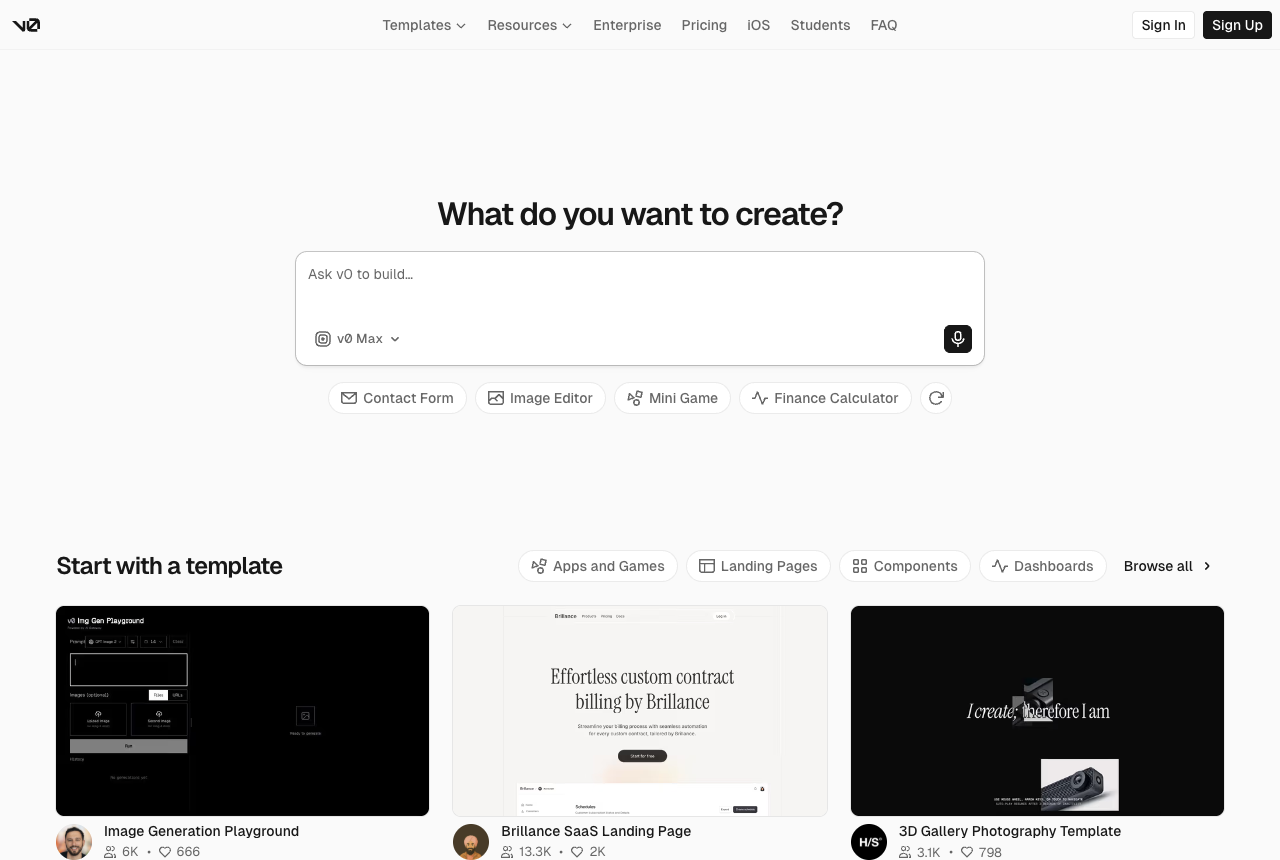
Its strengths for developers:
- Real React and TypeScript output, not pseudocode and not mockups
- Solid coverage of common patterns: data tables, forms, dashboards, navigation, cards
- A genuinely useful free tier for low-volume generation
- One-click Vercel deployment for prototypes
The limitations worth knowing:
- No native IDE integration. The new editor and Git flow live inside v0's own environment, not your editor, so working in an existing repo still means a copy-paste or sync step.
- No codebase awareness. Every generation starts from scratch, unaware of your existing components or tokens.
- Strongly opinionated toward shadcn/ui and Tailwind, less useful on a different stack.
- The 2026 redesign drew real backlash. After v0 moved to an agent model with usage-based tokens, long-time users reported that output quality dropped and costs became unpredictable, with one user describing trivial fixes burning $10 to $12 and others reporting site-wide edits that silently deleted working code. Worth testing on a throwaway project before you commit.
v0 is the right choice when you want a fast component generator on the React and Tailwind stack and you're comfortable with the browser-to-editor copy-paste. For anything more integrated or codebase-aware, Superdesign is the stronger option.
Bolt.new: best for full-stack scaffolding from scratch
Bolt.new is a full-stack app generator: describe an application and Bolt generates the frontend, backend, database schema, and API routes, then runs it in a StackBlitz WebContainer, a full Node environment that lives in your browser tab. It's the right tool when you're starting a new project from zero and want a complete working scaffold in minutes.
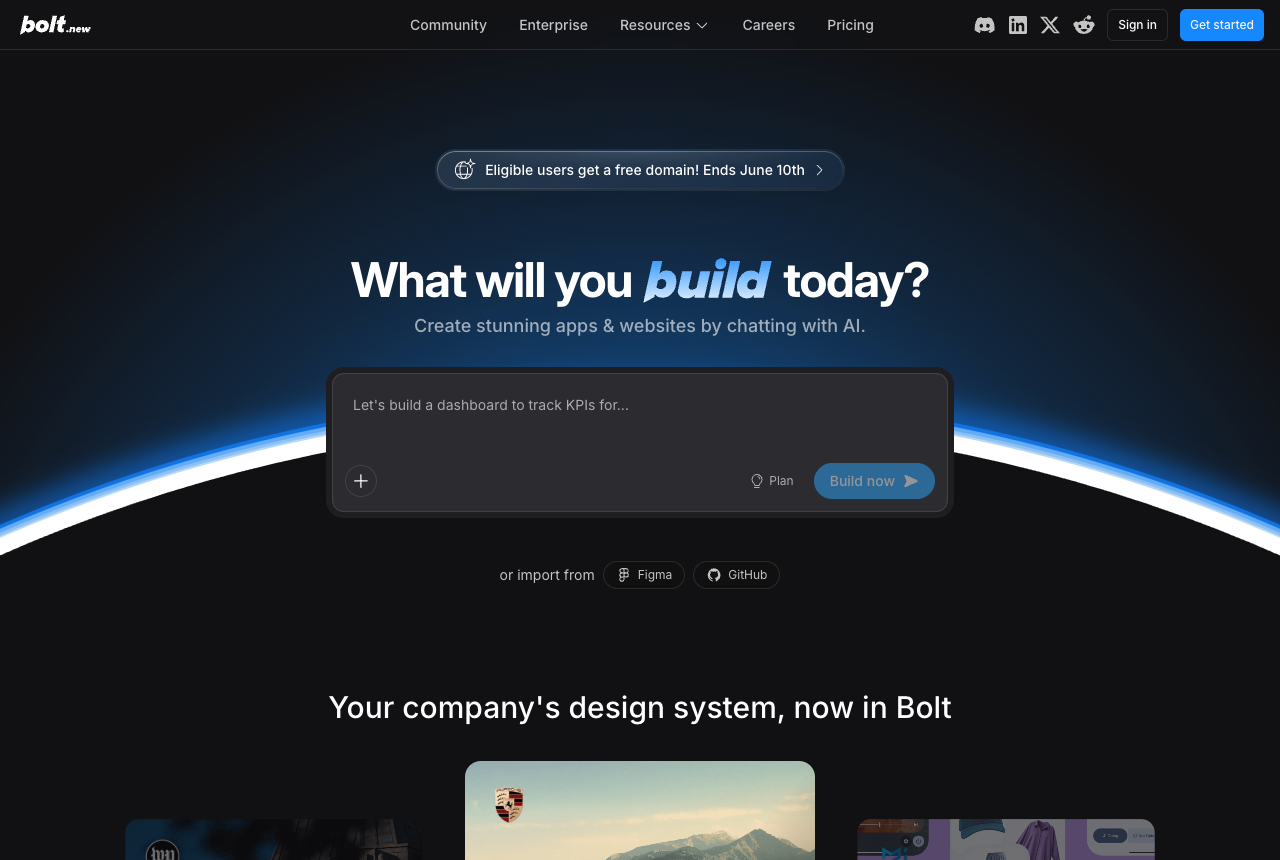
As a UI generator specifically, Bolt is strongest at getting you to a working baseline quickly. Where it falls short:
- No IDE integration. It's a standalone browser environment separate from your editor.
- Not designed for adding or improving UI in an existing project. It's built for greenfield starts.
- It prioritizes "working app" over "polished UI", functional but often visually generic out of the box.
- Token burn is the recurring complaint. Reviewers and users repeatedly describe debugging loops where Bolt fails, tries to fix the failure, fails again, and consumes credits with no progress, especially around authentication. One widely cited review documents simple bugs eating millions of tokens.
Use Bolt when you're spinning up a new project and want a complete working scaffold fast. Use Superdesign when you need to add, improve, or iterate on UI inside an existing codebase.
Figma Make: best for designer-developer handoff teams
Figma Make is Figma's prompt-to-prototype feature. You describe a UI, Figma generates an interactive prototype, and your team can inspect, comment, and test it before development begins. It also ships an MCP server that brings Figma context into agentic coding tools like Cursor and Claude Code.
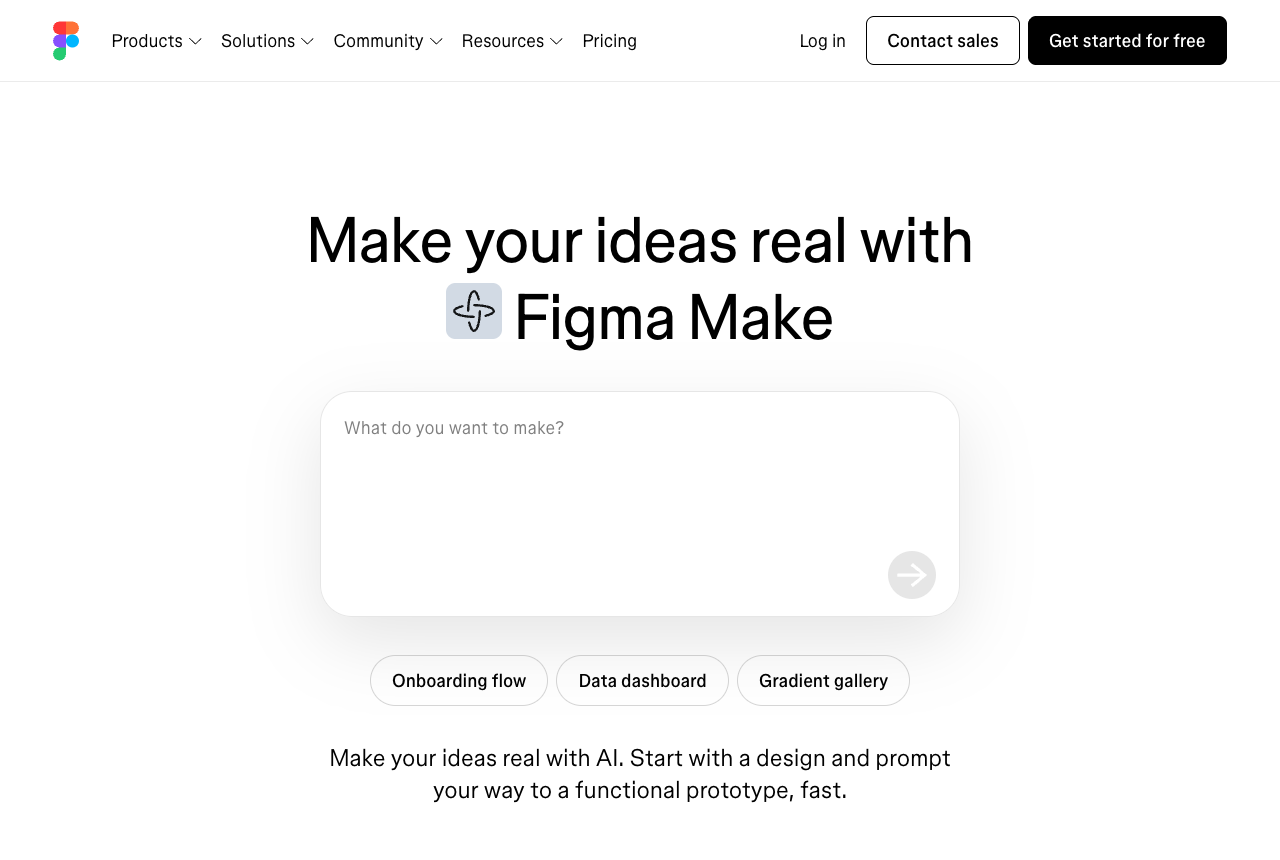
For developers, Figma Make is most useful on a team that already uses Figma as the source of truth. The gaps:
- Output is prototypes, not production code. You still implement the design after generating it.
- Requires a Figma subscription.
- Design fidelity and the credit model are early-stage. In one hands-on evaluation reviewers called it "buggy, clunky, and limited to basic use cases," and designers have flagged the 3,000-credit monthly cap as a "budget black box" that runs out before you reach a usable result.
Figma Make makes sense if your team centers on Figma and you need a faster way to generate designs for handoff. For a developer who is also the designer, it adds a step instead of removing one.
Google Stitch: best for free AI-native mockup ideation
Google Stitch (formerly Galileo AI, now part of Google) generates UI mockups from natural-language prompts or uploaded images. Its March 2026 relaunch added an AI-native infinite canvas and a Voice Canvas, so you can talk to the canvas and the agent asks clarifying questions and critiques the result as it goes, then export to Figma or basic HTML and CSS. It runs free through Google Labs with a generous monthly allowance, which is a big part of the appeal. Google leaned into the "vibe design" framing around the launch and positioned Stitch as a reference implementation for prompt-driven design.
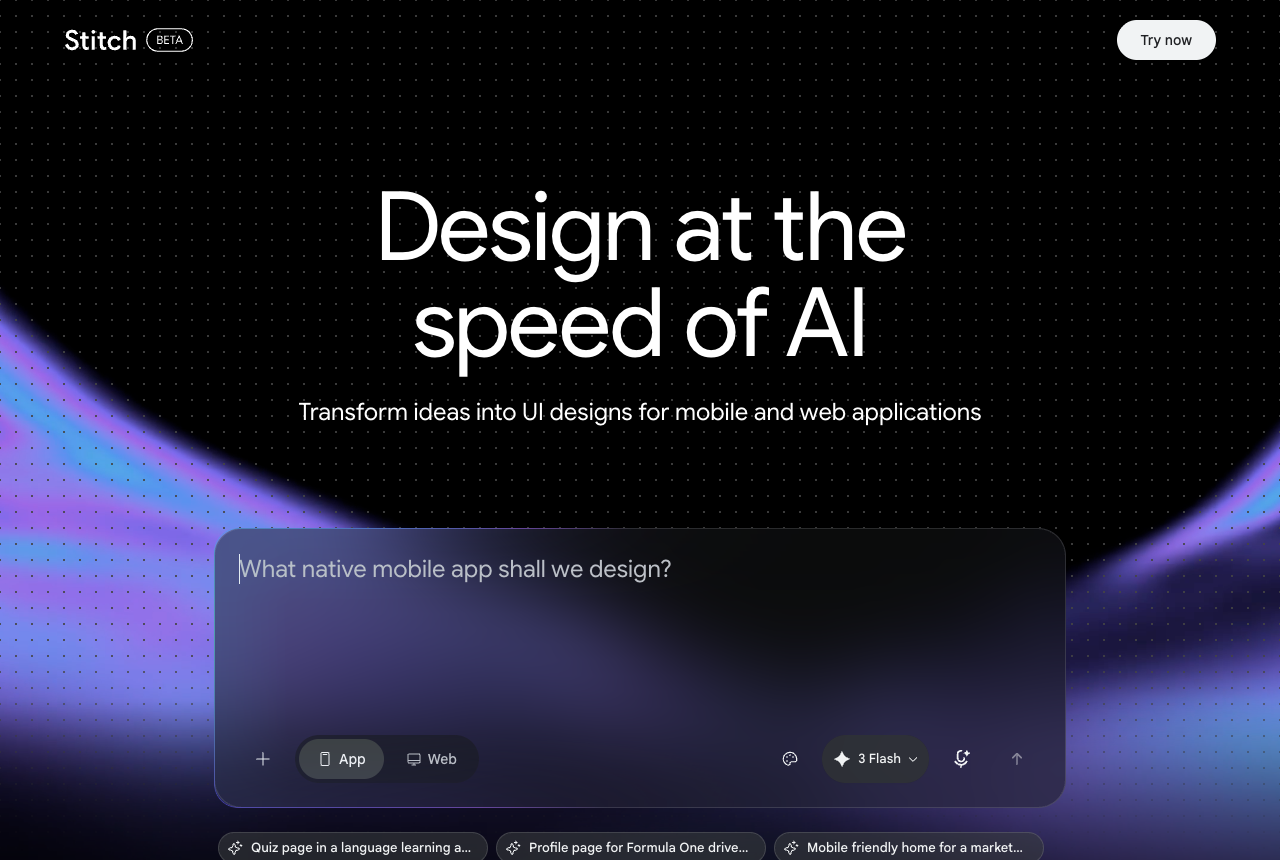
For developers, Stitch has real gaps:
- No production code output. Stitch generates mockups, not React or framework components.
- No IDE integration. It's a web-only tool.
- No codebase awareness. It generates from scratch.
- Reviewers find the output generic and the Figma export flaky, with designs that "default to a limited set of layout structures," accessibility gaps on contrast and touch targets, and a "Copy to Figma" step that breaks the layout on the way over.
Stitch is genuinely useful for fast, free concept validation, especially for non-developers communicating UI ideas to a team. For developers who need production code, the output gap is significant. (We compared the two in detail in Google Stitch alternative for developers.)
UX Pilot: best for high-fidelity designer-workflow generation
UX Pilot produces high-fidelity mockups and wireframes from prompts, with a Figma plugin that exports real, editable, auto-layout layers rather than a flat image. Of the designer-first tools, it gets the most praise for output that actually "looks designed."
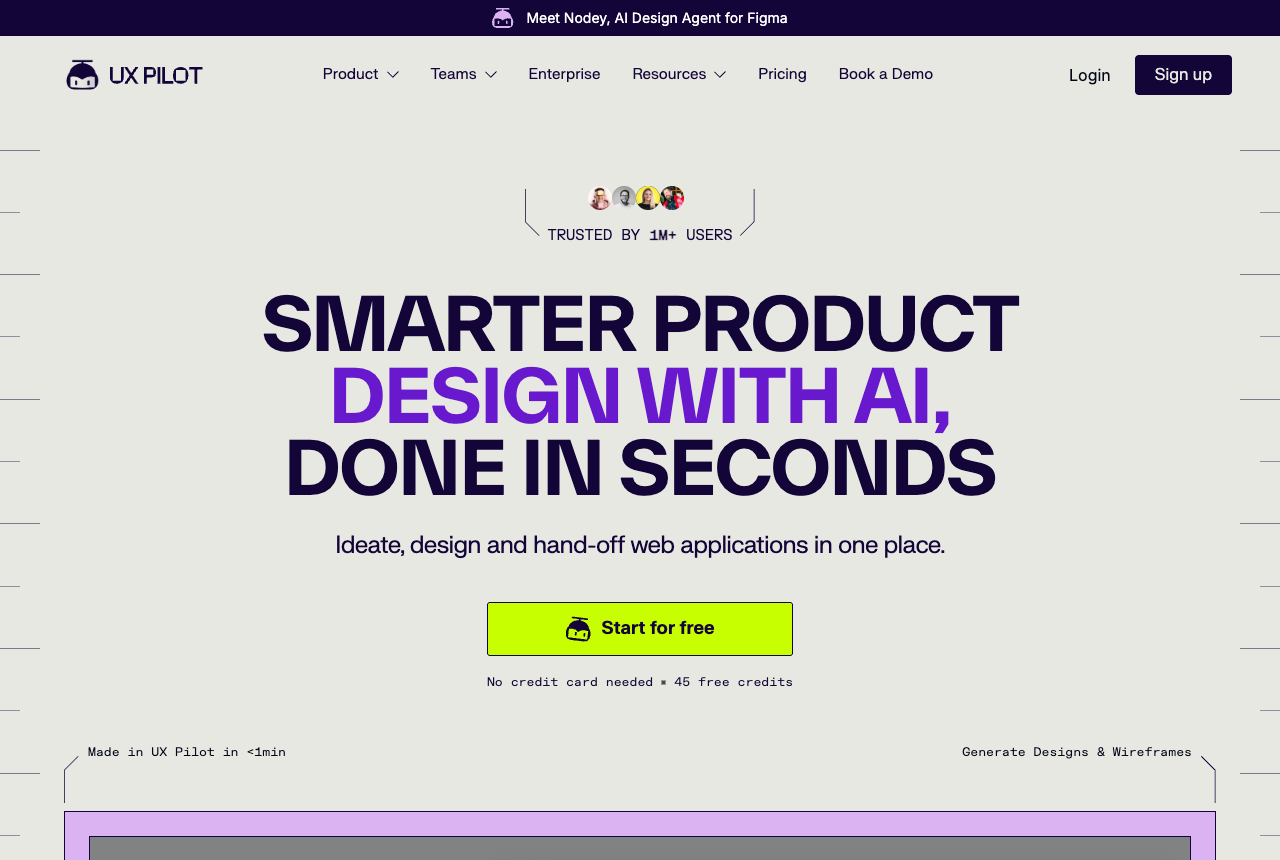
UX Pilot is the right tool if you're a designer who also codes. The caveats for developers:
- It's a mockup-and-Figma workflow, not a path straight to production code.
- The billing has drawn heavy criticism. Reviewers documented credit-heavy "Deep Design" and "Max" modes switched on by default, and its Trustpilot reviews include repeated reports of charges that are hard to cancel or refund. Read the pricing terms carefully before you put a card in.
For pure developers who want to skip the mockup step and go straight to code, it's the wrong layer of abstraction. For designers who want the highest-fidelity output and an editable Figma handoff, it's one of the strongest options.
Magic Patterns: best for design-system-aware UI generation
Magic Patterns generates React components that match an existing design system. You bring your tokens, component library, and styling config, and it generates UI that follows those rules. It supports Shadcn, Mantine, Chakra UI, Tailwind, and Radix Themes.
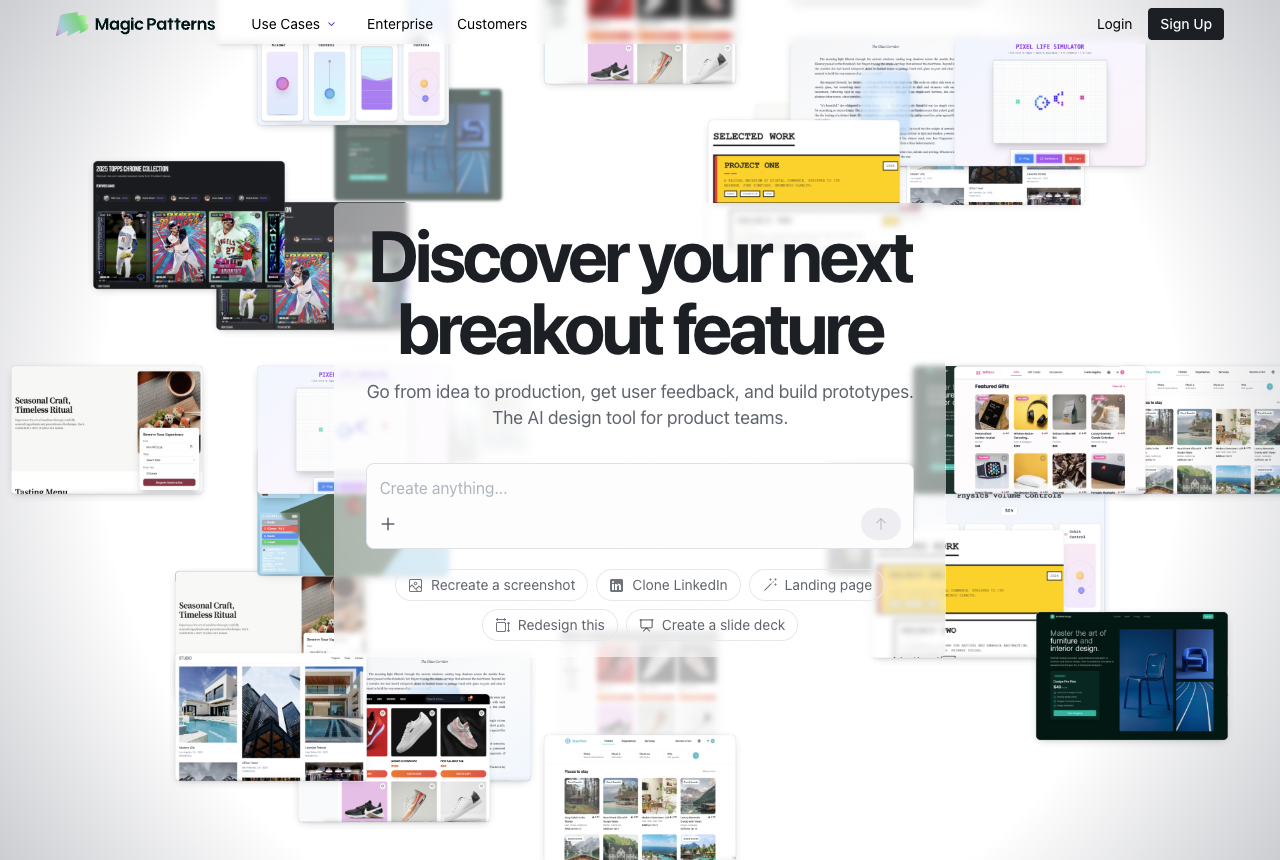
It's the most specialized tool on the list. Users praise that it respects existing components and brand instead of generating from scratch, which is rare. The trade-offs, surfaced largely on its own Launch HN thread: generation can be slow, the output "looks like a good starting point but doesn't always run," and it's React and TypeScript only. If you have an established design system and live in React, it's worth evaluating. Without a formal design system, the setup overhead outweighs the benefit.
AI UI generator comparison: developer criteria
| Tool | Code output | IDE-native | Reads your codebase | Best for | Pricing model |
|---|---|---|---|---|---|
| Superdesign | React, HTML, Tailwind | Yes (Cursor, Claude Code, VS Code) | Yes | Developers shipping UI | Free + flat $20/mo Pro |
| v0 by Vercel | React, shadcn/ui | No, browser only | No | React component scaffolding | Free + usage-based credits |
| Bolt.new | Full-stack | No, browser only | No | Greenfield full-stack starts | Free + usage-based credits |
| Figma Make | Prototypes only | Via MCP only | Partial (design system) | Figma-centric teams | Figma plan + monthly credits |
| Google Stitch | Basic HTML/CSS | No, web only | No | Free mockup ideation | Free (generous tier) |
| UX Pilot | HTML/CSS via Figma | Via Figma plugin | Partial | High-fidelity designer output | Credit-based, modes add cost |
| Magic Patterns | React, Tailwind | Browser + extension | Yes (design system) | Design-system-aware React | Usage-based credits |
Which other AI UI tools should you know about?
A few names come up constantly in this category but sit just outside a code-first developer shortlist. Here's why each is out of scope:
- Lovable is the most end-to-end of the bunch: it builds full-stack apps from prompts, a React frontend with a Supabase backend, auth, and a database wired together, and syncs to GitHub from day one. That makes it a competitor to Bolt more than to a design tool. If you want the app and the UI generated together, it's worth a look (I go deeper in Lovable vs Superdesign).
- Cursor is an AI-first code editor where you can prompt UI alongside your code, but it has no dedicated design surface: no canvas, no variation compare. UI is a side effect there, not the point.
- Uizard and Banani are fast prompt-to-mockup tools for non-designers. Great for early concepts, but the output is design files, not production code.
- Galileo AI is the former name for Google Stitch (covered above), so older lists that mention it are pointing at the same tool.
Where do image models fit?
Use an image model, not a coding agent, for the look. This is the move I keep recommending and it is missing from every other list. Coding agents converge on layouts that are easy to build, so the tilted, glassy, layered directions a strong designer reaches for never make it onto your screen. An image model carries no implementation bias: it explores the design space first, then you hand the winner to a builder to code. Nano Banana Pro (Google's Gemini 3 Pro Image, launched late 2025) is the one I reach for, because it renders readable text inside a mockup, which most image models still botch, and it is fast enough to throw ten directions at one screen. FLUX.2 and Ideogram v3 are strong alternatives.
The tell that this is real, not a hack: Google's own Antigravity coding platform generates UI mockups through the Nano Banana image service before its agents write any code. Even Google's coding agent reaches for an image model to do the design, because designing a considered interface is a different job than writing code. That is the entire argument behind design agent vs coding agent. It is also why Superdesign explores cheap breadth on an image model first (its Flash Wireframe step puts roughly ten ideas in front of you in seconds), then spends the expensive model only on the few directions you actually like.
What about pricing and credit burn?
This is the question the vendor listicles skip, and it's the most common complaint in the entire category. Most AI UI generators moved to usage-based credits in 2025 and 2026, and a failed generation still costs you. Across v0, Bolt, Figma Make, and UX Pilot, the recurring theme is identical: you can't predict the cost before you run a prompt, and the iterations that don't work are exactly the ones that drain your balance fastest.
For a developer this matters more than the headline price. UI work is iterative by nature, you generate, look, adjust, regenerate, and a model that bills every attempt makes you hesitate to explore. A flat plan removes that anxiety. It's a real reason Superdesign keeps a simple free tier and a flat $20/month Pro plan rather than metering every generation: exploration should be cheap, because that's where good design comes from.
When you evaluate any tool here, run the same test: try to break it, iterate ten times on one screen, and watch what happens to your credit balance. The answer tells you more than the pricing page does.
Can an AI UI generator work inside my existing codebase?
For most tools, no, and this is the biggest blind spot on every other "best of" list. Stitch, Figma Make, UX Pilot, v0, and Bolt all generate from scratch, unaware of the components, tokens, and conventions you've already established. That's fine for a greenfield prototype. It's a problem when you're adding a screen to a real product, because you then spend your time reconciling generic output with your design system by hand.
Two categories of tool actually read your project: design-system-aware generators like Magic Patterns, and IDE-native agents like Superdesign that can see your repo and follow a DESIGN.md config. If you're working in an existing codebase, this single capability matters more than raw output quality, because output that ignores your system is output you have to rewrite.
Why do most AI UI generators miss developers?
The most popular AI UI generators are built for design teams, because designers are the primary buyers of design tools. So the default assumption baked into most tools is that you want a mockup. They output to Figma, to design files, to image exports, on the implicit assumption that someone else, an engineer, will implement it in code.
For solo developers, small teams, and vibe coders building their own products, that assumption is wrong. You're the engineer. You need the code, not a picture of what the code should produce. Every context switch, from editor to browser, copy-paste the output, fix the import paths, reconcile the styling with your design system, adds friction that compounds across every UI change.
This is the gap I built Superdesign to close. The design and the implementation are the same artifact. You describe the UI, you get the code, you ship it. No translation step, no separate tool for "design" versus "build."
How do you choose the right AI UI generator for your workflow?
The right tool depends on what output you need and where you work.
You need production code that fits an existing codebase
Use Superdesign. It's the only tool on this list that combines all three of production code output, IDE integration, and codebase awareness. If you build in Cursor, Claude Code, or VS Code and want UI that matches your design system, this is the clear choice.
You need fast React components and don't mind copy-pasting
Use v0. The output works well in most React projects and the free tier is useful. Test the current credit model on a throwaway project first.
You're starting a new project from scratch
Use Bolt.new. Full-stack scaffolding from a single prompt gets you to a working baseline faster than anything else, as long as you treat it as a prototype to export.
Your team uses Figma as the source of truth
Use Figma Make. If designers and developers collaborate around Figma files, it accelerates the design phase without changing the handoff.
You want the highest-fidelity mockups with an editable Figma handoff
Use UX Pilot. Best-in-class output among the designer-first tools, just read the billing terms closely.
Can AI UI generators replace designers?
No, and that's the wrong question. AI UI generators replace the mechanical part of UI work: the first draft, the boilerplate layout, the from-scratch implementation. They don't replace taste, product judgment, or the decision about what to build. What they change is who can produce a polished first version. A developer with the right tool no longer needs a design handoff to ship something that looks good.
Is the output production-ready? For code-first tools like Superdesign and v0, the generated React and Tailwind is a real starting point you build on, not a throwaway mockup. For mockup tools like Stitch and Figma Make, "production-ready" means the design is ready, but the code still has to be written. Knowing which category a tool is in is the whole game.
The AI UI generator for vibe coders
Vibe coding changed the default assumption about who builds software. A solo founder with Claude Code or Cursor can now ship a working application in a weekend. Vibe design is doing the same thing to UI: the assumption that you need a designer to produce polished interfaces is becoming less true every month.
For developers building their own products, indie hackers, solo founders, small technical teams, the right AI UI generator lets you describe what you want, get production-ready code that fits your project, and ship, without a design handoff and without the credit-meter anxiety. Superdesign is built for exactly this: an AI design agent with codebase awareness, IDE integration, production code output, and a DESIGN.md for consistency. You build the product. The AI handles the design.