If you want one prompt to spin up a whole full-stack app from a blank slate, Lovable and Bolt are both real, capable choices, and the pick is narrow: choose Lovable when you want the more polished, beginner-friendly path with deep Supabase integration, and choose Bolt when you want raw speed, framework flexibility, and developer control. Both burn metered credits or tokens, both stall on the hard last 30% of real apps, and both tend to produce the same generic default-Tailwind look. If UI quality or an existing codebase is what actually matters, neither is built for that job, and we will be honest about where Superdesign fits instead.

Lovable vs Bolt: which should you actually pick?
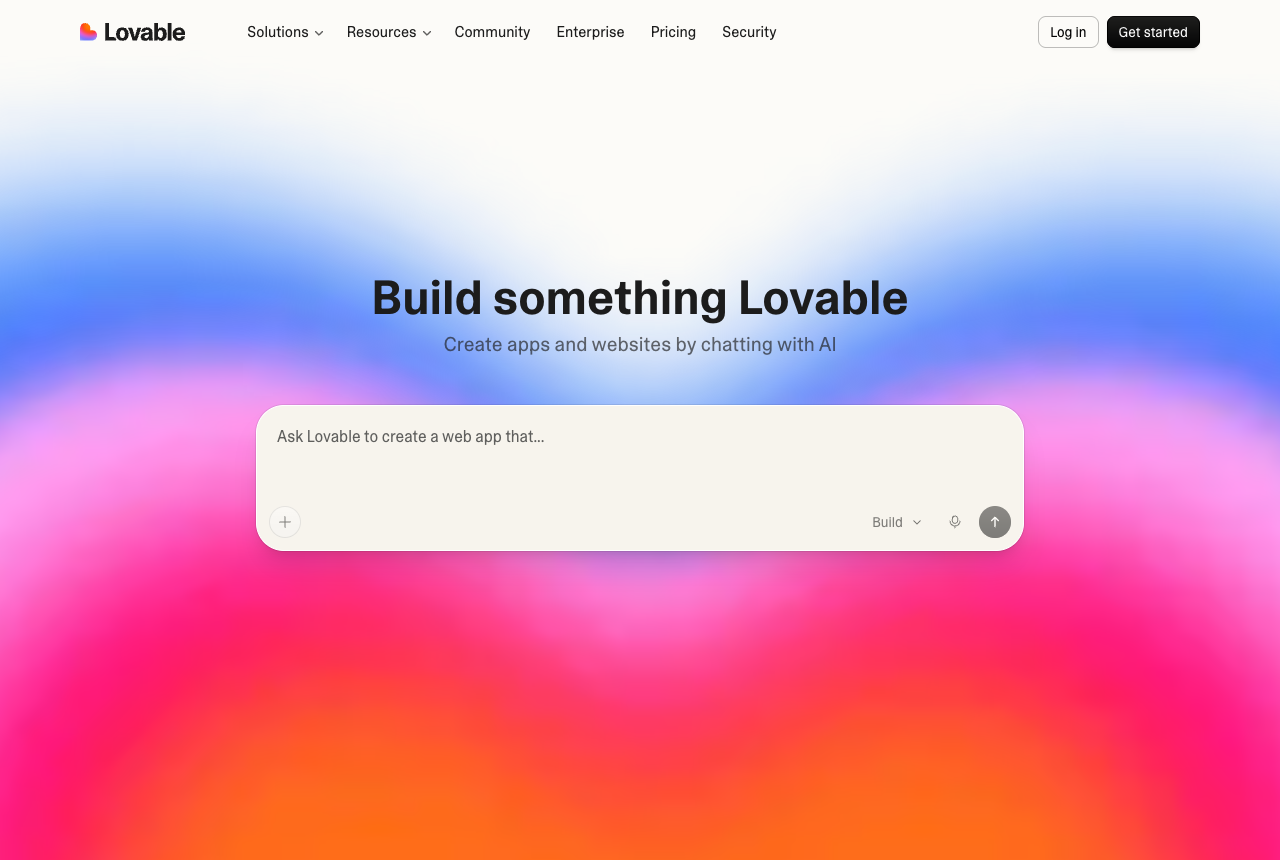
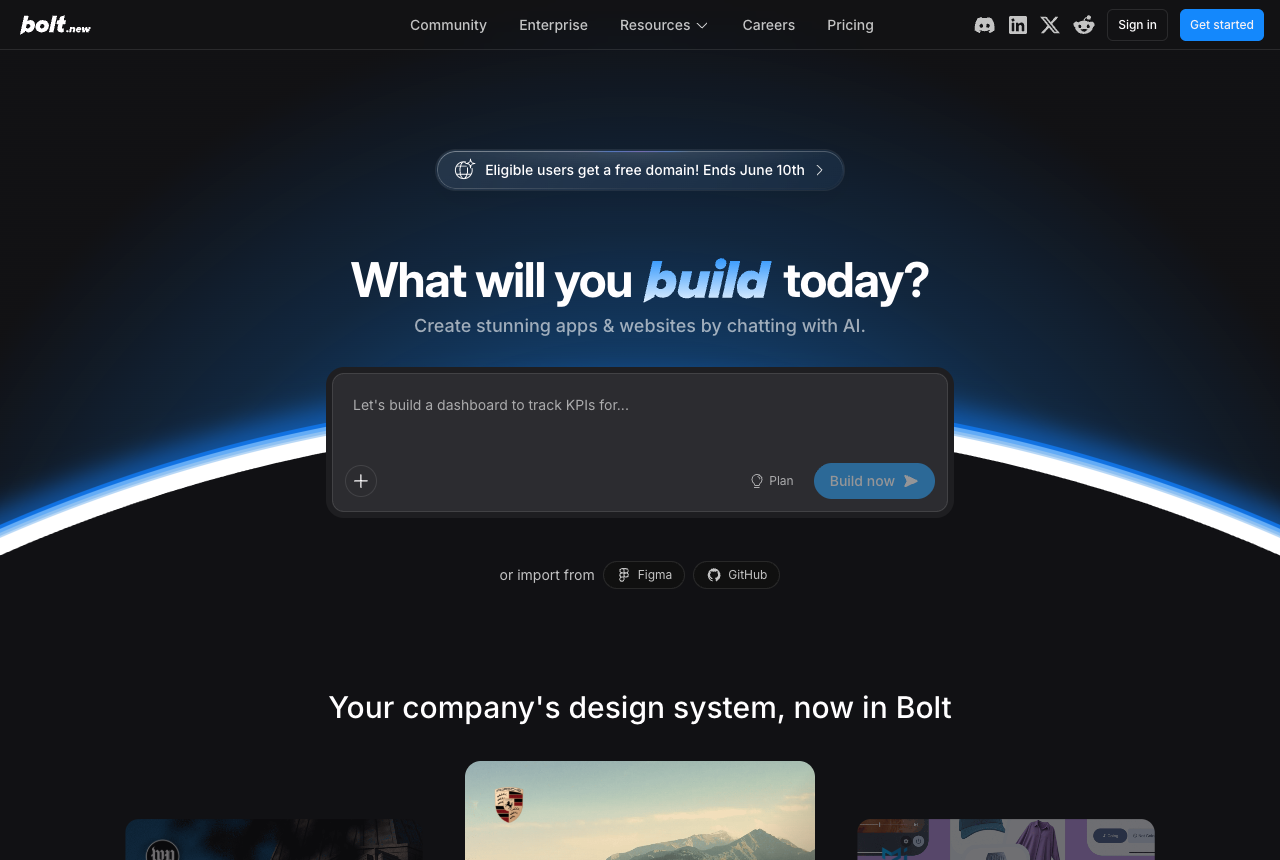
Pick Lovable if you are closer to a non-coder and want a polished, working prototype fast; pick Bolt if you are a developer who wants speed, framework choice, and hands-on control over the code. That is the real, narrow choice. Lovable runs as a managed platform with mature Supabase integration and a default UI that genuinely looks like a competent designer touched it. Bolt runs a real Node.js runtime in your browser (StackBlitz WebContainers), iterates via fast diffs, and lets you choose frameworks and export clean code. Everything else in the comparison is a variation on those two personalities.
Here is the fair, side-by-side read, no shilling:
| Lovable | Bolt | |
|---|---|---|
| Best for | Non-coders, designers, fast MVPs | Developers, hands-on control |
| Speed of iteration | Fast, message-by-message | Faster, diff-based (per No Code MBA) |
| Default UI quality | Polished, populated screens | Functional, sometimes blank internal screens |
| Backend | Deep, mature Supabase integration | Supabase + framework flexibility |
| Code control | Managed, less hands-on | Full file tree, terminal, model choice |
| Pricing model | Metered credits (~$25/mo Pro, rollover) | Metered tokens (~$20/mo Pro, rollover) |
| Code export / lock-in | React + GitHub export | Clean export, framework choice, no lock-in |
| Reads your existing codebase | No | No |
| Trustpilot sentiment | Mixed, leaning positive | Notably lower, credit-burn heavy |
A useful same-prompt test from Banani (a bill-splitting app, same brief to both) captures it well: Lovable produced a polished, fully-populated prototype UI, while Bolt produced something more production-adjacent but with blank internal screens. That is the trade in one sentence: Lovable looks finished, Bolt feels closer to real code.
Is Lovable or Bolt better for non-coders vs developers?
Lovable leans non-coder, Bolt leans developer, and that single split decides most people's choice. Zapier's comparison frames it the same way: Lovable for designers and marketers who want a managed platform that just works, Bolt for developers who want more polish out of the gate plus advanced functionality and control. Both lean on frontier LLMs under the hood and both sit around $20-25/mo for Pro, so the deciding factor is genuinely how close you want to get to the actual code.
If you are a non-coder, Lovable's guided, planning-first flow and populated default screens mean you can ship a SaaS dashboard or landing page in an afternoon without ever opening a file tree. If you are a developer, Bolt's full file access, terminal, model choice, and MCP connectors (Notion, Linear, GitHub) give you the seams you actually want to grab. The catch for both: the moment you need precise, repeated control, you are back to editing code, and the AI's "I fixed it" does not always mean it did.
Which is cheaper, and which has the more predictable pricing?
They land close on sticker price, but both run a metered model that is the single most common complaint in user reviews, and neither is truly predictable. Lovable uses credits (roughly one credit per message, with rollover), which practitioners like Vibe Coding Academy find maps more cleanly to actual work. Bolt uses tokens, which the same practitioners note "doesn't map cleanly to prompts," though token rollover was added in mid-2025 and tokens can stretch further on large projects. So: Lovable's units are more intuitive, Bolt's can go further, and both make you do math before you prompt.
The real cost story is not the monthly number, it is the debug loop. On Lovable, write-ups like eesel's pricing breakdown describe a recurring pattern where the AI re-introduces old errors while "fixing" bugs and burns paid credits doing it, so a stubborn integration can eat a meaningful chunk of a month's credits in a single sitting. On Bolt, reviewers note that a complex feature or an error loop can chew through tokens fast, so a monthly token allowance can cover fewer meaningful projects than the sticker price implies. The pricing model, not the price, is what bites.
Do Lovable and Bolt really burn through credits and tokens on debugging?
Yes, this is the single most consistent complaint about both tools: the AI gets billed to fix bugs it sometimes introduced itself. Call it the "circular burning" problem. On Bolt, Trustpilot reviews describe tokens vanishing with little progress and the tool introducing errors, then billing you to fix them, and Bolt's public Trustpilot score sits low at the time of writing. On Lovable, Trustpilot reviews include similar credit-drain stories (one reviewer describes wasting credits trying to fix a single simple bug), even though Lovable's overall score is notably higher than Bolt's.
There is also an opacity layer. Lovable's metered model gives little pre-send cost visibility, a "slot machine" feel that eesel's review flags as a common theme in negative feedback. Bolt's support path can be slow to reach a human. None of this means the tools are bad at their core job, fast greenfield app generation, it means you should budget for the debug loop and not host anything mission-critical there without a fallback.
Why do apps built with Lovable and Bolt all look kind of the same?
Because both lean on the same default Tailwind and shadcn/ui components the underlying models were trained on, so fresh output skews toward the same generic, samey "purple" aesthetic. Hands-on tests from Banani confirm both tools share this: Lovable's output looks cleaner and more populated, Bolt's looks "slightly unfinished," but both default to a recognizable AI-app look that needs a separate design pass to feel distinctive. It is not a bug so much as a property of prompt-to-app builders, they optimize for "working" first, and working looks like the training data.
That matters because every comparison page admits this problem and none of them solves it inside the workflow, they just say "design somewhere else first." The catch with designing somewhere else: you then have to translate that design back into the app's code by hand, which is exactly where the AI's credit-burning debug loop lives. The honest fix is a design step that is code-aware, not a Figma mockup you re-implement from scratch. (More on the look-alike problem and how to break it in what is vibe design.)
Can Lovable or Bolt work inside my existing codebase or match my design system?
No, and this is the structural blind spot both share: they assume a blank, greenfield app and want to own the whole thing. Even head-to-head writeups like Zapier's comparison frame both as tools for spinning up new projects, not for plugging into an existing repo. They are excellent at zero-to-one and not built for one-to-N inside a product you already shipped, so if your reality is "I have a React/Tailwind app and a design system, I just need a beautiful new screen that fits," that is a different shape of job. We unpack the codebase-aware argument in depth on the best AI UI generator.
Are Lovable and Bolt production-ready, or just for prototypes?
Both get you roughly 70% of the way, then stall on the last 30%, the real debugging, edge cases, and multi-user complexity, so treat them as prototype-to-MVP engines, not production platforms. The community read on Lovable is blunt: you tend to get most of the way there, then spend a lot of time wrestling with that last stretch, and satisfaction drops sharply as the app gets more complex (a landing page is easy, a multi-user SaaS is not). Bolt hits the same wall and adds a twist: reviewers note it will sometimes confidently report it has fixed something that remains broken.
That is not a reason to avoid them, it is a reason to use them for what they are great at. A throwaway prototype, a demo to align a team, a fast MVP you fully expect to refactor: perfect. A revenue-critical app you intend to host and scale on the platform: risky, and the ToolJet writeup (self-serving, but fair on this point) frames both as prototyping-first with limited deployment. Get to 70% fast, then plan to take the code somewhere it can be hardened.
Where does Superdesign fit if you are choosing between Lovable and Bolt?
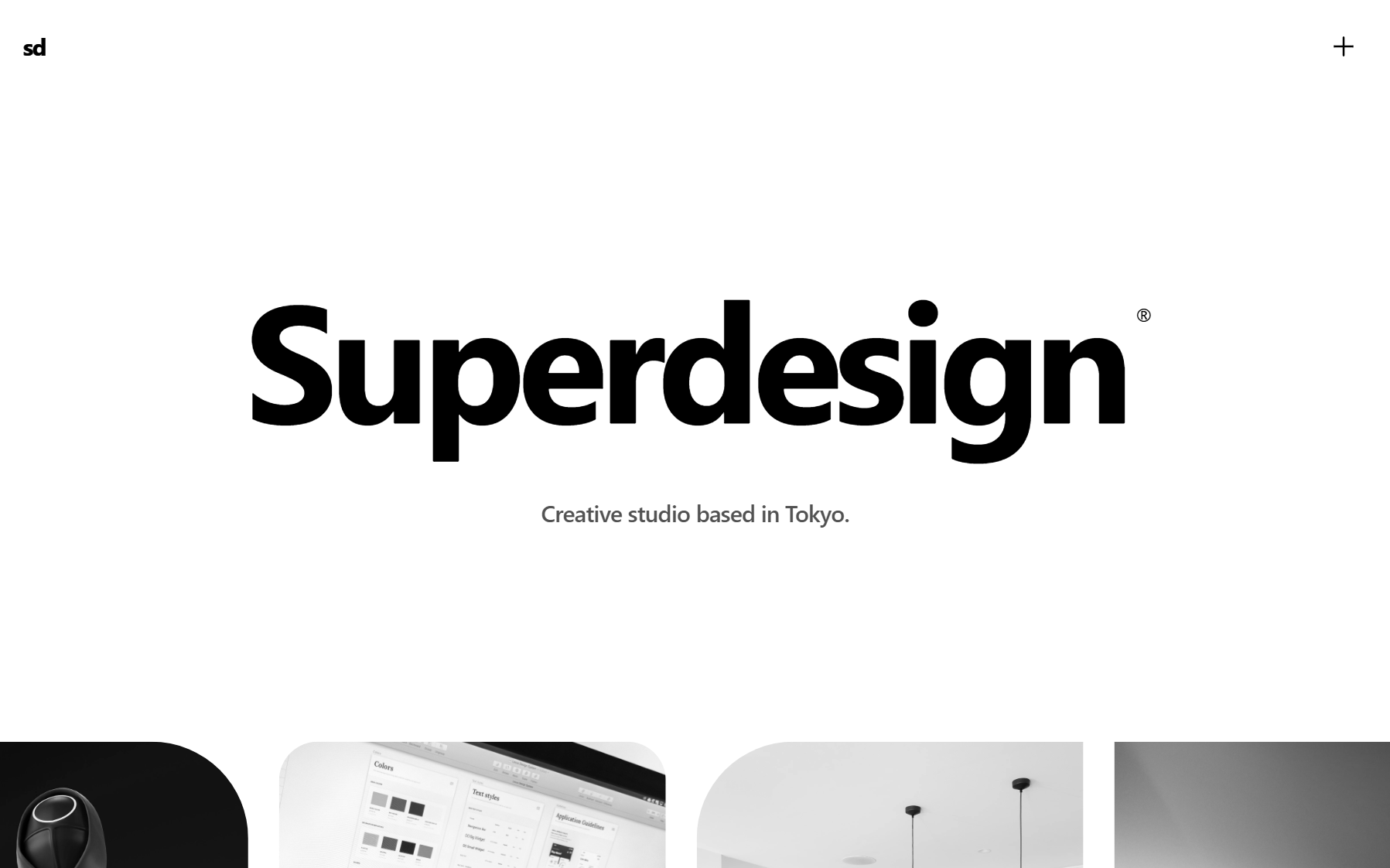
Superdesign is the honest third option, and its real edge is the shape of the work: instead of one linear chat thread, it forks several design directions at once and lays them out side by side on an infinite canvas, so you compare whole multi-screen flows before you commit. Lovable and Bolt are both one-thread-at-a-time. You prompt, you wait, you get one answer, and if it is not right you burn another message correcting the same single track. Superdesign runs that exploration in parallel, like a tree search over design directions, which is exactly the step both app builders skip on their way to a fast "working" prototype.
Superdesign is an AI product design agent, not an app builder, so be plain about scope: if your goal is one prompt to a whole full-stack app with backend, auth, and hosting, that is Lovable or Bolt's job, not this. Where it wins is the design itself. You fork four directions for a screen, branch the one you like into the next screen, and watch versions, styles, and variations sit next to each other on one canvas instead of scrolling back through a chat log to find the version you liked three prompts ago. Real React and Tailwind comes out the other end, so it is production design on a canvas, not a throwaway mockup you re-implement.
That parallel canvas also quietly closes the two gaps this page keeps circling. The generic look (both tools default to the same Tailwind and shadcn output) gets solved because you are exploring real directions, not accepting the first one; and the "fit my existing app" problem gets solved because Superdesign reads your codebase first and returns clean code, the same codebase-aware, predictable-pricing argument we lay out in full on the best AI UI generator. The skill path (you invoke /superdesign from Claude Code, Cursor, or any coding agent) keeps all of this inside your IDE and hands the design back as code.
The honest summary: Superdesign is narrower on purpose. It nails the UI and returns clean code, instead of trying to own the whole app and hitting the 70% wall. If you want to see exactly how that differs from each builder head-to-head, we wrote Lovable vs Superdesign and Bolt vs Superdesign. For the broader landscape, see the best AI UI generator and the 2026 AI design stack. You can also watch the skill tutorial:
So, Lovable or Bolt?
Choose Lovable for a polished prototype with the easier on-ramp and stronger Supabase story; choose Bolt for speed, framework flexibility, and developer control, knowing both will meter you and stall at the last 30%. If those are your only two options, that is the call. But notice when the question is actually different: if you keep coming back to "the output looks generic" or "I need this to fit my existing app," you are describing a design problem, not an app-generation problem, and that is where a code-aware design step beats either builder.
Want to skip the blank-prompt sameness entirely? Browse the Superdesign prompt library for prompts that produce distinctive UI on the first pass, or read what is design.md to see how a design-system file keeps an agent on-brand. And if you are weighing the broader field, the compare hub and the Lovable alternative and v0 alternative pages lay out the rest of the honest trade-offs.