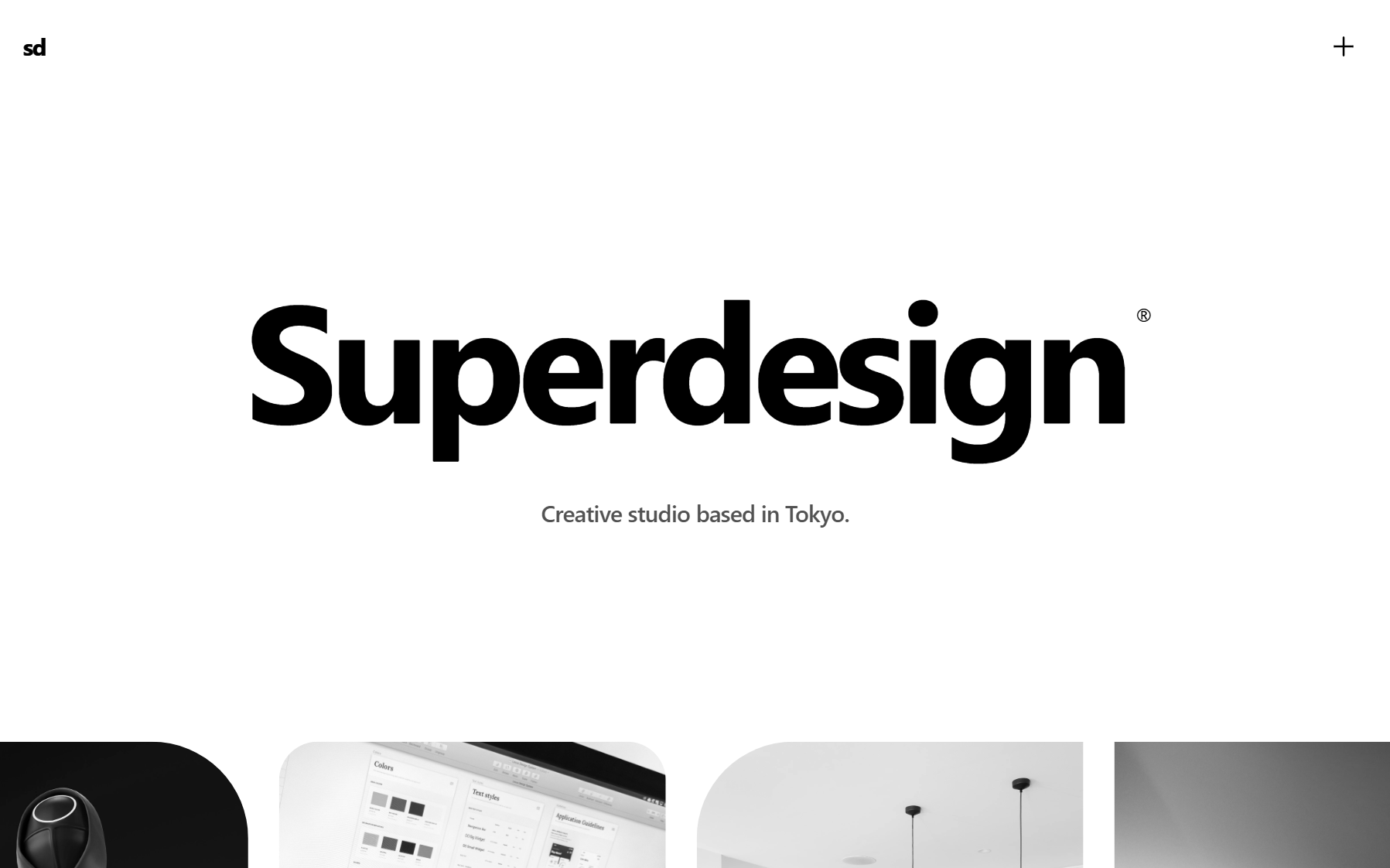
Short answer: pick by the job you are actually doing. Reach for Bolt when you want to go from a prompt to a deployed, runnable full-stack app from zero. Reach for Superdesign when you want the design layer to live inside your coding agent: one line installs it as a skill in Claude Code or Cursor (npx skills add superdesigndev/superdesign-skill), it reproduces your current UI, then forks several directions at once on a canvas. Bolt is a greenfield app generator you drive from a browser sandbox. Superdesign is a design agent your agent can call, that grabs any live web component into clean Tailwind and explores designs in parallel. The trap is using Bolt as if it were a design tool inside a real project, that is where the token bills and the rework pile up.

What is the difference between Bolt and Superdesign?
Bolt builds a brand-new app from scratch in your browser; Superdesign designs UI inside the codebase you already have. That one sentence is the whole comparison. Bolt.new (by StackBlitz) takes a prompt and generates a full runnable project, frontend plus a backend scaffold, running live in a browser sandbox via WebContainers, with one-click deploy. Superdesign is an AI design agent that reads your real codebase and design system, then iterates production React and Tailwind UI on an infinite canvas, either in the web app or invoked as a skill from your coding agent (Claude Code, Cursor, or any agent).
So the honest framing is not "which one wins." It is "are you starting from zero, or working inside something that already exists?" Bolt is purpose-built for the first. Superdesign is purpose-built for the second.
| Bolt.new | Superdesign | |
|---|---|---|
| Job to be done | Generate a whole new app from a prompt | Design and iterate UI inside an existing codebase |
| Where it runs | Browser / cloud sandbox (WebContainers), no local | Web app, or as a skill inside your IDE / coding agent |
| Codebase awareness | Greenfield, builds from scratch | Reads your existing code, design system, and patterns |
| Output | Full runnable app (frontend + backend scaffold) | Production React / Tailwind UI + clean handoff to your agent |
| Iteration model | Regenerates / rewrites whole files | Parallel variants on a canvas, refine by prompting |
| Pricing model | Metered tokens (usage-based) | Flat $20/mo Pro, plus a free tier |
| Production-readiness | Fast prototype, last mile needs real dev work | Design stage inside real code you already ship |
What can Superdesign do that Bolt cannot?
Three things, and they all come from the same root: Superdesign lives where you already work instead of in a separate browser tab. Bolt is a sealed cloud sandbox you talk to from a chat box. Superdesign is a skill your coding agent calls, plus a Chrome capture tool, plus a canvas that explores many directions at once. That changes the day-to-day in ways the feature table flattens.
1. It installs into Claude Code or Cursor in one line. Run npx skills add superdesigndev/superdesign-skill, then type /superdesign with a plain request like "redesign the pricing page." Your agent hands the visual work to Superdesign, which reproduces your current UI first so new screens match what you ship, then hands clean design context back as code. Bolt has no equivalent: you cannot summon it from inside the agent you already code in, you go to its sandbox and talk to it there.
2. It grabs any live web component into clean Tailwind, free. Superdesign's Chrome capture turns a messy live DOM (your own production UI, or any component you admire) into clean Tailwind code you can remix on the canvas or paste into your agent. Designing on reality beats screenshotting a page into Figma and rebuilding it by hand. Bolt has an "import from Figma" path, but it cannot reach out and lift a real, rendered component the way this does.
3. It forks several design directions at once. Ask for a dashboard and Superdesign branches multiple full directions in parallel on a canvas, so you compare layouts side by side instead of nudging one output and hoping. Bolt regenerates one app per prompt in a single thread, which is the opposite of how you actually explore a design.
What does Bolt.new do well?
Bolt is genuinely the fastest way to get from an idea to a deployed, running full-stack prototype, and that is a real and different job. You describe an app, Bolt scaffolds the frontend and a backend, runs it live in the browser with no local setup, and gives you one-click deploy plus downloadable React/Vite code you own. In a hands-on October 2025 test of Bolt building a React Native plus Supabase app, the reviewer called the Supabase integration "unbelievably fast" (dev.to, Aaron Saunders). For greenfield prototypes, hackathons, portfolio projects, and quickly pressure-testing an idea, that speed is the point.
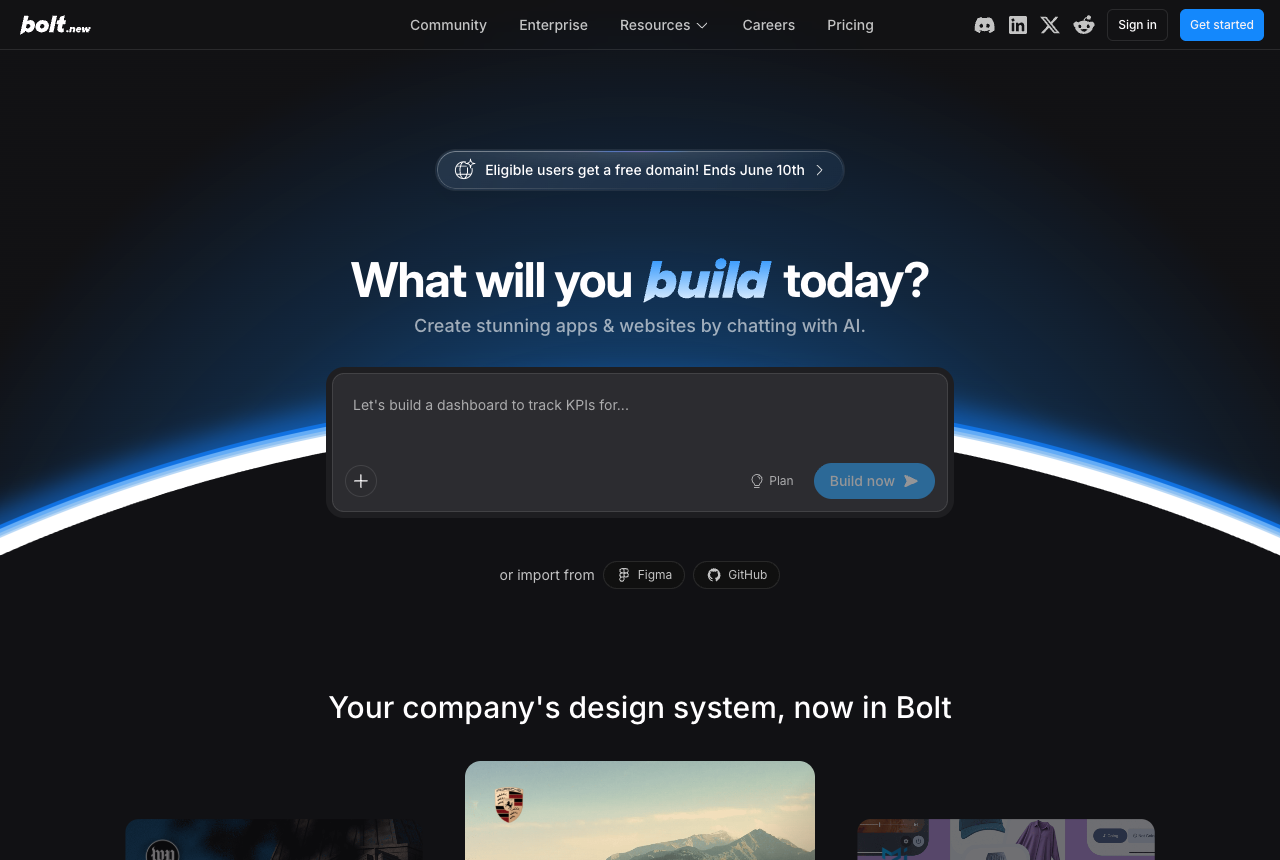
Where Bolt is the right tool: you have no existing codebase yet, you want a self-contained sandbox, you need a backend scaffold (database, auth, APIs) and not just UI, or you are a non-developer who wants something functional shipped without touching a terminal. Treat the output as a fast first draft you will harden later, and Bolt earns its keep.
Why does Bolt.new burn through so many tokens?
Bolt is metered by tokens, and its biggest real-world complaint is how fast fix-loops eat them, because it regenerates whole files instead of applying small targeted diffs. Authentication is the classic money pit: it is "notoriously problematic," especially with Supabase, and per one teardown, "authentication bugs alone can consume 3-8 million tokens as the AI repeatedly fails to fix them" (p0stman, Bolt limitations). The metered model punishes the exact thing people do most on a real project: iterate and fix.
The general case for why usage-based pricing fights against design iteration lives in best AI UI generator. The Bolt-specific point here: design exploration means many throwaway variations, and a per-token meter taxes every one of them.
Can Bolt.new work inside my existing codebase?
Not really, and this is the structural gap most Bolt comparisons skip. Bolt is built around generating a full runnable project from a prompt in its own browser sandbox, not importing and working safely inside code you already maintain. It runs in the cloud, which keeps you out of the local debugging and testing setup most teams already use. And as a project grows, it strains: per one teardown, "projects with 15-20+ components experience severe context loss. The AI forgets patterns, creates duplicates, and loses consistency as projects grow" (p0stman, Bolt limitations). So the "I already have a codebase and I just want to change the UI" workflow is exactly where Bolt is weakest.
This is exactly where Superdesign is built to work. Because it runs as a skill inside your agent, its first move on an existing project is to read your real UI and write a design-system file plus HTML replicas of your pages, so new screens stay consistent instead of drifting. The deeper "reads your existing codebase" argument is the pillar in best AI UI generator, and the design-system file it writes is covered in what is DESIGN.md; the short version is that "will this match my patterns" is Superdesign's opening move, not an afterthought.
How does Superdesign iterate UI inside real code?
Superdesign treats design iteration as a first-class job, which is the part Bolt's regenerate-whole-files model handles poorly. You invoke it with /superdesign and a plain-English request, like "redesign the homepage and add a book-a-demo section." It learns your project, opens the canvas, forks several directions at once, and when you pick one you copy the full design context straight into your coding agent to plan the build. Design and build stay in one place, and the output is functional and clickable, not a static mockup.
That parallel exploration is the practical difference when you are still deciding what the UI should be: compare whole flows side by side rather than nudging a single output and praying. This is the vibe design way of working, explore broadly, then commit. If wireframing is your stage, see AI wireframe generator, and the prompt library is a fast way to grab a battle-tested starting prompt instead of writing one from scratch.
Is Bolt.new good for building production apps?
Bolt gets you most of the way to a working app, but the last stretch is real engineering, not vibes. The honest read across reviewers is that "Bolt gets you about 70% of the way to a working app. The last 30% typically requires professional development," with blank screens, missing files, and partial deployments showing up on larger projects (p0stman, Bolt limitations). In the hands-on October 2025 build, the reviewer noted the AI "generated code it knew was faulty" and required significant manual debugging before anything was usable (dev.to).
To be fair, "70% in minutes" is still a great deal when the alternative is a blank repo. The risk is mistaking the prototype for the product. Superdesign sits at a different stage entirely: it is a design agent operating inside real code you already ship, not a throwaway-prototype generator, and it is not a full-stack app builder, so it will not stand up your backend the way Bolt does. Different jobs, different stages.
Which is better for designing UI: Bolt or Superdesign?
For deliberately designing and iterating UI, Superdesign; for spinning up a whole new app fast, Bolt. Bolt produces interfaces as a byproduct of building apps, so design is not its primary focus, and tweaking the UI tends to trigger whole-file rewrites that introduce drift. Superdesign is built specifically for the design layer: parallel variants on a canvas, awareness of your existing design system, and a clean code handoff. If you are weighing the broader category, the same logic plays out against other tools in v0 vs Superdesign, Lovable vs Superdesign, and the compare hub.
The honest caveat: Superdesign is a design agent, not an app builder. If you need a backend, auth, and a deploy URL from one prompt, that is Bolt's lane, not Superdesign's. The two map cleanly onto different parts of the same project.
Can I use Bolt and Superdesign together?
Yes, and for a lot of teams that is the best move. Use Bolt to scaffold a brand-new app fast: prompt, get a runnable full-stack starting point, deploy a prototype. Then bring that codebase into your IDE and use Superdesign to design and iterate the UI against your now-existing code, keeping components consistent and handing clean design context back to your coding agent for implementation. Bolt covers the "from zero to running" job; Superdesign covers the "now make the UI good, and keep it good" job. Neither one is trying to be the other, which is exactly why they pair well. For how this fits a modern toolchain, see the 2026 AI design stack.
Which should you pick?
Pick Bolt if you are starting from nothing and want a deployed, runnable full-stack prototype as fast as possible, you need a backend scaffold and not just UI, or you are a non-developer shipping a functional demo. Just budget for the metered token model and treat the output as a first draft.
Pick Superdesign if you already have a codebase and want to design, redesign, or iterate the UI without it drifting from your patterns, you want to explore multiple design directions before committing, and you want a clean handoff back to your coding agent on a flat $20/mo plan instead of a per-token meter. It is the closest thing to a skilled designer sitting next to you in your dev environment, generating variants and respecting your design system on every output.