I'll say the obvious thing up front: I build Superdesign, so I have a horse in this race. But I've also shipped a lot of landing pages, and the question that actually decides the best AI landing page generator for you is one most roundups quietly skip: where does your page live, and can you take it with you. If you just want a page to publish and forget, a hosted builder like Unbounce or Wix is the fastest answer. If you want a page you own as real React and Tailwind, generated from a prompt and good enough that it doesn't scream "AI template," you want a tool that hands you code, not a page trapped in someone's CMS.
Nearly every "best of" list for this keyword is written by a builder that ranks itself first, and almost none of them tell you the thing that bites you six months later: your page is rendered by their runtime and styled in their editor, so moving it means rebuilding it. So here is my developer-first version, and since I am one of those vendors, it does not hand out a number one. It sorts the field by what you walk away with: who locks you into a hosted platform, who gives you portable code with real design quality, and when each one is genuinely the right call. The short answer, if you want it now: marketers running paid traffic should look at Unbounce or Leadpages first, developers who want the page as React and Tailwind in their own repo should look at Superdesign (our tool) or v0, designers who want motion and hosting handled should look at Framer, and if you want a whole app around the page, Lovable or Bolt.

What is an AI landing page generator?
An AI landing page generator turns a text prompt into a finished landing page: headline, copy, layout, images, and a call to action, in minutes instead of days. The category splits into two camps. Hosted builders (Unbounce, Wix, Leadpages, Framer) generate a page that lives on their platform with hosting and A/B testing built in. Code generators (v0, Lovable, Google Stitch, Superdesign) hand you the actual markup, React and Tailwind in the best case, so the page ships in your own repo.
Hosted page vs real code
The real decision is not which tool has the best prompt box. It is what you walk away with. A hosted builder gives you speed and built-in conversion tooling, but your page is rendered by their runtime and styled in their editor, so moving it later means rebuilding it. A code generator gives you portable React and Tailwind you deploy anywhere, but you own the hosting and the A/B testing yourself. There's a quality split inside the code camp too, which I'll get to: a coding agent that emits a UI as a byproduct of compiling tends to ship the generic look, while a tool built to do design treats the page as the actual deliverable.
This matters more than it sounds. Even tools that advertise "export to GitHub" often export only the frontend. With Lovable, for example, third-party guides document that authentication, Stripe payments, and AI orchestration stay behind in Lovable Cloud and do not come across as standalone code, so a page that looked portable can break the moment a customer tries to pay. Knowing which camp a tool is in before you build is the whole game.
Comparison: landing page generators at a glance
Here is the field sorted by the question that actually decides it: what you get out, and whether it is hosted or real code.
| Tool | What you get out | Hosted or real code? | Best for |
|---|---|---|---|
| Superdesign | React + Tailwind, on a canvas or from your IDE | Real code you own | Developers and indie hackers who want to own the page |
| v0 | React + shadcn/ui + Tailwind | Real code (copy/paste) | React component scaffolding on the Vercel stack |
| Lovable | Full-stack React app | Hybrid (frontend exports, backend stays) | A full app, not just a landing page |
| Bolt.new | Full-stack app in-browser | Real code (export) | Greenfield full-stack starts |
| Google Stitch | HTML + Tailwind CSS (no React yet) | Real code (copy/export) | Free Gemini-powered ideation |
| Framer AI | Hosted, animated page | Hosted (no real code) | Designers who want motion and hosting |
| Unbounce / Leadpages | Hosted page + A/B testing | Hosted | Marketers running paid traffic |
| Wix ADI | Hosted full website | Hosted | Non-technical, all-in-one site |
Superdesign: best for real code you own, with design quality (our tool)
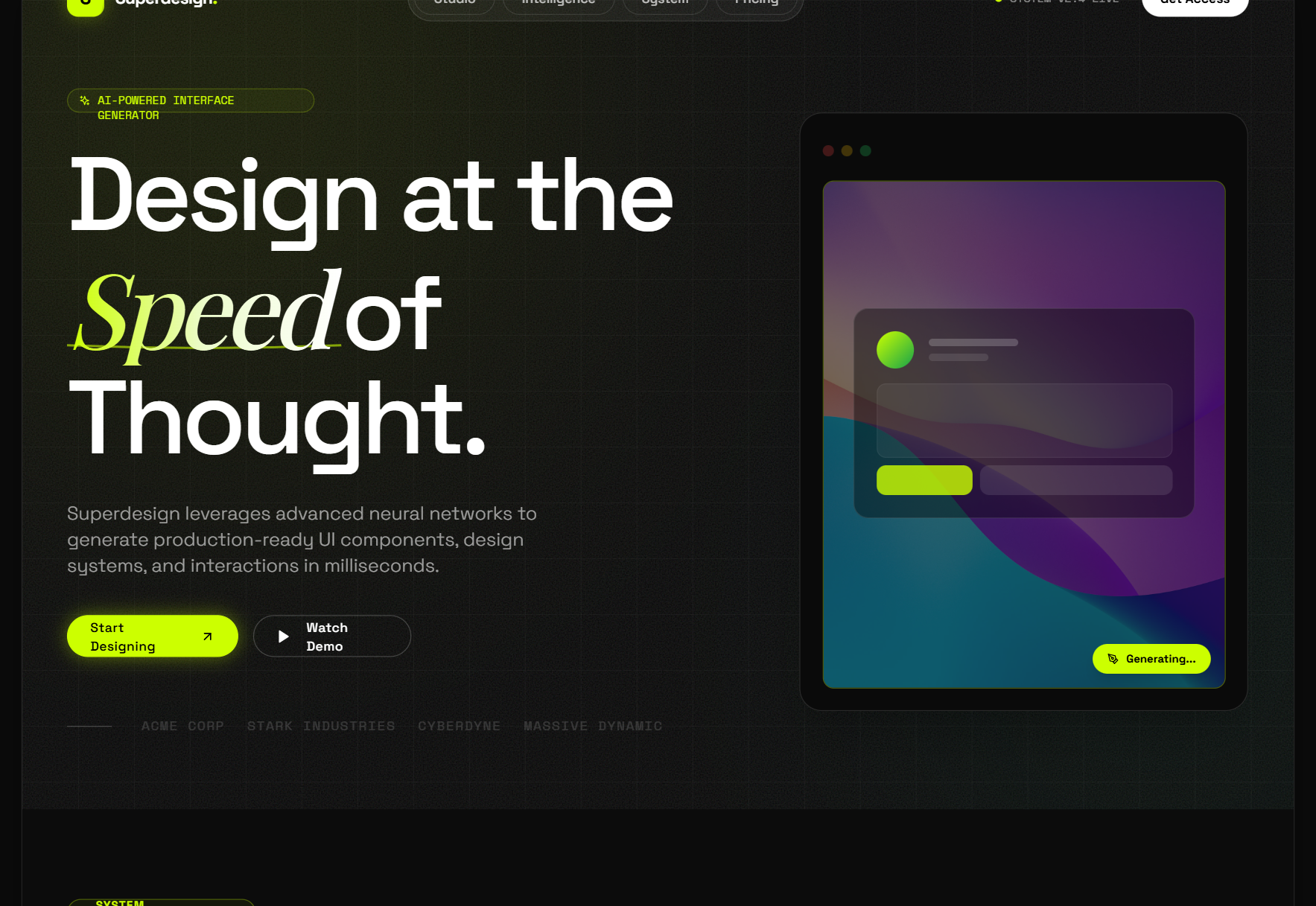
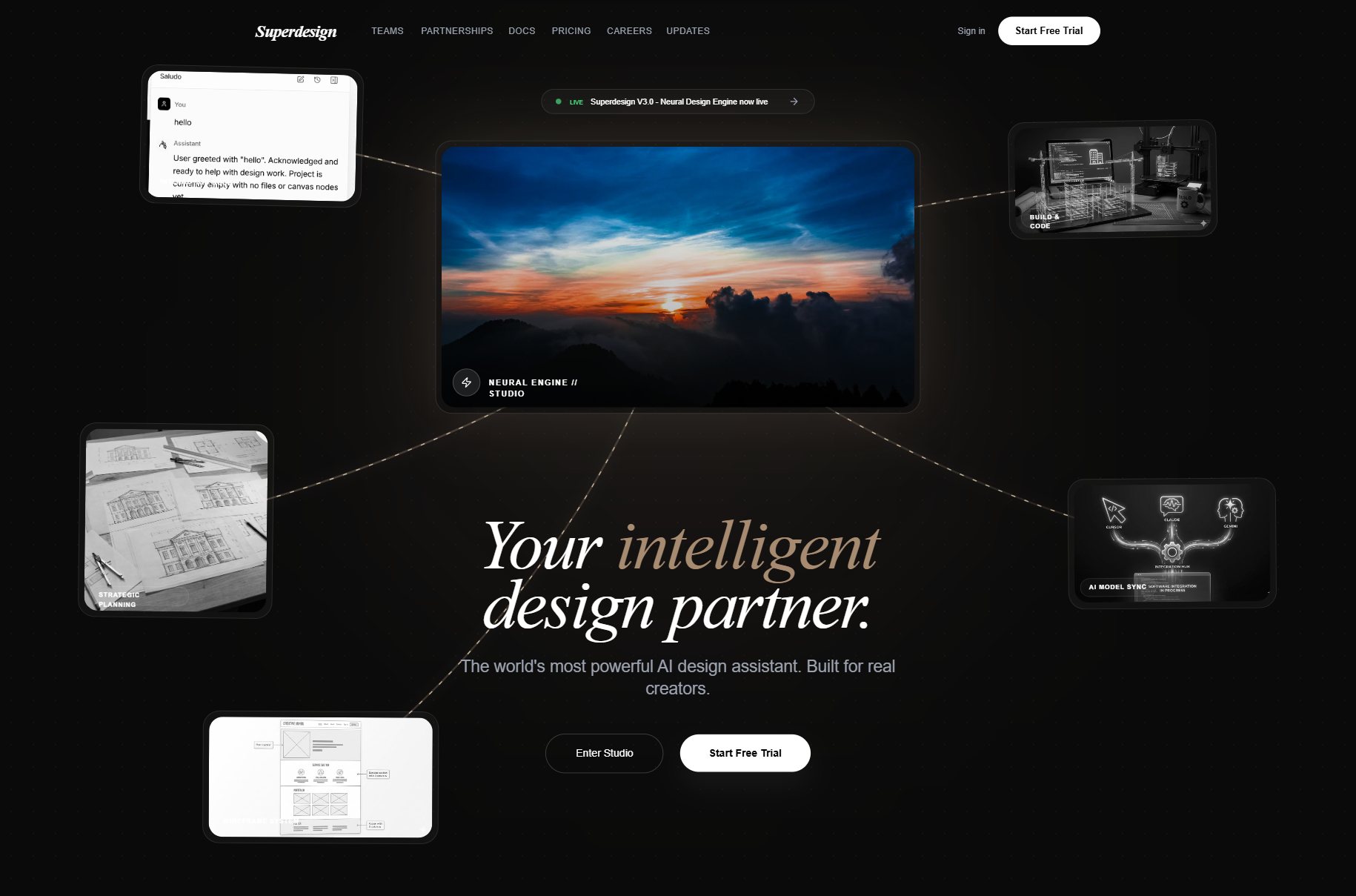
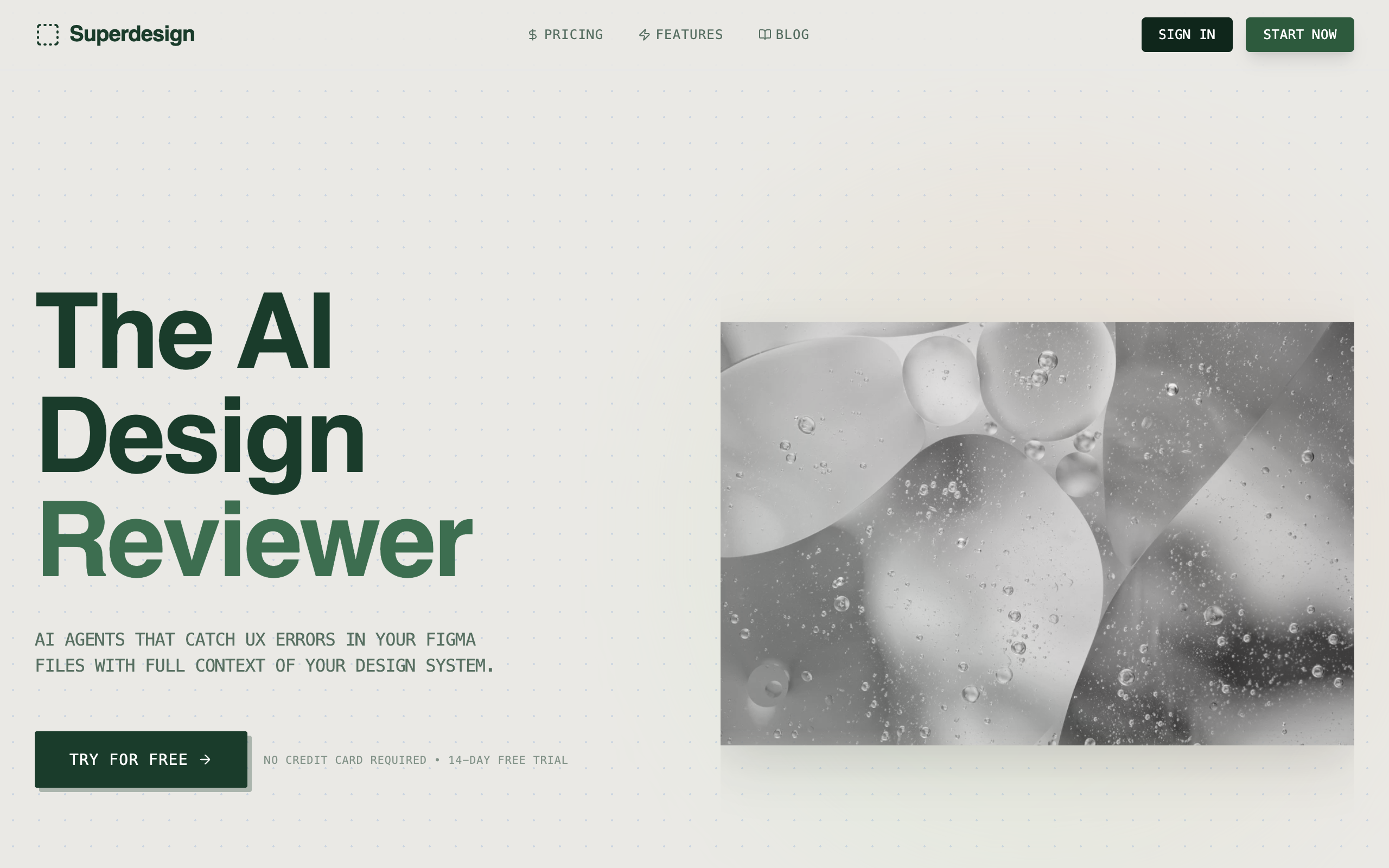
Superdesign is the one I build, so treat this section as a founder explaining exactly where his tool wins, and trust the sections below to say where it does not: if you need hosted A/B testing, heavy motion design, or a full app scaffold, one of the others is the better pick. The reason I built it is the gap I kept hitting: a landing page that looks designed and ships as code I own. It is a design agent, not a coding agent that happens to spit out a UI. It generates on an infinite canvas and outputs real React and Tailwind, with a free tier and a flat $20/month plan instead of per-page metering. No CMS lock-in, no "your page lives on our platform forever." That design-agent-vs-coding-agent distinction is the whole reason most AI output looks generic, and I wrote up the mechanism in design agent vs coding agent.
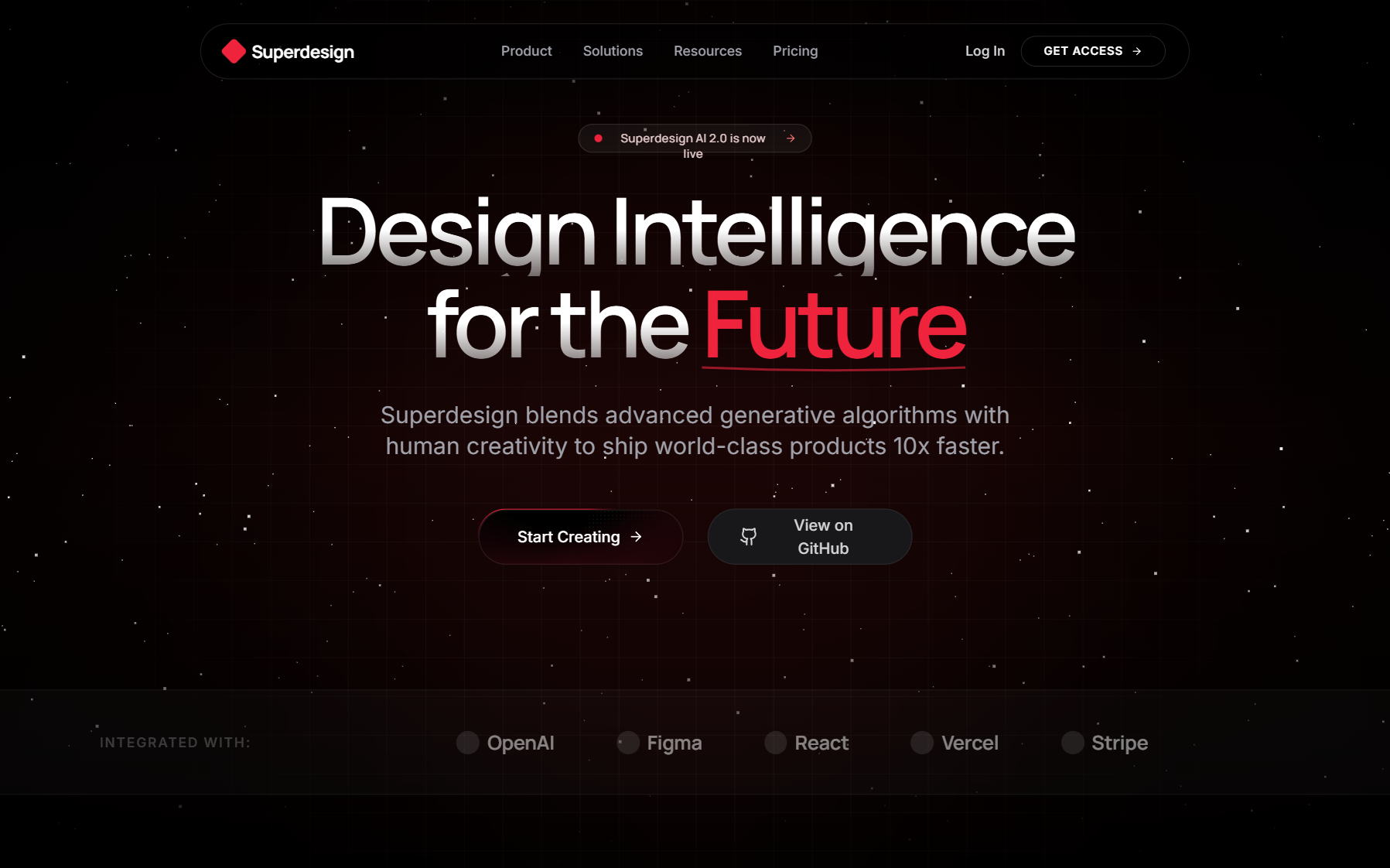
The fastest way to feel the loop is the transactional AI landing page generator: one prompt gives you several design directions side by side, and you walk away with the React and Tailwind, not a hosted URL you have to keep renting.
What makes it different for a landing page specifically:
- Real code out, no platform lock-in. You get React and Tailwind that deploy to Vercel, Netlify, or your own infra. The page is a file in your repo, not a row in someone's database.
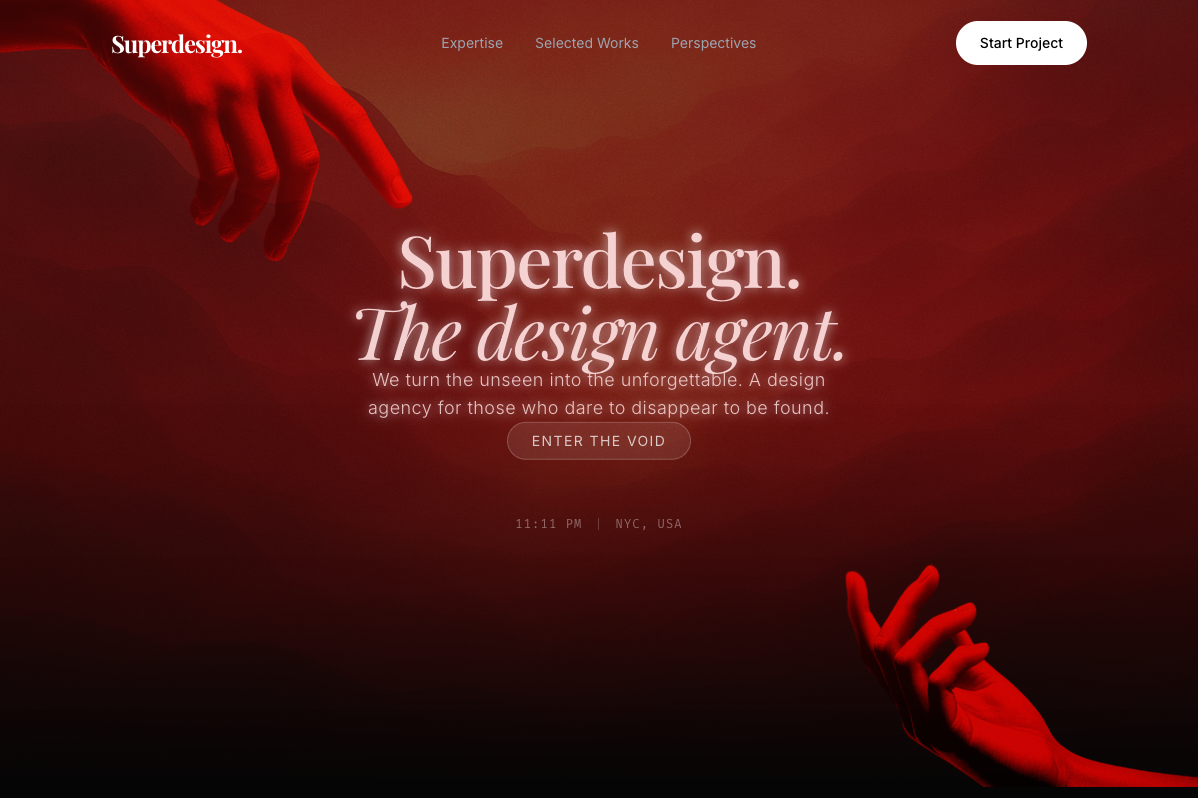
- Design quality, not blank-slate slop. The agent pulls real, proven patterns from sources like Mobbin and Dribbble mid-design, so the output has taste instead of the default gradient-and-three-cards look. More on why generic output happens in why AI design looks generic.
- Grab a live reference. The free Chrome "Component Grab" captures any live web component and turns messy DOM into clean Tailwind, so you can start from a real page you admire instead of a blank prompt. Same idea as our guide to cloning a website.
- Runs inside your coding agent. Install the skill in Claude Code or Cursor and design without leaving the editor, so the agent can match your existing components.
npm install -g @superdesign/cli@latest
superdesign login
npx skills add superdesigndev/superdesign-skill
Superdesign is the right call when the landing page is part of a product you are building, you care how it looks, and you do not want to rent it back from a builder every month. To browse output before installing anything, the free prompt library is full of UI prompts you can copy and run, or you can jump straight to SaaS website templates to start from a full layout.
v0 by Vercel: best for React scaffolding
v0 is Vercel's prompt-to-UI tool and a strong landing page generator if you live on the React and Tailwind stack. You describe a page, it generates components built on shadcn/ui, and you copy them into your project. The output is real code, which already puts it ahead of any hosted builder for ownership.
The catch for landing pages is that v0 is browser-only with no codebase awareness, so it generates from scratch every time and you reconcile the styling by hand. The 2026 move to an agent model with usage-based tokens also drew real backlash, with one user describing trivial fixes burning $10 to $12. Test the current credit model on a throwaway project first. I go deeper in v0 alternative for developers.
Lovable: best for a full app, not just a page
Lovable builds full-stack apps from a prompt, generating frontend, backend, and database together in React, Tailwind, and Vite. For a landing page that is overkill, but if you want the page wired into a working app, it gets you there fast.
The ownership story has a sharp edge worth knowing before you commit. Lovable exports your React code to GitHub, but multiple third-party guides document that the managed pieces, authentication, Stripe payments, and AI orchestration, do not come along as standalone code. There is also an SEO gotcha that matters specifically for landing pages: because Lovable builds SPAs, search engine crawlers see an empty page unless you add prerendering. For a page whose whole job is to rank and convert, that is a real consideration.
Bolt.new: best for greenfield full-stack starts
Bolt.new generates a full-stack app from a prompt and runs it in an in-browser environment, then lets you export the code. It is genuinely good at getting you from zero to a working scaffold in minutes, which makes it a fine starting point if your "landing page" is really the front door of a brand-new app.
As a pure landing page generator it is less focused. It prioritizes "working app" over "polished page," so the output is often visually generic out of the box, and the recurring complaint is token burn during debugging loops, especially around authentication. Use it for greenfield starts, not for adding a clean page to something you already have.
Framer AI: best for hosted, animated pages
Framer AI is the design-led option, and the best pick if you want a visually rich, animated page with hosting handled for you. You prompt a page, tweak it in Framer's canvas, and publish on Framer's platform. The output looks great and ships fast.
The trade-off is the one this whole guide is about: Framer is a hosted builder, so there is no real React codebase to take with you. Your page lives on Framer, styled in Framer, and moving it later means rebuilding it elsewhere. That is fine if you never need to, and a problem if you do. For developers who want the same design quality as code, Superdesign is the closer fit (I compare the design angle in the Framer alternative).
Google Stitch: best for free Gemini-powered ideation
Google Stitch is Google Labs' free AI UI tool, and it is a genuinely good way to get from a prompt to a clickable multi-screen page fast. It runs on Gemini, generates on an AI-native canvas with a design agent that tracks your progress, and exports clean HTML and Tailwind CSS, with paths out to Figma and into Google's Antigravity for a full build. For a free tool, the design quality is respectable, and the standard mode's generous monthly generation limits make it easy to explore.
The catch for a landing page you ship inside a React app is the output format: as of mid-2026, Stitch exports HTML and Tailwind CSS, not React components, so wiring it into an existing Next.js or Vite app means a translation step. It is also Gemini-flavored ideation, strongest as a starting sketch you refine rather than a final on-brand page. If you want the same prompt-to-design speed but real React out, that is the gap I built Superdesign to fill, and I cover the design-quality difference in Google Stitch alternative.
Unbounce and Leadpages: best for marketers running paid traffic
Unbounce, Leadpages, and Instapage are the marketer-first camp, and for paid traffic they are often the right answer. They generate a page from a prompt and then do the thing code generators do not: built-in A/B testing, traffic routing, and heatmaps on the same platform. Leadpages advertises prompt to page in 60 seconds with A/B testing on its mid plans, and Unbounce's Smart Traffic routes visitors to the best-performing variant automatically.
These are hosted builders end to end, so you trade code ownership for conversion tooling you would otherwise build yourself. If you are a marketer running ad spend and you need testing and optimization out of the box more than you need a repo, this is the camp to look at first. If you are a developer who wants the page in your codebase, it is the wrong layer.
What a high-converting landing page needs
Whatever generator you pick, the page still has to convert, and AI defaults rarely nail all of this on the first prompt. Use this as the checklist you prompt against and then verify by hand.
High-converting landing page checklist
- ✓One clear value proposition above the fold, readable in under 5 seconds
- ✓A single primary call to action, repeated, not five competing buttons
- ✓Specific proof: real logos, numbers, or testimonials, not stock filler
- ✓Fast load and a real mobile layout, not a desktop page squeezed down
- ✓Copy about the visitor's problem first, your product second
- ✓Visual hierarchy that points the eye at the CTA
- ✓Clean, semantic, accessible markup so it ranks and passes audits
The last point is where real code earns its keep. A hosted builder's exported markup is often div soup that hurts your Core Web Vitals and accessibility scores; React and Tailwind you control can be audited and fixed.
When a hosted builder is the right call
A hosted builder is the better choice when you are non-technical, or when you need hosting, forms, and A/B testing handled for you without standing any of it up yourself. If you are a marketer launching campaign pages at volume and you want Smart Traffic, heatmaps, and split testing on day one, Unbounce or Leadpages will serve you better than any code generator, because that tooling is the product.
Be honest with yourself about which you are. If you will never touch the code and never need to move the page, the lock-in is not a cost you will pay. The trap is choosing a hosted builder because it was fast, then discovering a year in that the page you built your funnel on cannot leave the platform.
Landing pages by design style
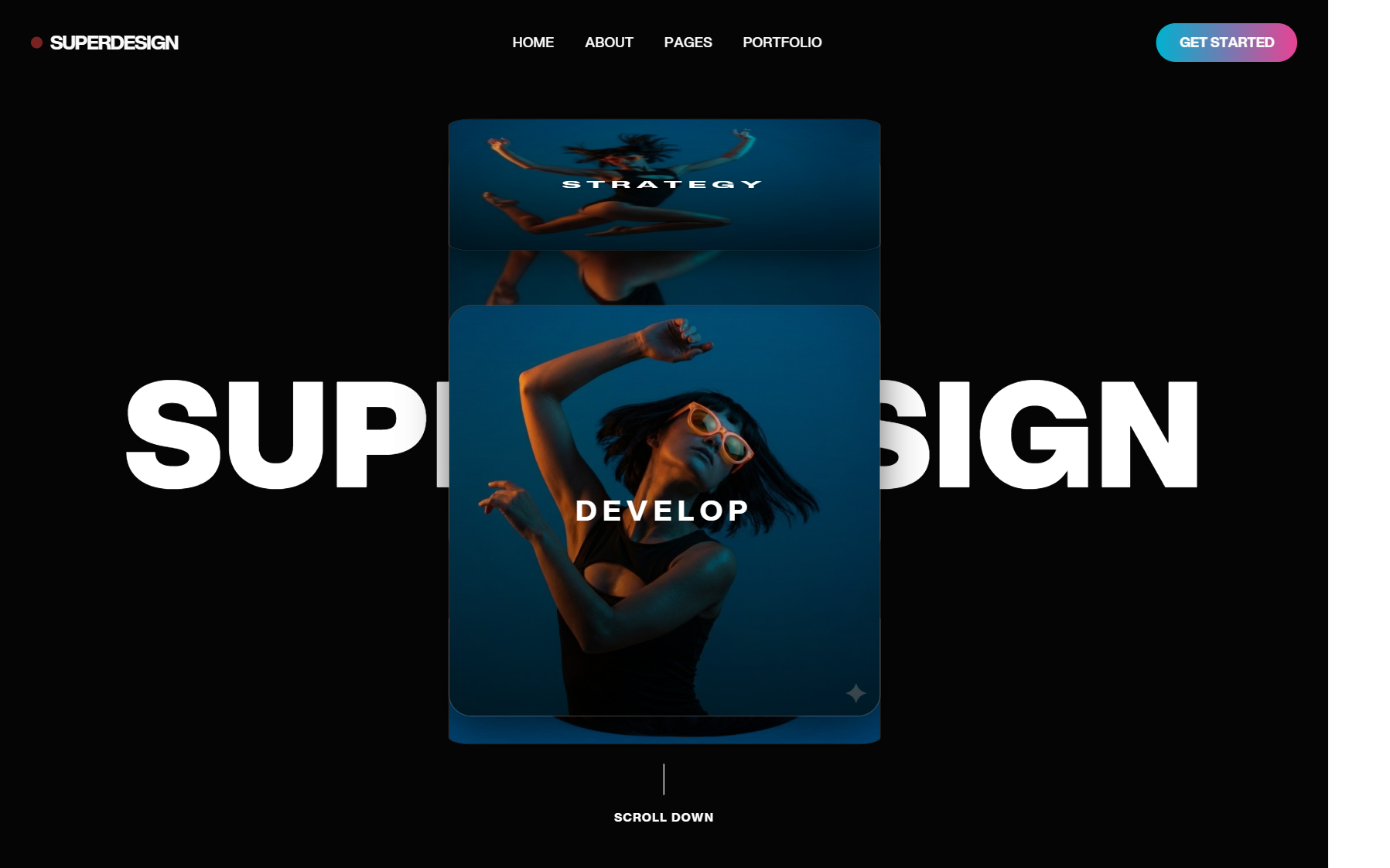
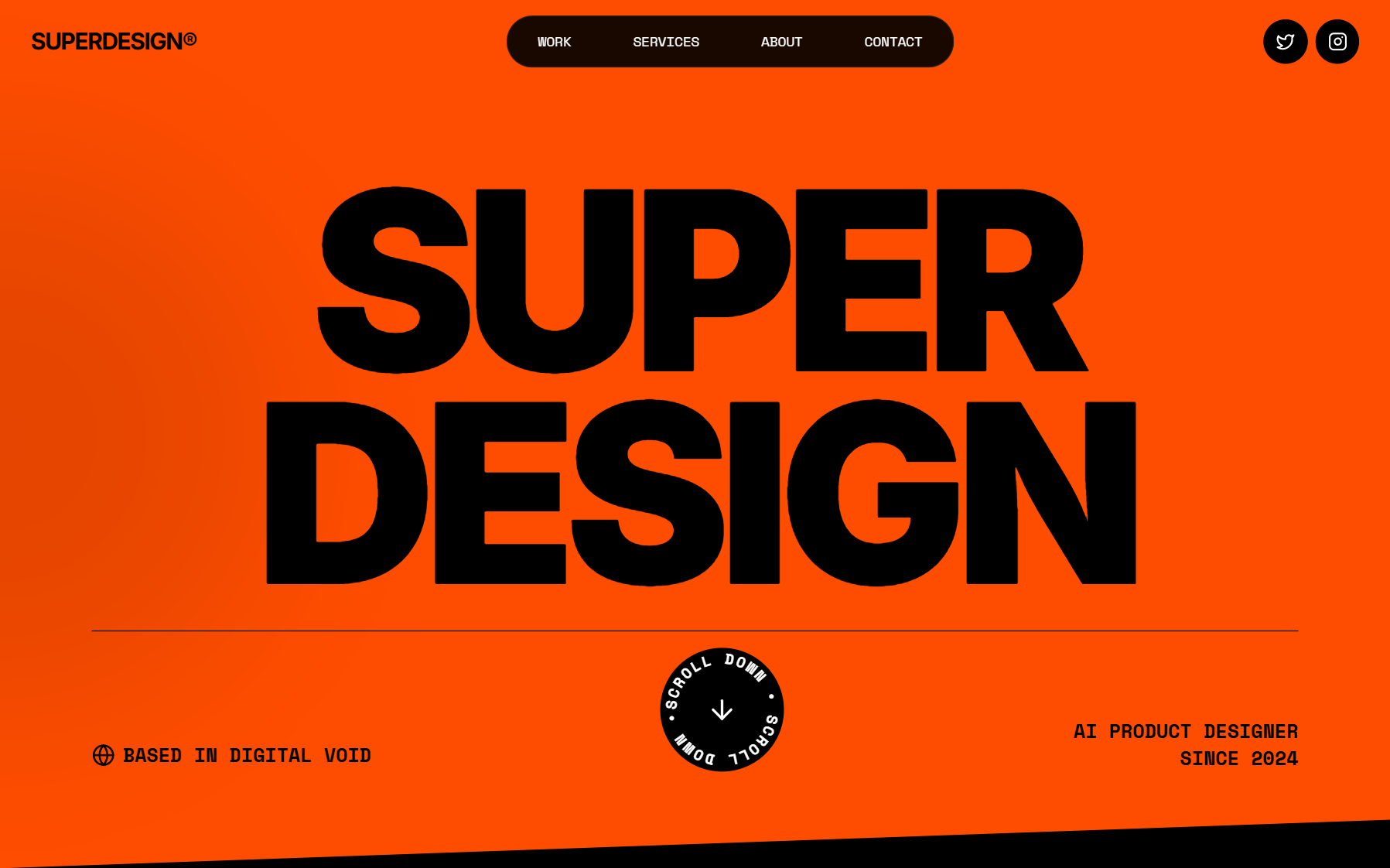
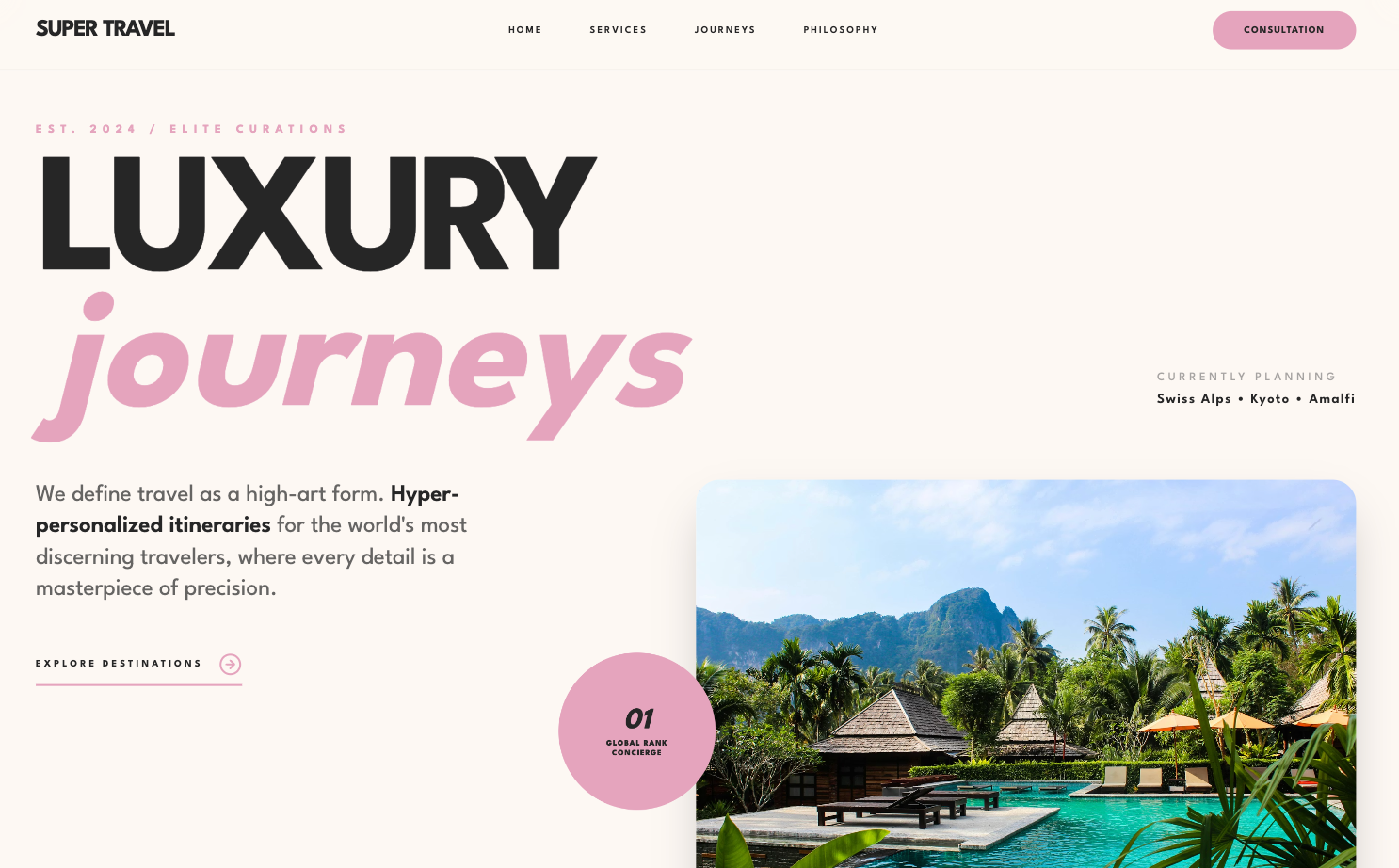
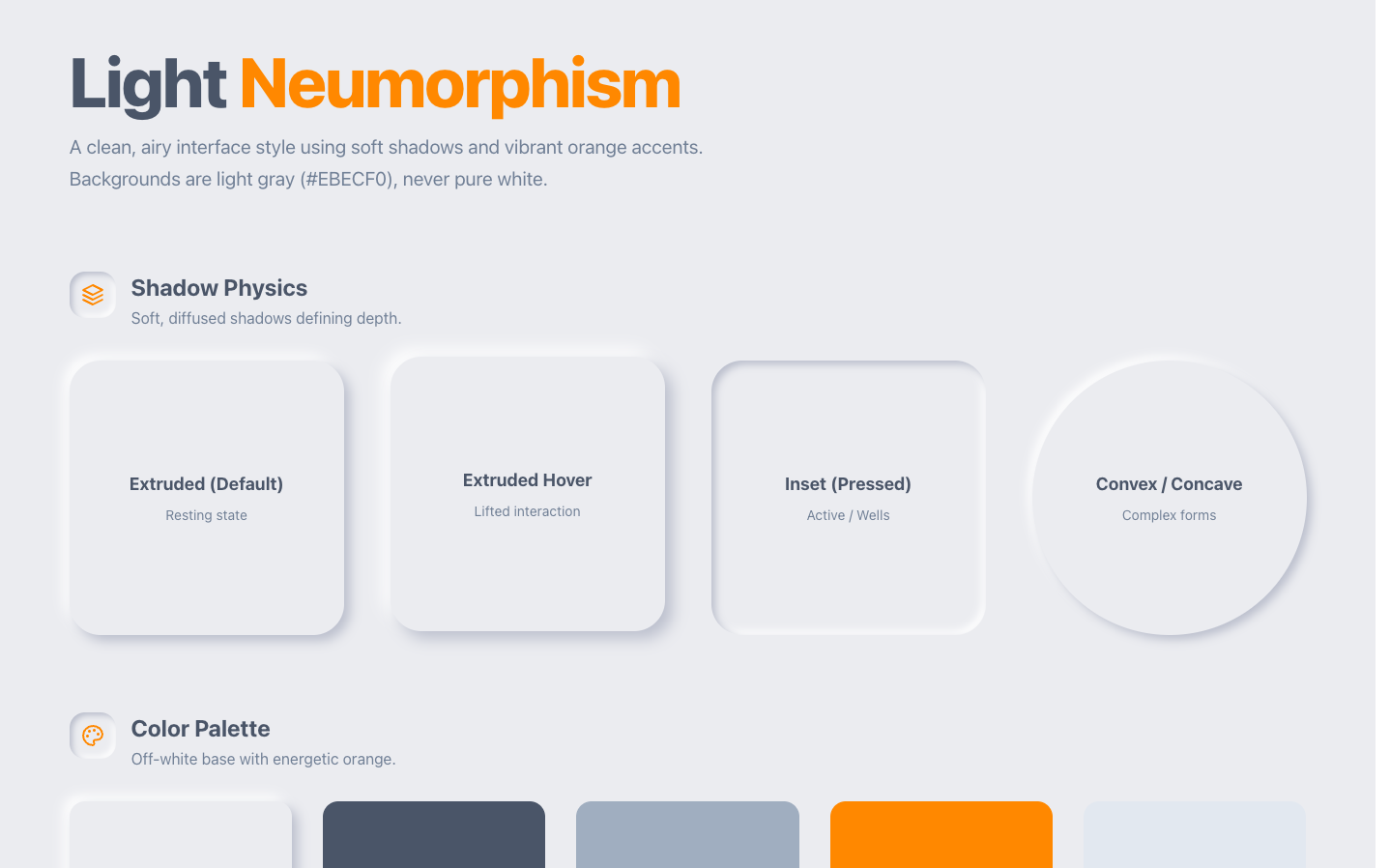
Once you have picked a generator, the next question is what the page should look like. If you already know the aesthetic you are after, it is faster to start from a style than a blank prompt. Our design styles encyclopedia breaks down the recipe for each look and hands you a copy-paste prompt tuned for a full marketing site:
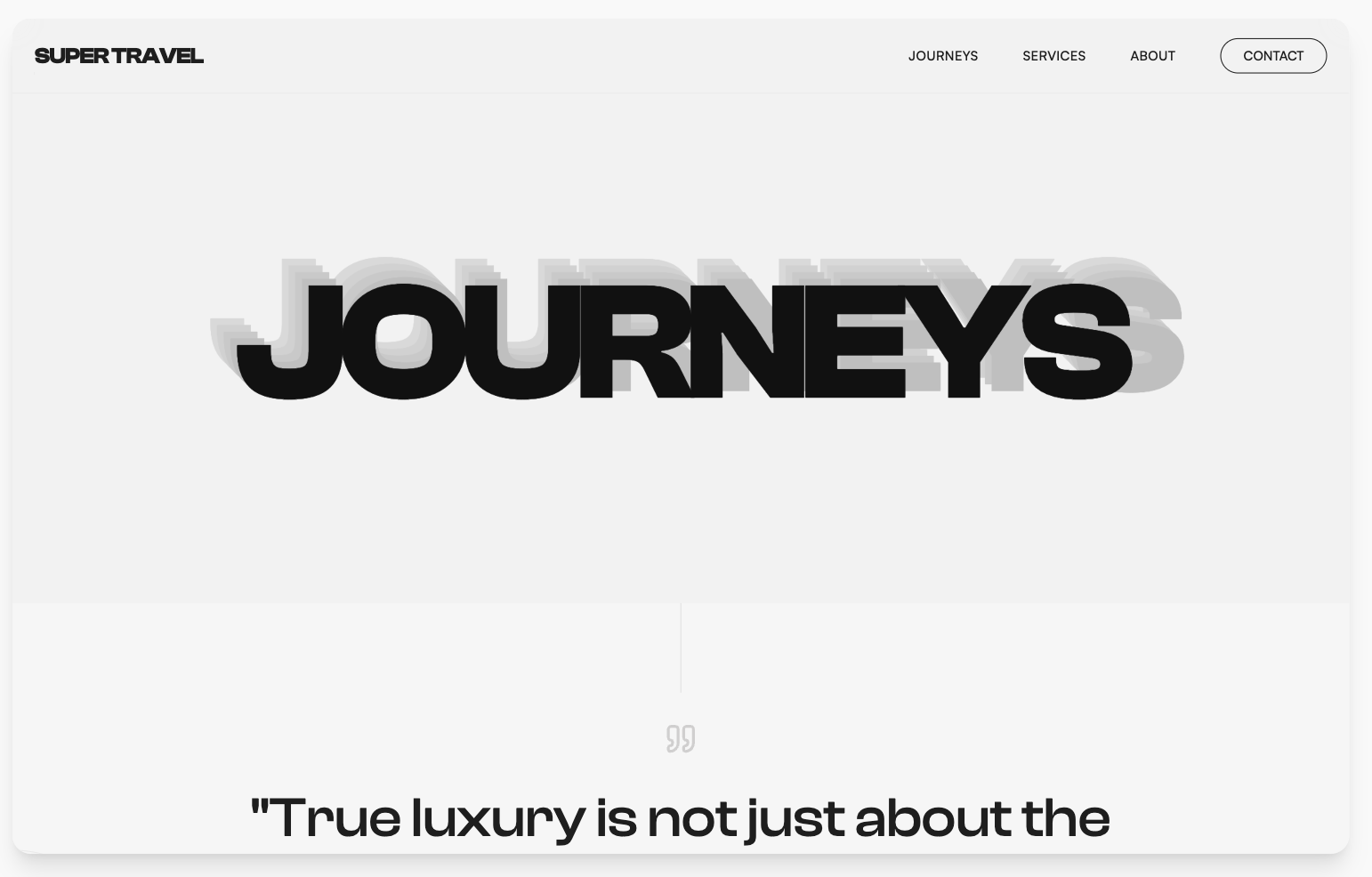
- Glassmorphism website: frosted-glass nav and cards over an aurora backdrop, with the contrast rules that keep the copy readable.
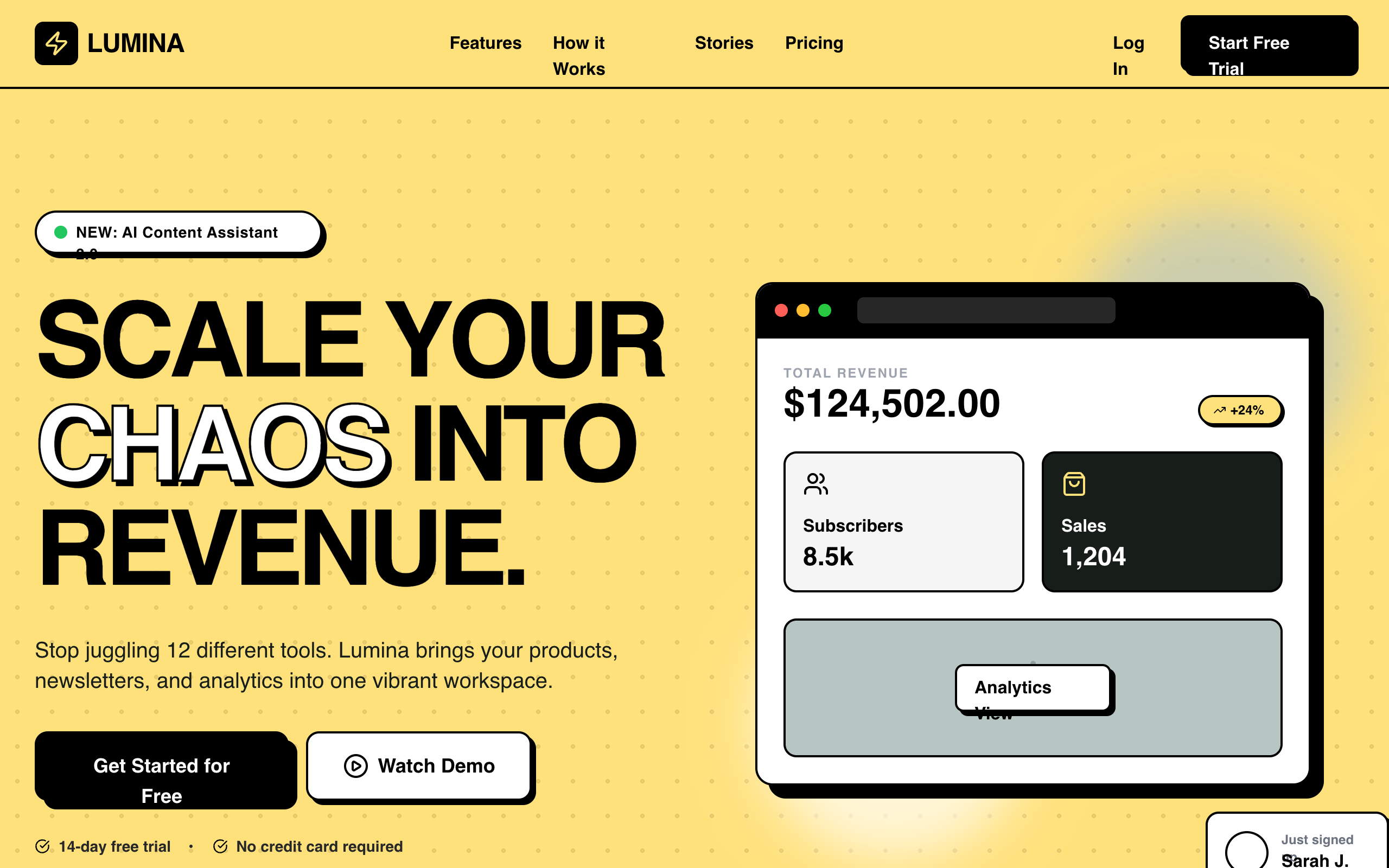
- Browse every design style: dark mode, brutalism, neumorphism, bento, minimalist, and more, each with a real generated example and a prompt you can run.
Each of those pages outputs the same real React and Tailwind as the generator above, so you get the look you want without giving up code ownership.
Which AI landing page generator should you choose?
It comes down to what you want to walk away with. Here's how I'd call it.
- You want real React and Tailwind you own, with design quality: use Superdesign. Prompt it or grab a live reference, get code, ship it in your repo, no per-page lock-in. (Yes, that's my tool, and I'll still tell you when one of the others fits you better.)
- You want fast React components on the Vercel stack: use v0, and watch the credit meter.
- You want a full app, not just a page: use Lovable or Bolt, knowing the backend ownership caveats.
- You want a free way to sketch a page fast: use Google Stitch, then translate the HTML and Tailwind into your stack.
- You want a beautiful animated page and never need the code: use Framer.
- You are a marketer who needs built-in A/B testing and hosting: use Unbounce, Leadpages, or Instapage.
For developers and indie hackers, the gap in every mainstream "best landing page generator" list is the same: they assume you want a page on someone's platform, when what you actually want is a page in your codebase. If that is you, start with the AI landing page generator, then keep going: turn a Figma file into code, clone a site you like, or see the wider field in best AI UI generator.