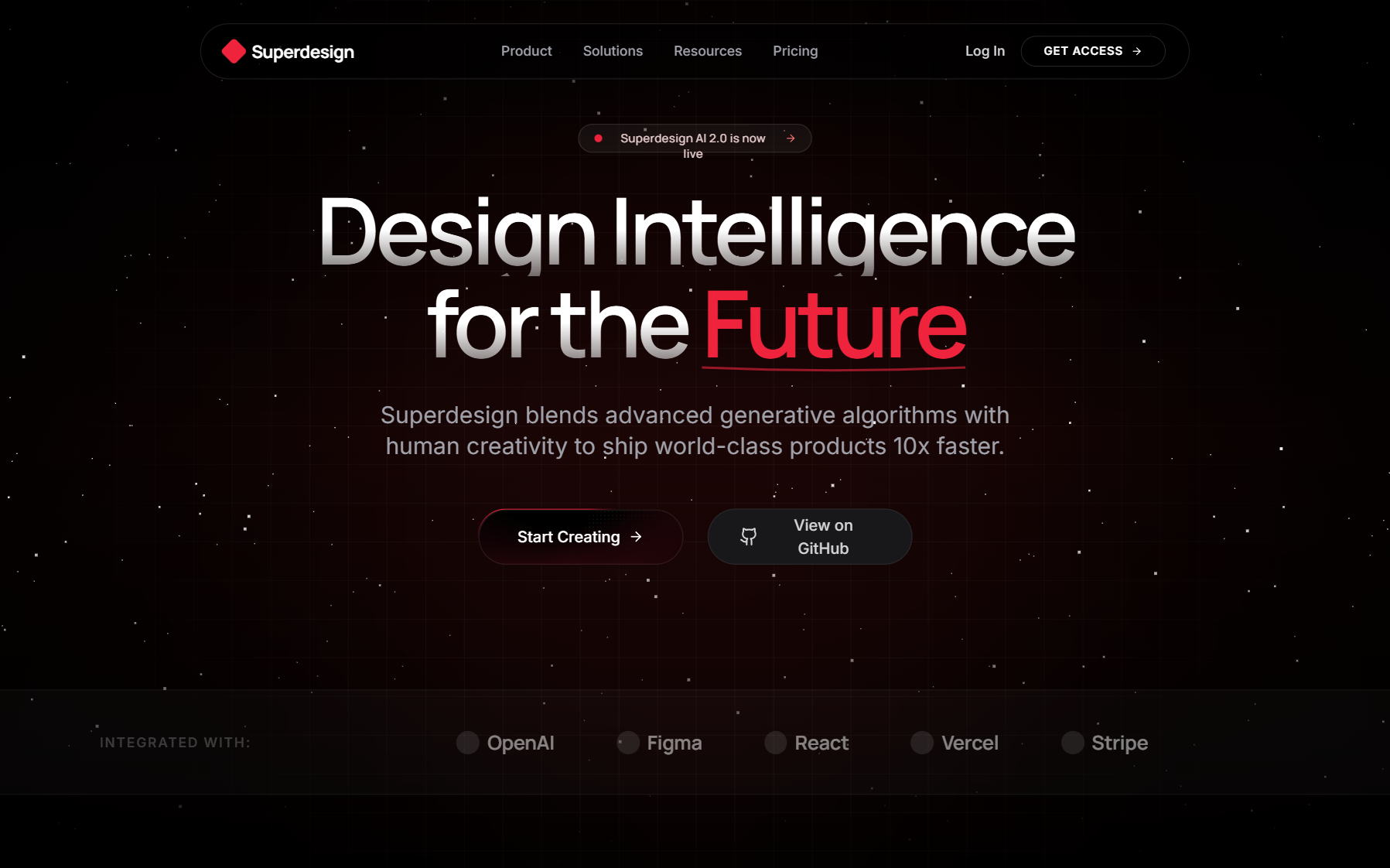
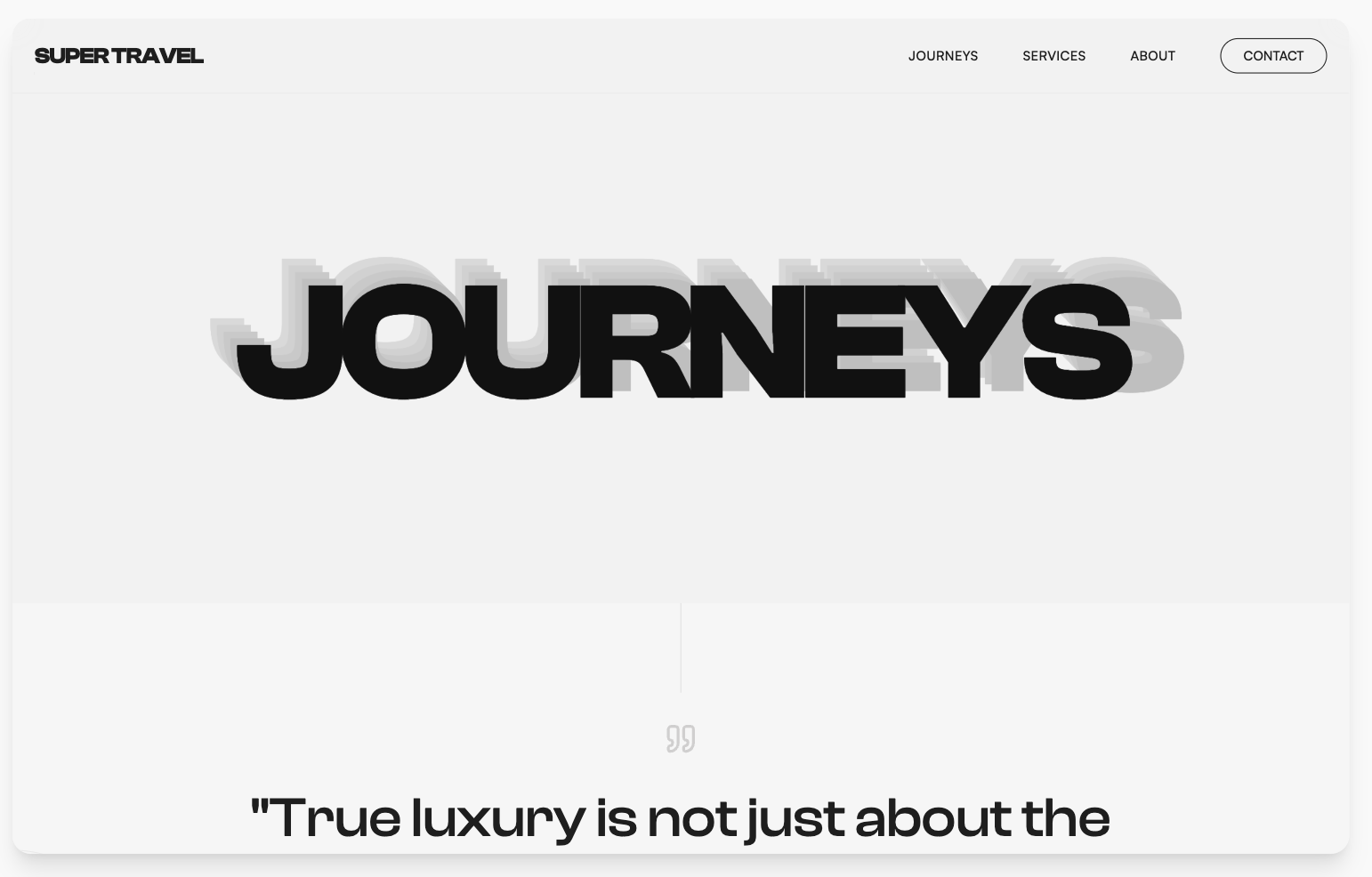
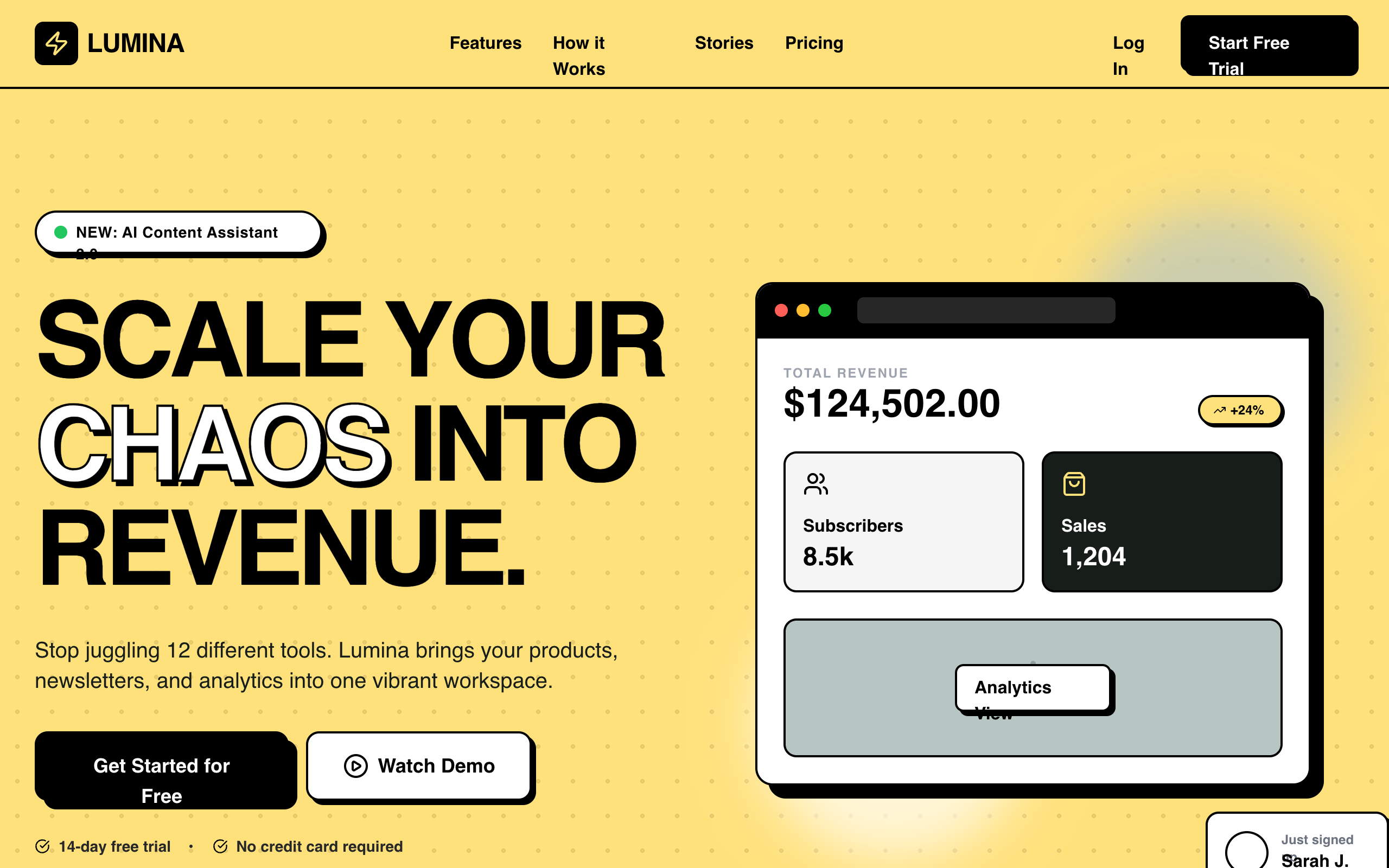
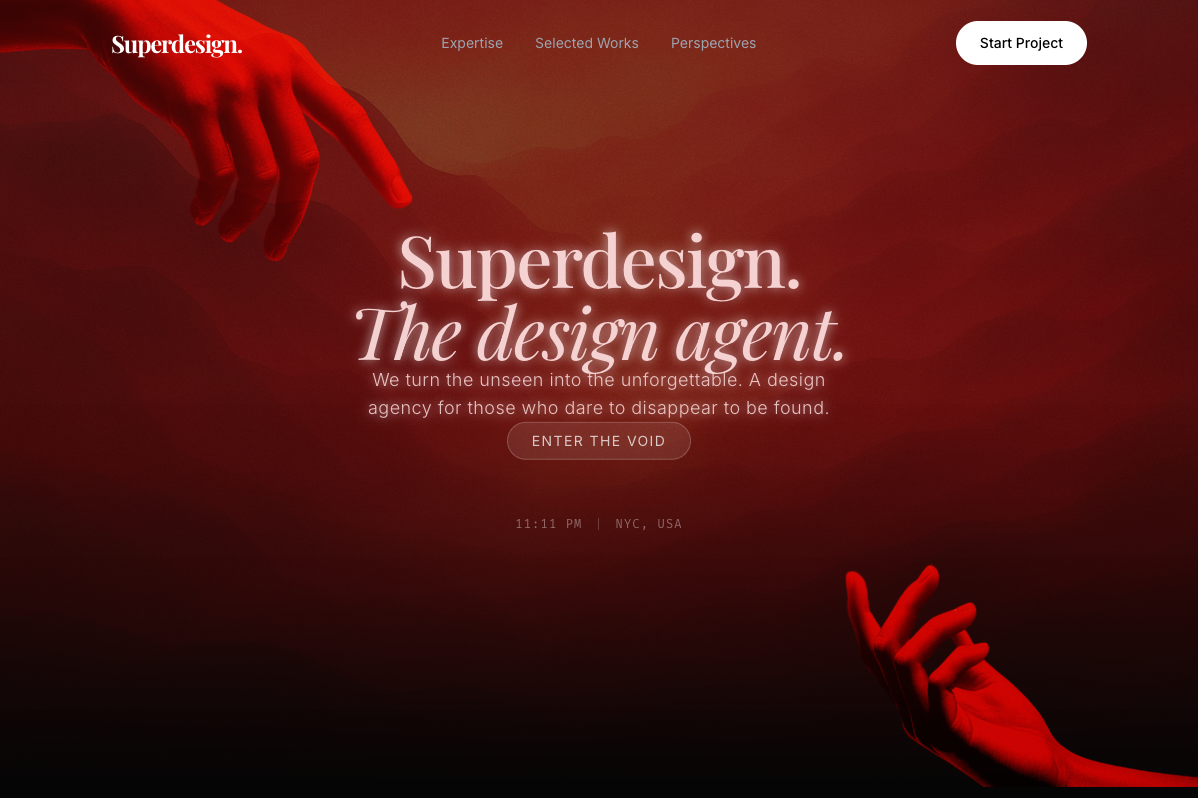
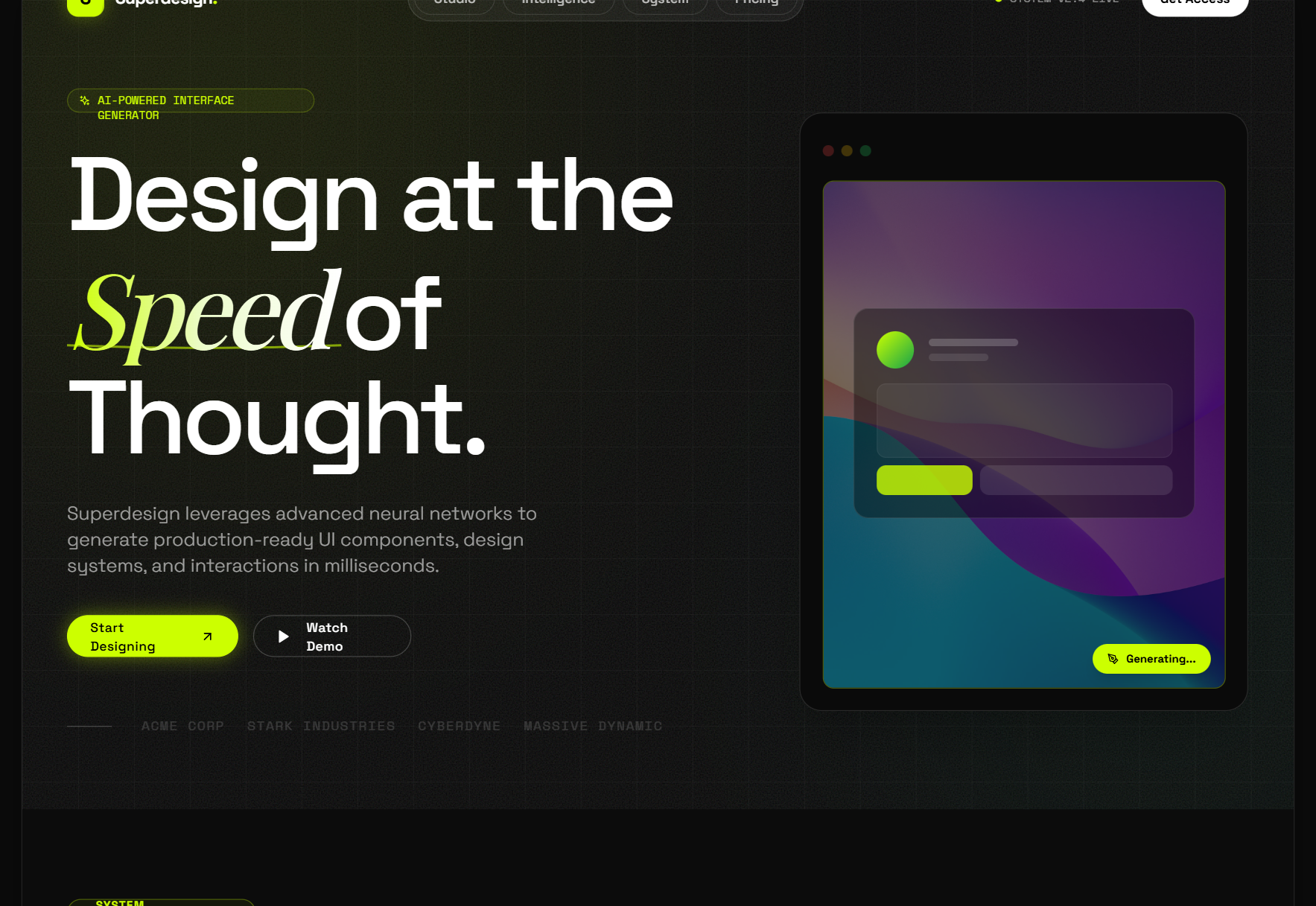
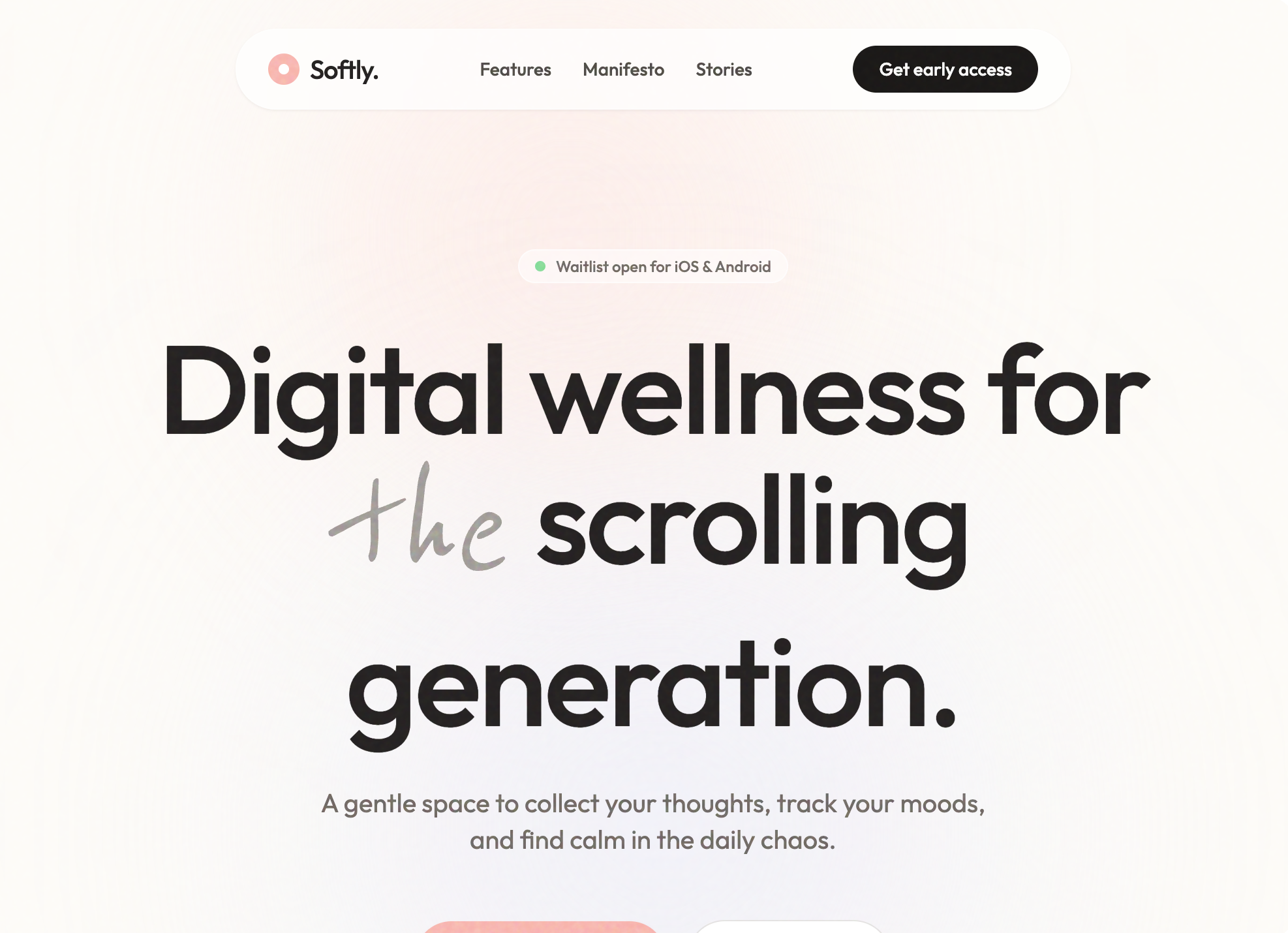
Search "how to design with AI" and most of what comes back is the same advice: type a prompt, get a screen, re-roll until it looks fine. That is how you get the look everyone can spot in three seconds. Purple gradient hero, Inter at every weight, three feature cards in a row. The model did exactly what a vague prompt asked for, which is to hand you the average of everything it has seen.
Designing with AI is not asking it to do everything for you. The idea, the direction, the feeling, and the taste still come from you. AI is there to execute. That reframe is the whole game, and it is what separates the people shipping UI that looks considered from the people shipping the fourth copy of the same landing page this week.
I build Superdesign, an AI design agent, so I spend my days watching where this workflow succeeds and where it falls apart. This guide is the honest version: the three ways people actually design with AI right now, what each one is good for, and the point where you stop prompting and start directing. The framework here builds on Leon Lin's writeup on designing with AI, reworked with the parts that matter most when the output has to be real code you ship.

The one thing AI still cannot do
A modern model understands the rules of design. It knows spacing, a type scale, color theory, hierarchy, and the difference between a heading and a caption. Ask it for a clean pricing table and you get a clean pricing table.
What it does not have is taste. It does not know what feels original, what feels meaningful, or what is genuinely good for the specific product in front of it. It reaches for the statistical center of its training data, and the center of web design is the safe, forgettable stuff. That is the gap. You cannot give a model real taste yet, but every method below is a way to work around that limitation by feeding it your taste as a constraint.
So the process, stripped down, is always the same three moves:
- You develop the idea.
- You gather the inspiration and direction.
- You translate that into instructions and let AI build it.
The tool underneath, Claude Code, Cursor, Codex, or a design agent, is just the executor. The quality of what comes out is set by how much of your own direction you put in. The three methods below are three different amounts of direction, at three different speeds.
Method 1: Use a design skill (fast, decent floor)
This is the fastest path. If you are short on time or the thing is small, you lean on a prebuilt design skill, a packaged set of rules and references that raises the model's default taste. Anthropic's frontend-design skill, Emil Kowalski's UI skills, and the various community "taste" skills all do a version of this. I broke down the main collections in design skills reviewed, and the roundup of which ones are worth adding is in best Claude Code skills. If you work in ChatGPT rather than a coding agent, the same move exists there too: the design plugin for ChatGPT raises the default the way a skill does, and keeps one design system across screens.
The loop is short:
Designing with a skill
Add the skill to your agent
Drop the design skill into Claude Code, Cursor, or your harness so every generation inherits its rules.
Give it context
Tell it what you are building, for whom, and the feeling you want. The skill handles the craft defaults, you supply the brief.
Prompt a few passes
Generate the screen, then refine in plain language. Two or three rounds usually gets you to decent.
Fix the obvious issues and ship
Clean up the spacing that drifted, the state that is missing, the contrast that fails, then ship it.
The result is usually solid. The catch is that a skill is a generation-time nudge with no memory across screens and no eyes on your actual brand. It raises the floor, but it cannot see your product, so the output can still feel adjacent to every other AI-built page. This is the right method when good-enough is genuinely good enough. For a throwaway internal tool, take it and move on.
Method 2: Design it yourself, with AI (slow, highest quality)
If you want people to land on your product and feel that real thought went into it, you go deeper. This is the intentional path, and it is the one that actually produces work with a point of view. It is slower, and it is worth it for anything with your name on it.
Start with meaning
Before any pixels, define the foundation. Write down the answers to a few questions, because if you do not know what you are building, the model will not figure it out for you:
- Who is this for?
- What problem does it solve?
- What should it feel like?
- What should it represent?
The UI should reflect the meaning of the product. You can use AI here, but not to design. Use it to interrogate you instead. Have it ask you about the audience, the feeling, the branding, whether it should read minimal, playful, premium, technical, or experimental, and what colors and fonts fit. You are using the model to sharpen your own brief, not to outsource the deciding.
Collect inspiration, and ask why
Now gather references. Real product screens from sources like Mobbin, Awwwards, Cosmos, Savee, Pinterest, or Webflow's template gallery. The discipline that matters: do not just save what looks good. Ask why it works. Is it the layout, the spacing, the typography, the structure, the interaction? Naming the reason is how you build taste instead of a mood board.
Organize what you save into buckets, navigation, heroes, pricing, cards, dashboards, typography, motion, so you are building a personal reference library over time. Do not copy any single design wholesale. You are collecting ingredients to recombine into something that fits your product. If the reference you want is a live site, you can extract its real design system instead of eyeballing it.
Map the structure
Define what you actually need to build before you build it. For a website that is usually navigation, hero, features, pricing, testimonials, a call to action, and a footer. For an app it is onboarding, home, search, profile, settings, the core flows, and the empty states people forget. Give each section its real content. A hero needs a headline, a description, a call to action, and a visual. AI can draft the copy, but the clarity comes from you.
Build component by component
Here is the move most people miss. Do not say "build me a full website." Say "create a hero section in this style, adapted to my branding." AI performs much better on small, bounded tasks, and working piece by piece keeps you in control of every decision. Go in order: navigation, hero, cards, buttons, typography, then the details. Assemble the page from parts you have each judged, rather than accepting one big generation you then have to untangle.
Generate custom assets
When you need images, generate them with intent. Give the model your colors, your style, your composition, and the use case, rather than dropping in generic stock. Custom visuals are a large part of what makes a product feel cohesive instead of assembled. The same goes for SVGs, background layering for depth, and short video in a hero. Small details compound.
The full sequence, then:
- Define the idea
- Clarify purpose and audience
- Set the branding direction
- Collect references
- Organize them
- Map the structure
- Build components
- Generate assets
- Add interactions
- Refine everything
That produces something far better than one prompt ever will. It also takes real time, which is exactly why the third method exists.
Method 3: Design from an inspiration board (balanced)
There is a middle ground that gets most of Method 2's quality without building every piece by hand. Instead of directing the model section by section, you hand it a curated set of references up front and let it synthesize.
Collect screenshots from your usual sources, Mobbin, Awwwards, Webflow, Savee, Cosmos, Pinterest, then give the model the context first, let it ask its clarifying questions, and prompt it with something like: "combine the style and direction of these references into a design for my product, do not copy any of them directly." You still bring the taste, encoded as the references you chose. The model does the assembly. It is faster than the component-by-component build and dramatically better than a cold one-line prompt.
The three methods, side by side
| Method | Speed | Quality ceiling | Best for |
|---|---|---|---|
| Design skill | Fastest | Decent floor | Small or internal things where good-enough is fine |
| Component by component | Slowest | Highest | Anything with your name on it |
| Inspiration board | Balanced | High | Most real projects |
Most people default to Method 1 and wonder why their output looks like everyone else's. The honest answer is that they handed the model no taste, so it gave them the average. The fix is not a better prompt. It is more of your own direction, delivered in whichever of these three formats fits your deadline. If you want the deeper diagnosis of why the default look happens, I wrote it up in why AI design looks generic, and the concrete cleanup moves are in how to make AI UI look less generic.
Where this breaks: it has to be real code
Every method above works fine for a mockup. The trouble starts when the output has to ship. A design skill gives the model rules but no memory, so it fabricates tokens and drifts between screens. An inspiration board sets a direction but does not survive into your actual codebase. And the component-by-component build, the one that produces the best work, is slow precisely because you are doing the reference-gathering, the structure, and the assembly by hand every time.
This is the difference between a coding agent and a design agent. A coding agent emits a UI as a side effect of getting code to compile. A design agent treats the look as the actual deliverable, and carries your direction, your references, and your system all the way into the code.
That is the loop Superdesign is built to close. You give it a real reference instead of adjectives, it reads your existing components and design tokens so new UI matches what you have already built, you fork a few directions side by side on a canvas instead of re-rolling one, and it exports a tight DESIGN.md plus real React and Tailwind that Claude Code or Cursor implements against your system. In other words, it gives you the Method 2 quality, the reference-driven component build, closer to Method 1 speed, and it does it as code you own rather than a mockup you still have to rebuild. You can see the reference-driven prompts it ships with in the prompt library.
The takeaway
AI should not replace your thinking. You still decide what to build, why it matters, who it is for, and what it should feel like. The model just executes faster. The best results will not come from a cleverer prompt. They will come from better taste, delivered as real direction the model can follow.
Pick the method that fits your deadline, keep the deciding on your side of the table, and the thing you ship stops looking like it came out of a machine. Because the part a machine cannot do is still the part that matters.