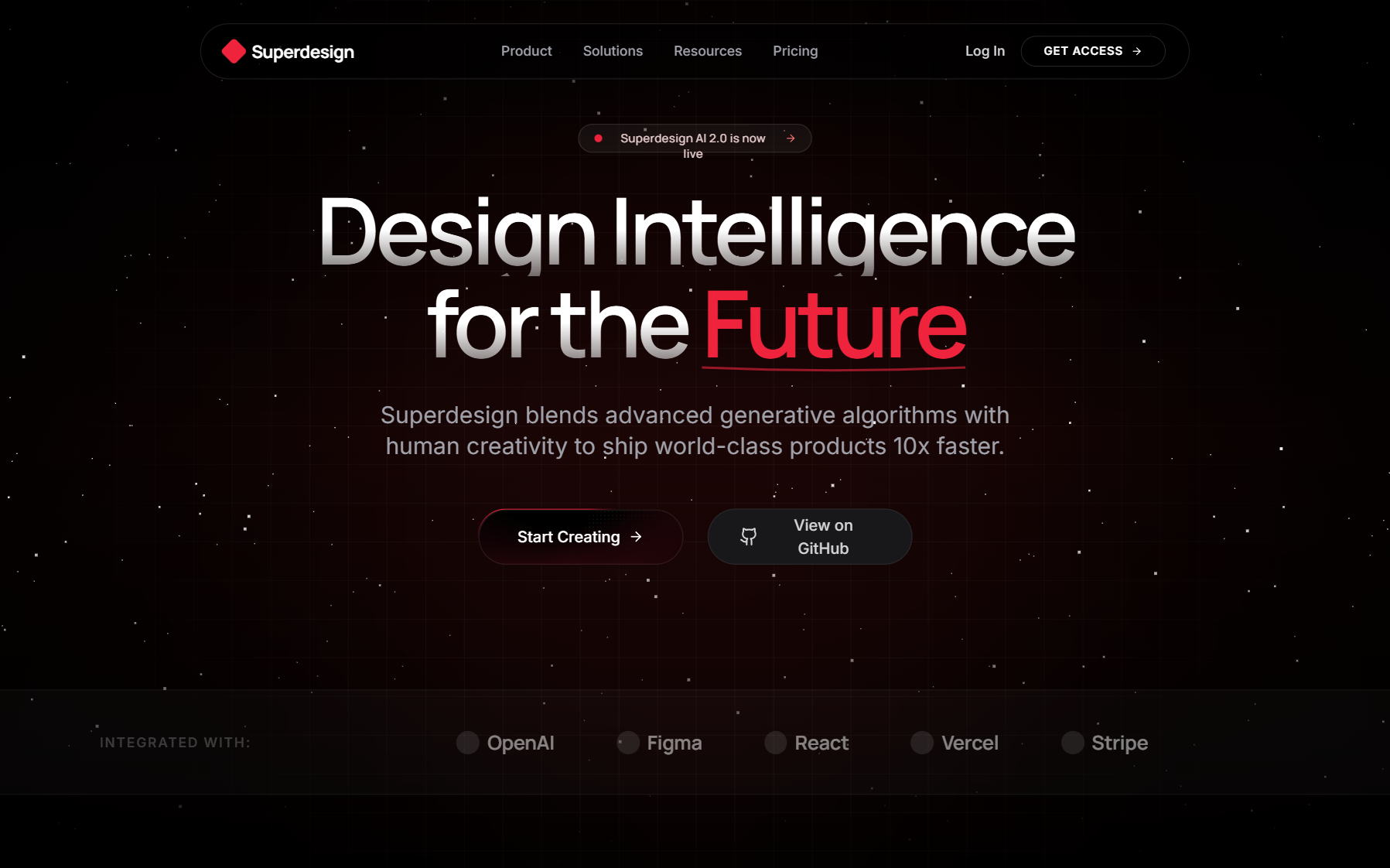
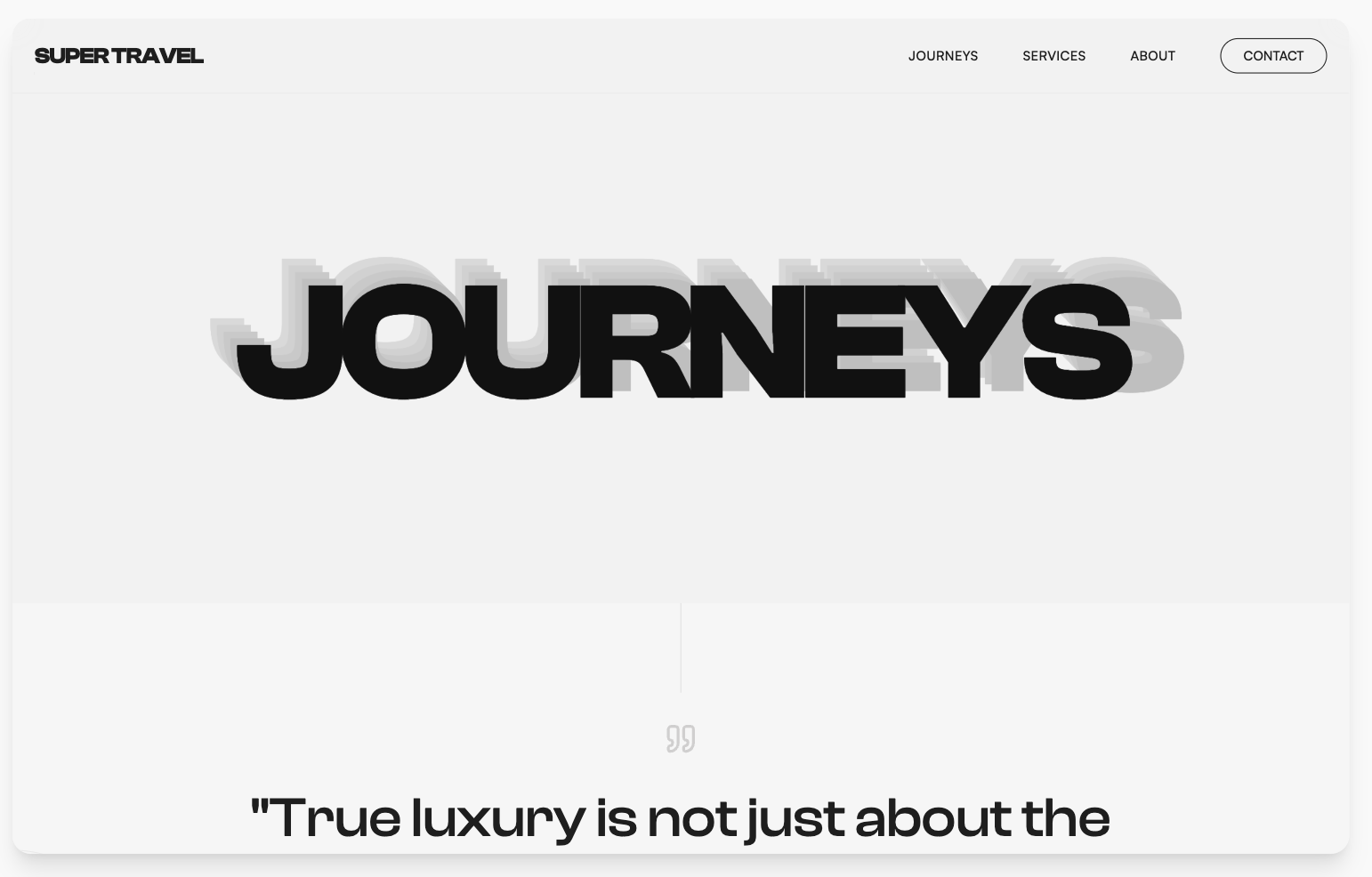
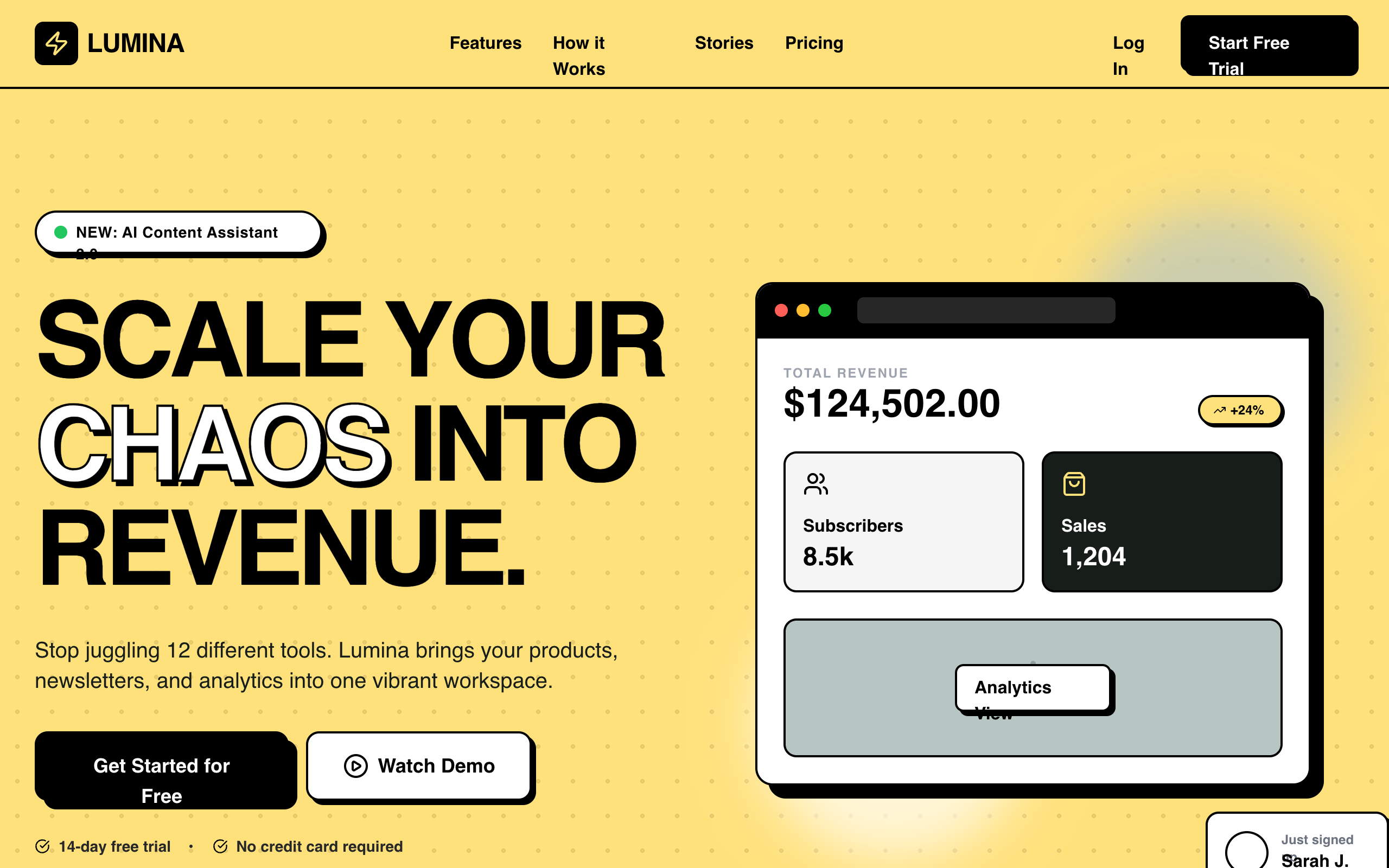
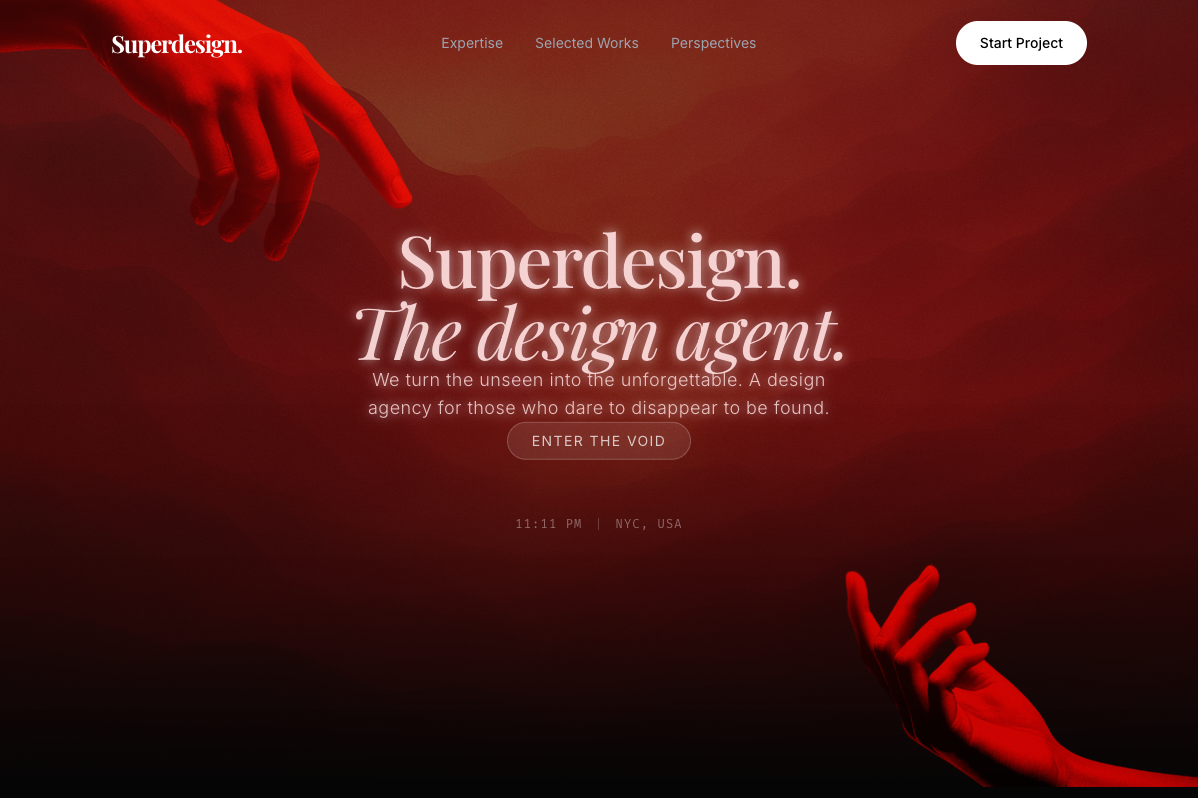
A Claude Code design skill is a SKILL.md instruction file that Claude Code loads before it writes UI, giving the agent a concrete point of view about design (fonts, color tokens, spacing rules, layout patterns, and anti-patterns to ban) so the interfaces it generates stop looking like generic AI output. That is the whole idea in one sentence. Coding agents write competent logic and forgettable UI by default, and a design skill is the smallest unit of fix: a briefing the agent reads on demand, not an app, not a model, and in most cases not even code.
The category barely existed before late 2025 and is now one of the most active corners of the Claude Code ecosystem, so the vocabulary is still settling. This page is the definitional reference: what a design skill technically is, how it differs from the things it gets confused with, the one architectural line that actually splits the category, and how to install or write one.

Note
How we define and test this. The definitions on this page are based on Claude Code's Agent Skills mechanism as Anthropic documents it: a folder containing a SKILL.md file with YAML frontmatter (a name and a trigger description) plus Markdown instructions, loaded into context on demand when a task matches. Written July 2026; star counts are point-in-time. Claims about specific skills come from cloning and reading seven popular design skills first-hand and running the same brief through them in rendered tests. The method, screenshots, and per-skill verdicts live in our review of seven design skills, tested first-hand. Disclosure: Superdesign is our product, and it appears once below as the worked example for the design agent approach.
What is a design skill for Claude Code?
A design skill is the general Claude Code skill mechanism pointed at one job: making generated UI look deliberate. Mechanically, a skill is a folder containing a SKILL.md file. The file opens with YAML frontmatter holding a name and a description, and the description doubles as the trigger: Claude Code scans it, and when your request matches ("build a pricing page", "restyle this dashboard"), the agent pulls the full instructions into context. A skill can also bundle reference files and scripts, but the Markdown briefing is the core of it.
What is inside a design skill specifically tends to be some mix of:
- A visual language: type pairings, a token palette, spacing and radius scales.
- Rules and heuristics: "one accent color per screen", "stick to a 4px grid", contrast requirements.
- Anti-patterns to ban: the purple gradient, Inter-by-default, the row of three identical feature cards, fake-precision stats. Independent skill authors converge on banning the same tells, which says a lot about how recognizable default AI design has become.
Reading the field closely, three architectures cover nearly everything published so far. Most design skills are prompt rulebooks: pure prose the model is asked to obey, like Taste (about 54k GitHub stars at the time of writing) or the 67 named style presets in awesome-design-skills. A few are data-lookup engines: UI/UX Pro Max (about 99k stars, the most-starred in the category) ships a searchable CSV knowledge base of styles, palettes, and font pairings that the agent queries through a small Python script before designing. And a rare few are production pipelines: huashu-design bundles scripts that render and export its own artifacts. The architecture matters less than what all three shapes share, which we get to below.
How is a design skill different from a plugin, an MCP server, or a prompt?
These four words get used interchangeably and they should not be. Here is the map:
| Thing | What it is | Lifespan | Design example |
|---|---|---|---|
| Prompt | Text you type into one message | One request | "Make it look like Linear" |
| Design skill | A SKILL.md instruction file loaded on demand | Persistent, triggers when relevant | Taste, awesome-design-skills presets |
| Plugin | Packaging and distribution around skills, slash commands, and MCP servers | Persistent, installed | The official Anthropic marketplace bundles |
| MCP server | A running program that gives the agent live tools or data | Persistent, running process | A Figma or browser-control connection |
The clean way to hold it: a prompt is what you say, a skill is what the agent knows, a plugin is how skills get shipped, and an MCP server is what the agent can do. A design skill is knowledge, not capability. It cannot fetch anything, render anything, or check anything on its own; it changes how the model writes the next file, nothing more.
One more neighbor worth separating because it trips people up: DESIGN.md. That is a project-level config file that pins your product's visual tokens so any agent generates on-brand UI, and it lives in your repo rather than in the skills system. A design skill carries someone's design opinions to every project; a DESIGN.md carries your project's design decisions to every agent. They stack nicely. We wrote a full explainer on what DESIGN.md is and how to create one.
Static preset or design agent: the line that splits the category
Here is the distinction that matters more than stars, and that most roundups skip. Nearly every design skill you can install today is a static preset: a fixed text briefing, written once, that the model reads and then executes blind. The rulebooks, the style presets, even the 99k-star data-lookup engine all end the same way, with a text instruction handed to a model that cannot see your codebase and cannot see its own output. So a static skill cannot match an app you already have, cannot compare two directions, and cannot iterate toward the one that looks right. You render, you judge, you re-prompt. In our rendered tests, that ceiling was invisible on a greenfield pricing page (everything looked fine) and decisive the moment the task was "add a page that belongs to this existing app", where a style preset confidently produced a beautiful page in completely the wrong language.
A design agent is the other answer to the same problem: instead of biasing a blind model with better text, it renders real UI, looks at the result, and iterates. The Superdesign skill is the worked example here, and the disclosure again: Superdesign is our product. It installs through the same skill mechanism, but the SKILL.md is a thin entry point to an agent that renders designs on a canvas, explores several directions in parallel, reads your existing codebase for context, and hands a design back to Claude Code or Cursor as code. The trade-off is honest in both directions: static presets are free, instant, and have nothing to sign into; an agent is a heavier tool that earns its weight when you need to see, compare, and fit an existing product. The two are complementary, and plenty of people run a preset for everyday taste and reach for an agent when a screen actually matters.
So when someone says "design skill", ask which side of the line they mean. The phrase covers both, the mechanics do not.
How do you install a Claude Code design skill?
Two routes, depending on how the author shipped it. The marketplace route lives inside Claude Code:
/plugin marketplace add anthropics/skills
/plugin
The CLI route pulls straight from a GitHub repo:
npx skills add <owner>/<repo>
Some collections ship their own installers (npx typeui.sh pull glassmorphism for the style-preset registry, npx ui-skills start for the fixer collection). Whatever the route, one habit before installing anything third-party: open the SKILL.md and read it. A skill can instruct the agent to run shell commands and read files, so treat it like any dependency. It is also just useful; five minutes reading a design skill tells you exactly what taste you are adopting.
As for which skills to install, that is a different question from what a skill is, and we keep a maintained answer in our roundup of the best Claude Code skills. If you are choosing between named aesthetics like glassmorphism or neobrutalism, browsing rendered examples in a design styles encyclopedia before you pull a preset saves the install-try-uninstall loop.
How do you write your own design skill?
Writing one is deliberately easy, which is much of why the category exploded. The minimum viable design skill is a folder in ~/.claude/skills/ (or .claude/skills/ inside a project) containing one file:
---
name: house-style
description: Use when writing or restyling any UI. Enforces our visual language.
---

## Type and color
- Headings: Space Grotesk 600. Body: Inter 400. Nothing else.
- One accent (#16A34A) per screen, reserved for the primary action.

## Bans
- No gradients on functional surfaces.
- No three-identical-cards feature rows.
- Every spacing value is a multiple of 4px.
Three rules of thumb from reading a lot of these: the frontmatter description is the trigger, so write it about when to act, not what the skill contains. Specific bans beat vague taste ("never use foregroundColor()" outperforms "write clean SwiftUI"). And short beats long, because every loaded skill spends context; the best vertical skill we reviewed keeps its entire payload under 400 lines. If your rules describe your product's brand rather than a general aesthetic, consider putting the tokens in a DESIGN.md instead and letting a skill carry only the behavioral rules.
When you don't need a design skill
An honest definition includes the boundaries. Skip the install when:
- You are adding to an app with an established design system. In our existing-app test, a coding agent with no skill at all, just your real files in context, matched the app's language better than a style preset did, because the preset imposes its aesthetic on top of yours. Your codebase is already the best design brief you own.
- The pattern is solved. On a standard pricing page or login screen, 2026-era models produce passable UI unaided. A skill adds polish, not rescue.
- Your actual gap is tokens, not taste. If generations drift off-brand, a project
DESIGN.mdpins the values with less machinery than a skill. - Your actual gap is judgment. No static file can look at two options and pick. If your loop is generate, squint, re-prompt, the fix is a tool that renders and iterates, not a fourth rulebook.
The takeaway
A Claude Code design skill is a SKILL.md briefing that trades the model's default taste for a deliberate one: cheap to install, cheap to write, and genuinely effective at raising the floor. The category's real dividing line is not stars or style count but static preset versus design agent, a fixed text file the model executes blind versus a system that renders and iterates. Know which one a given "design skill" is, and you know what it can and cannot do for you. From here: the best Claude Code skills roundup for what to install across your whole workflow, and the first-hand design skills review for how seven of them actually behave on the same brief.