If you last checked in 2024, you probably think ChatGPT plugins are dead. They were, for a while. They are not now.
There is a live directory at chatgpt.com/plugins, a Plugins item in the sidebar, and a set of curated shelves: Featured, Productivity, Creativity, Developer Tools, Business and Operations, Data and Analytics. You add one with a plus button and it can then act inside a conversation.
So the question is worth asking properly. Here is what is actually on the Creativity shelf, what each one is genuinely good at, and the gap that runs through all of them.
What is actually in the Creativity category
Six, as of August 2026:
| Plugin | What it says it does | What it is really for |
|---|---|---|
| Canva | Create, review, edit designs | Marketing assets with a template underneath: social posts, flyers, thumbnails |
| Figma | Design-to-code workflows | Pulling real file context, frames and tokens into a conversation |
| Gamma | Create presentations and docs | Decks, fast, with a house style |
| Descript | Edit video by chatting | Video and audio editing, not static design |
| Adobe (formerly Photoshop) | Design, combine, and edit | Raster work: compositing, retouching, image edits |
| Product Design | Explore and prototype ideas | OpenAI's own, aimed at early ideation |
Two things worth noticing before you pick one.
OpenAI ships its own design plugin. "Product Design" is theirs, and it is scoped to exploring and prototyping ideas rather than producing a finished interface. That scoping is a fair description of what the category can currently do.
Every one of these works one artifact at a time. A deck. A post. An image. A frame. They are excellent at the artifact and they stop there, because the artifact is the unit they were built around.
The gap: none of them holds a design system
Try this. Ask for a settings page. Then, in the same conversation, ask for a pricing page. Then an onboarding flow.
You will get three screens that do not look like they came from the same company.
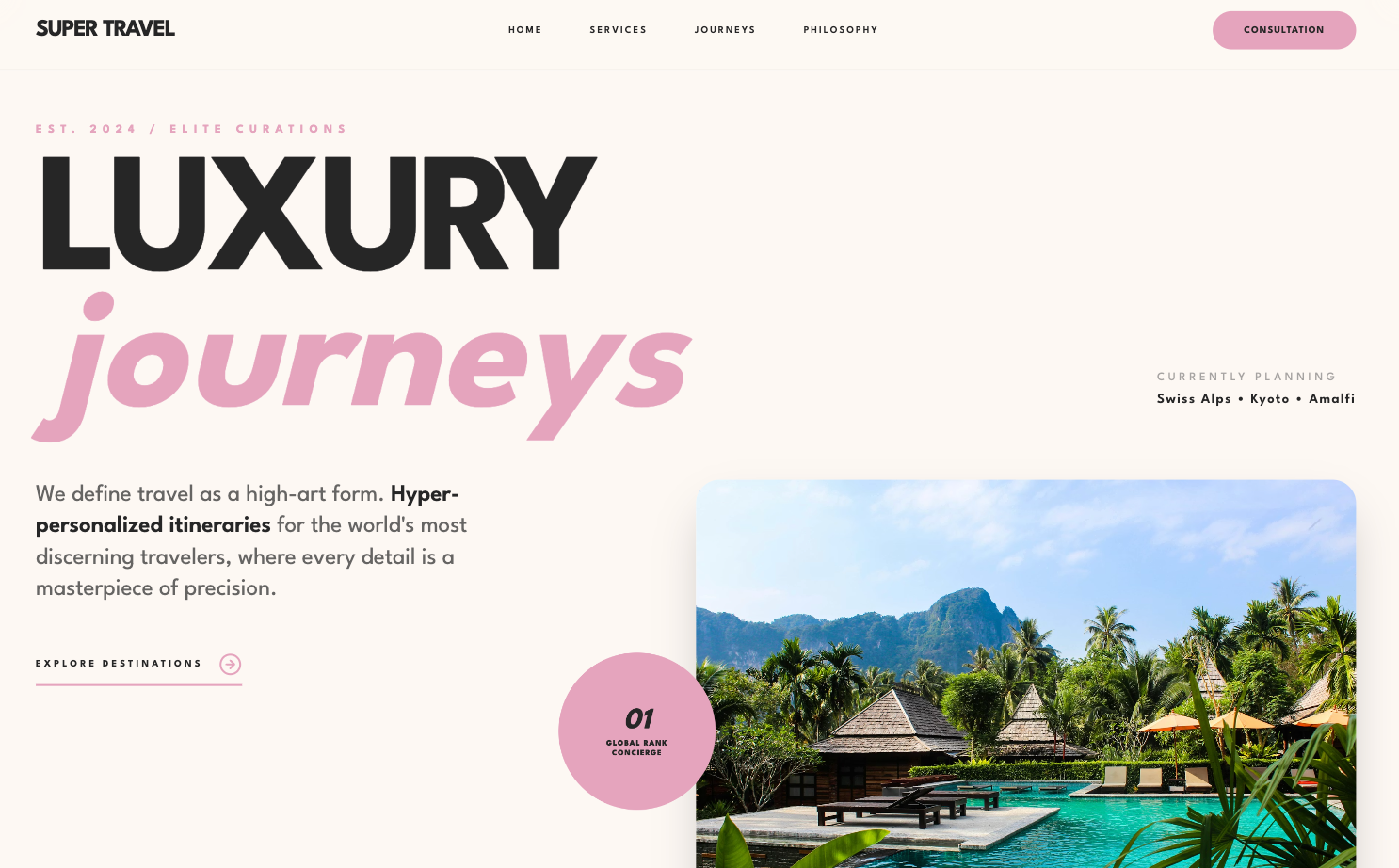
This is the same failure that makes AI-generated interfaces recognizable in about three seconds, and I have written about why AI design looks generic at length. The short version: a model knows the rules of design, spacing and type and hierarchy and color, but it has no taste. Given no direction, it returns the average of everything it has seen. Purple gradient hero, Inter at every weight, three feature cards in a row.
An asset tool cannot fix that, and it is not a criticism of Canva or Adobe to say so. They were built to produce one good artifact on demand, and they do. Product design is a different problem, because the thing that has to stay consistent is not inside any single screen. It is between them.
So the useful questions to ask of a design plugin are not about output quality. They are:
- Does it hold a design system across screens, or does every prompt start from zero?
- Can you iterate a draft, or is your only move to re-roll and hope the next one is closer?
- Does it hand off to code, or does handoff mean a developer eyeballing a PNG?
- Does it work from your references, or only from its own defaults?
Figma scores well on the fourth because you can point it at a real file. On the first three, the Creativity shelf is mostly a row of no.
If you want the wider comparison that is not scoped to ChatGPT, I keep one at best AI UI generator.
Where Superdesign fits
Disclosure: I build Superdesign, so weigh this accordingly.
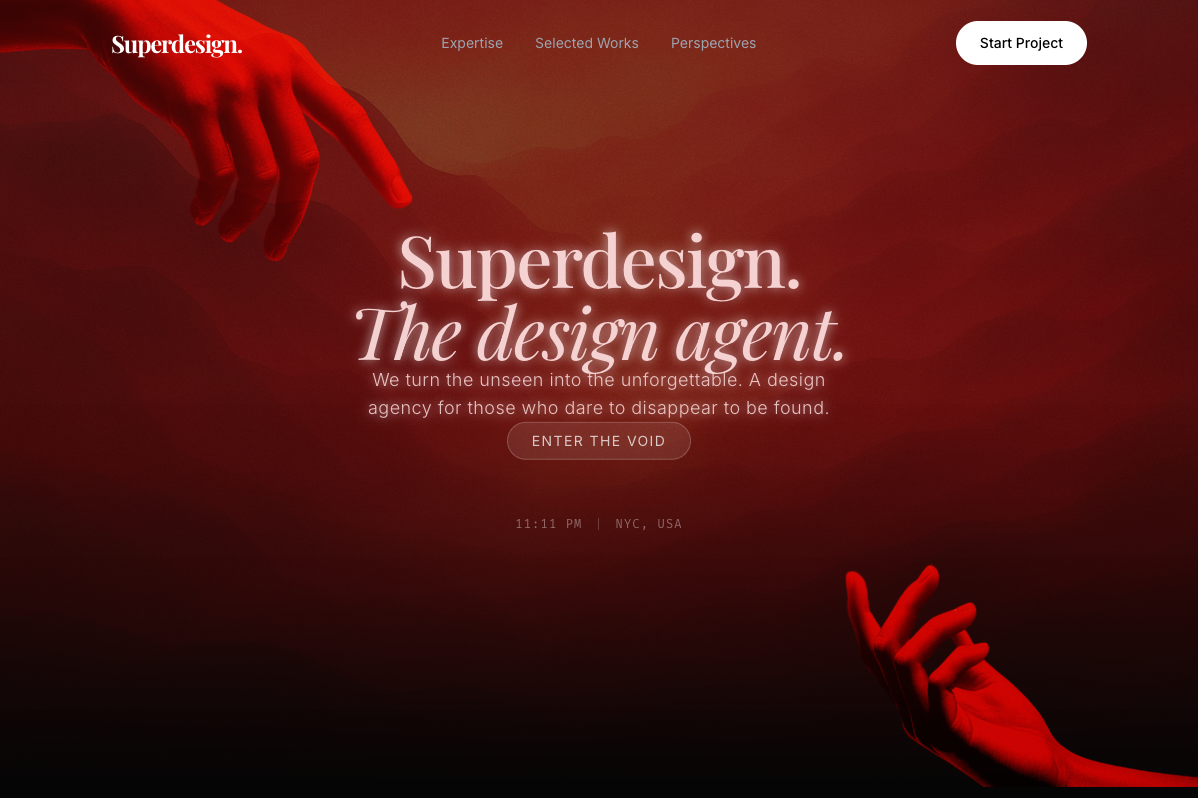
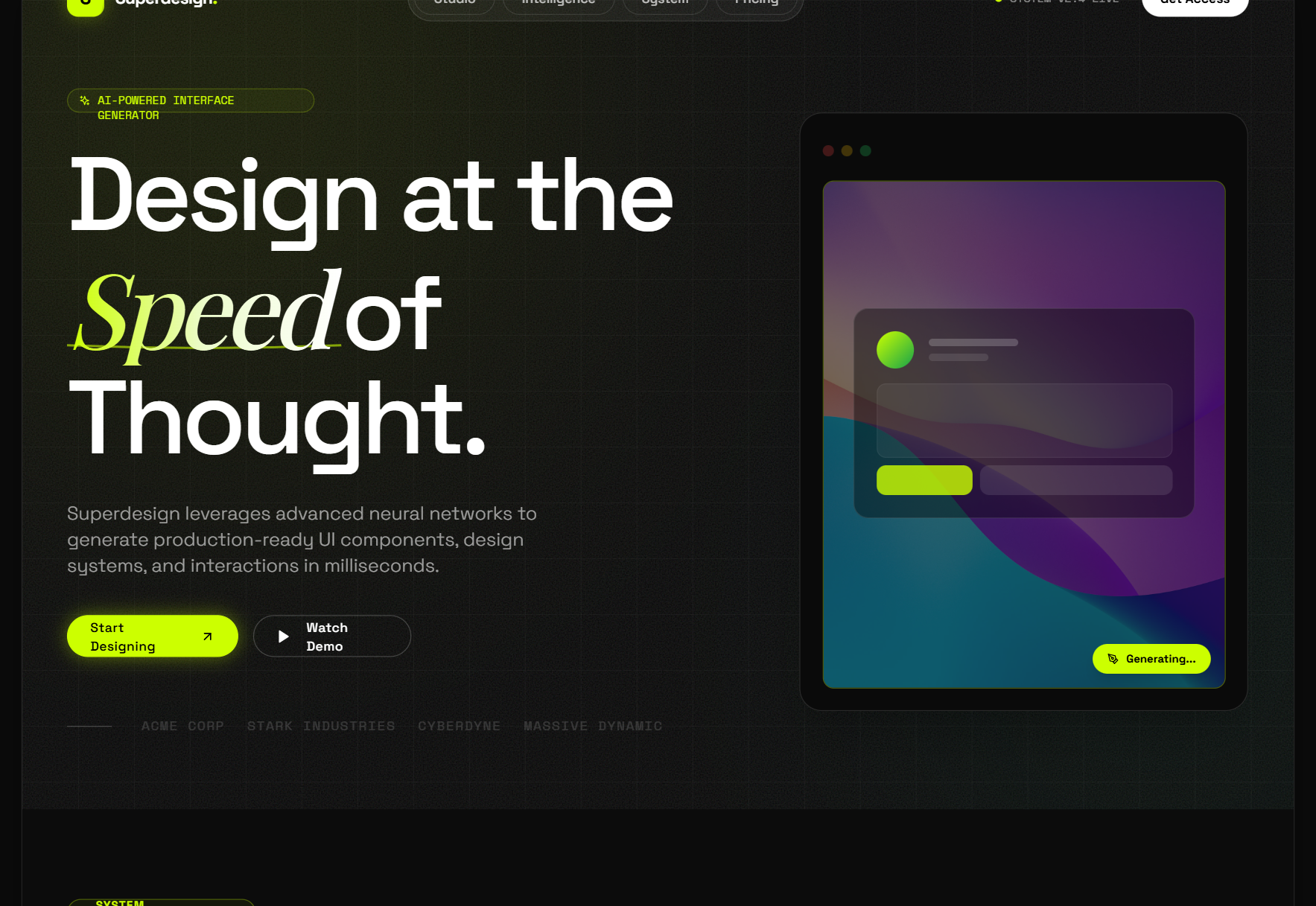
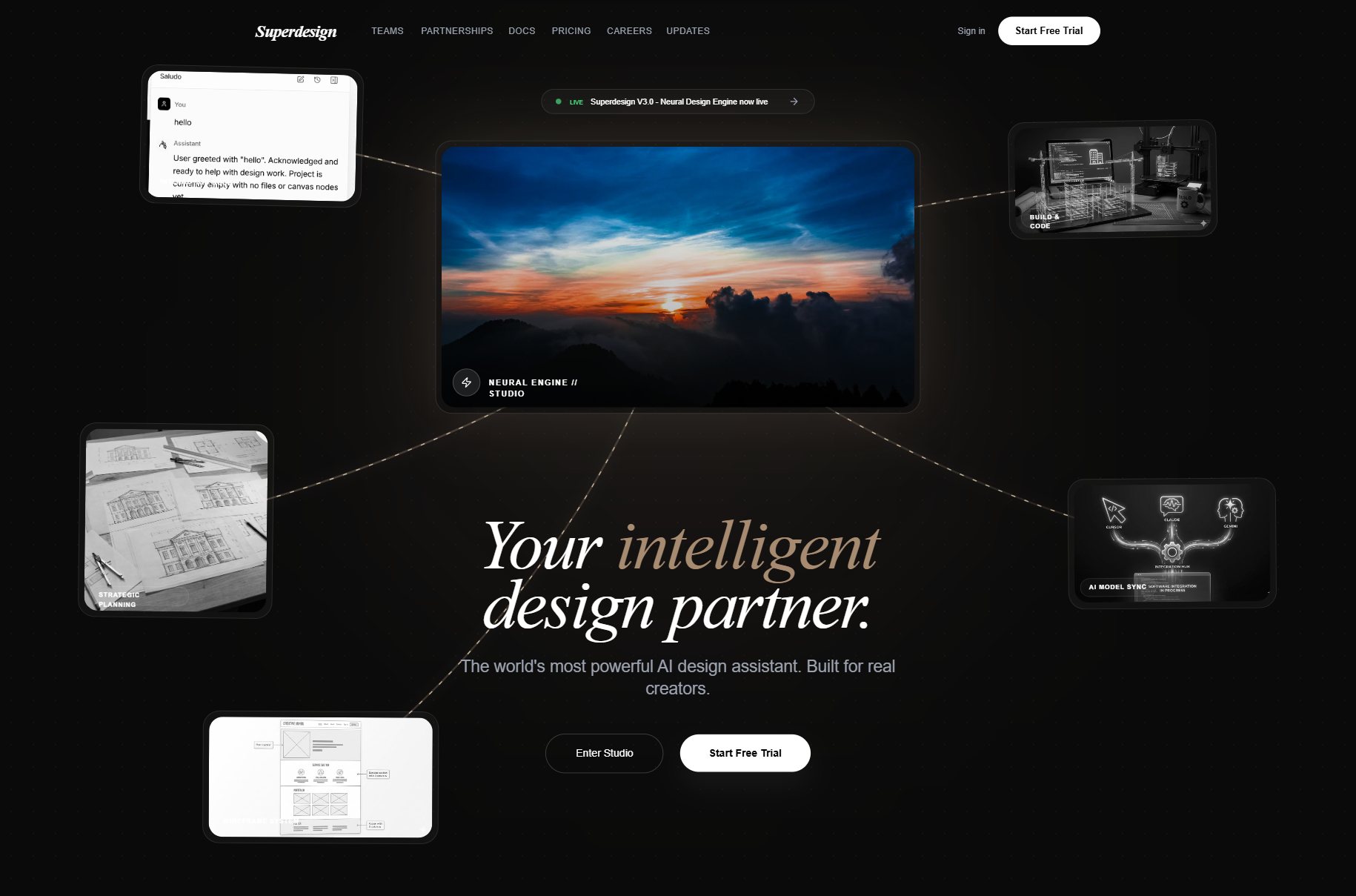
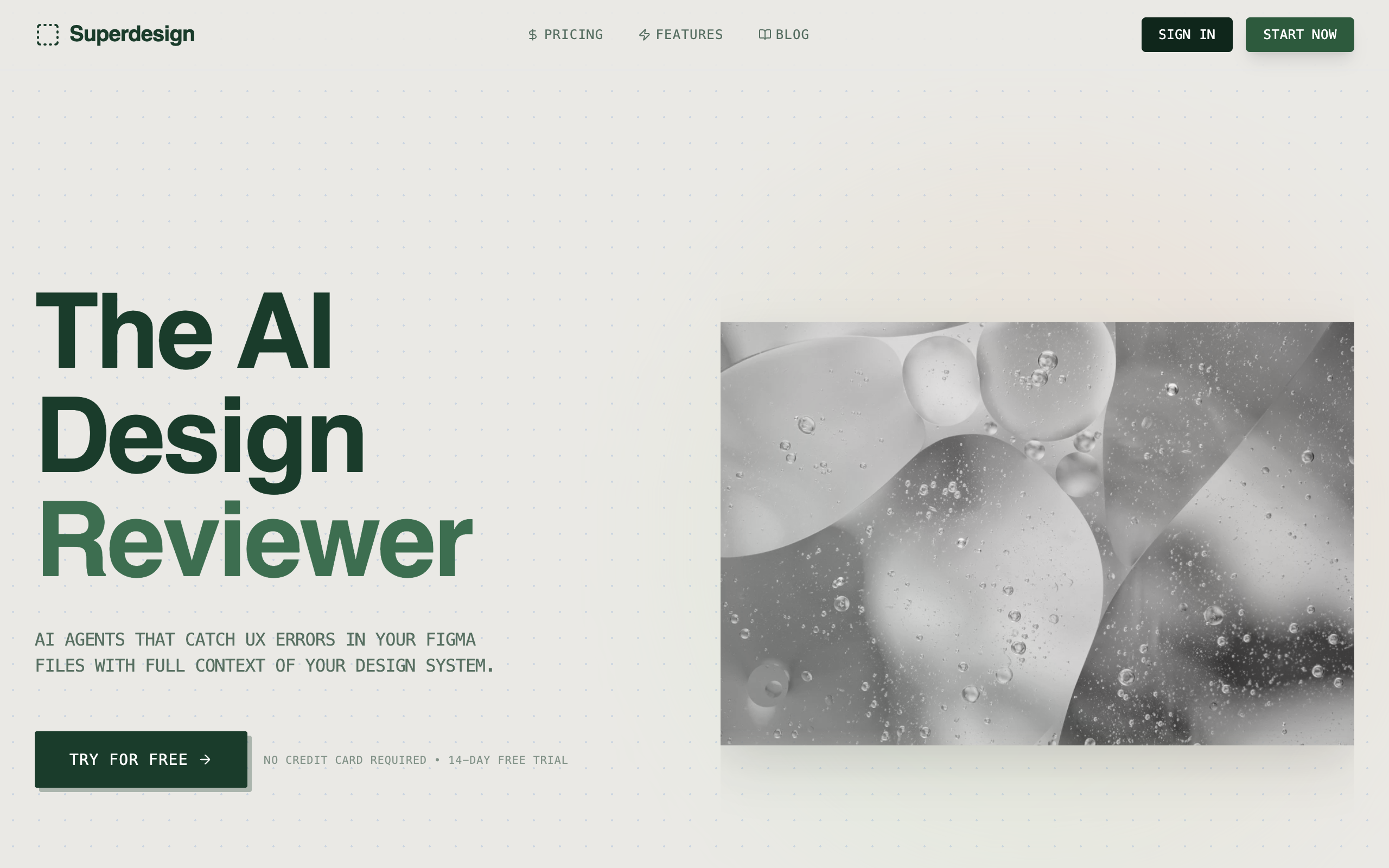
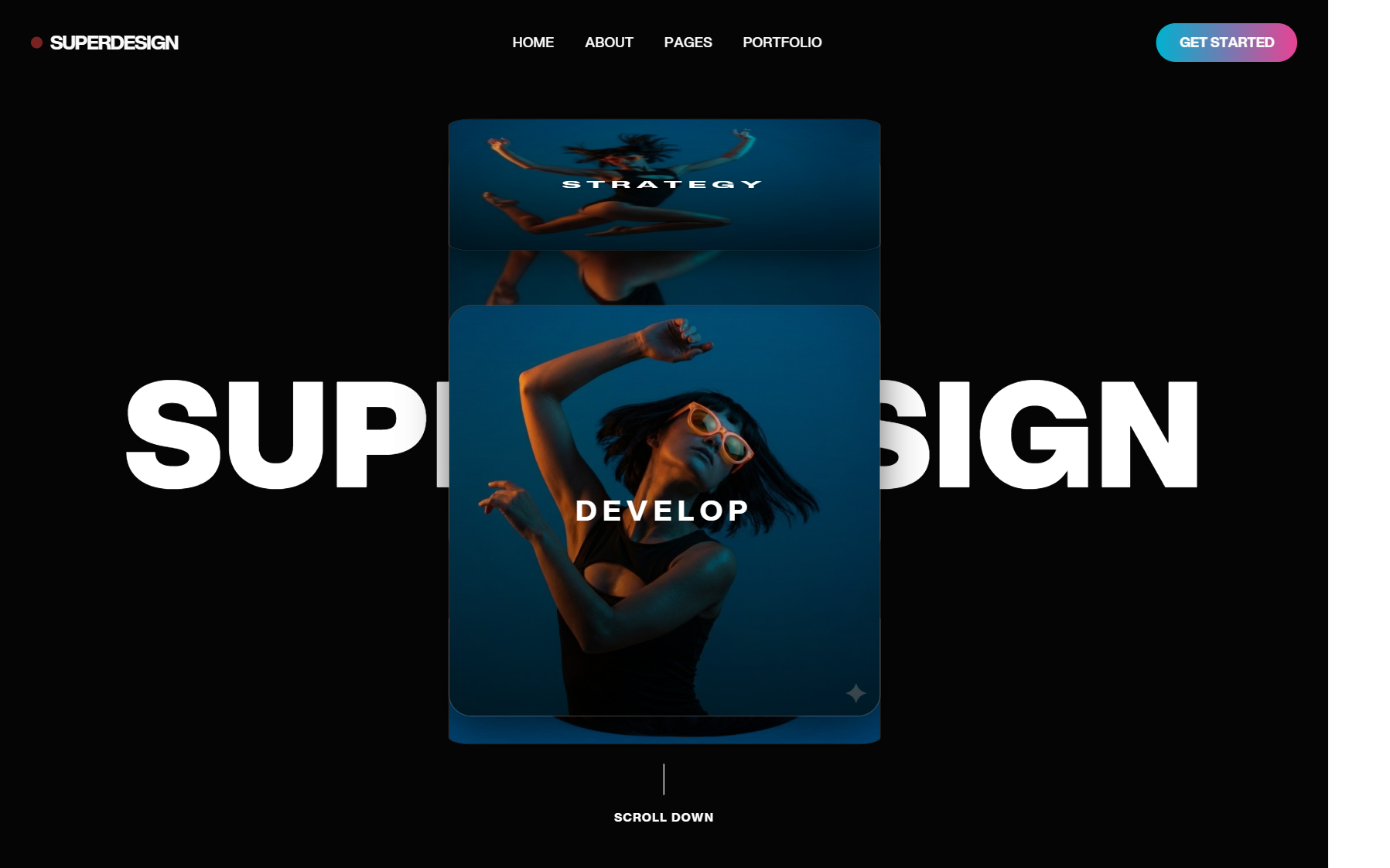
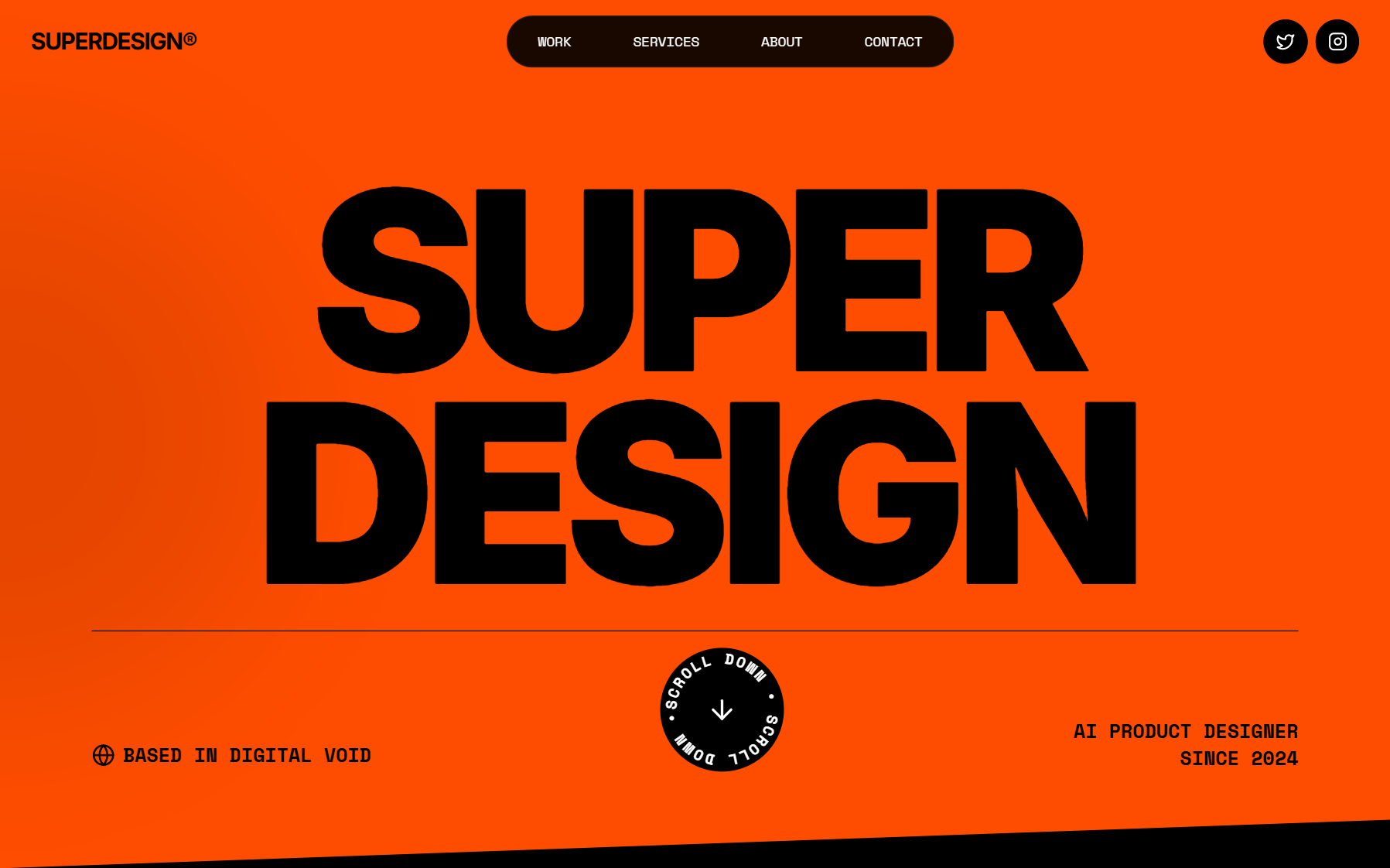
Superdesign is in the plugin directory. Search "superdesign" in the plugins search and it comes up as Superdesign, create polished UI and graphics. It is not on the Creativity shelf, which is curated, so today you find it by searching rather than browsing. The install walkthrough and what people make with it live on the Superdesign for ChatGPT page.
The reason it exists as a plugin at all is the four questions above. It connects over MCP to a server that keeps the work as state rather than as a series of one-off generations:
- Iterate a draft instead of re-rolling it, so you refine what you liked instead of gambling for it again.
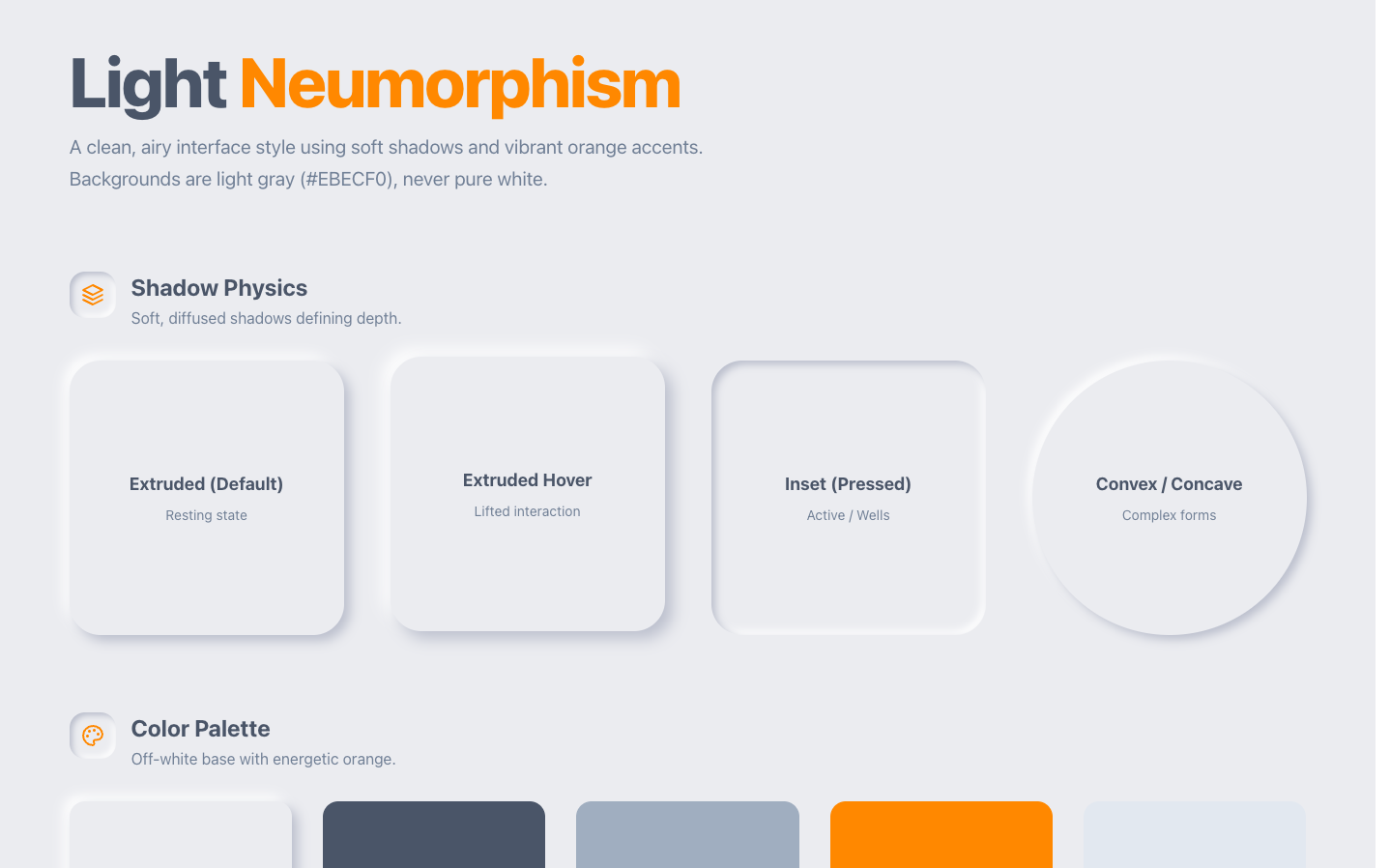
- Design systems are a real object you can list and reuse, so screen four is built against the same tokens as screen one.
- Flows, not just screens, so a multi-page journey is a single operation.
- Projects persist, so the work is somewhere you can return to rather than scrolled up a chat.
Because the connection is MCP rather than a proprietary format, the same server also connects to Claude and to coding agents. Practically, that means your design context follows you from the place you think to the place you build, which is the part that usually breaks.
If you want the prompting side rather than the tooling side, ChatGPT design prompts is the copy-paste set built for this exact surface, UI design prompts is the wider library I keep, and how to design with AI covers the workflow that sits above whichever tool you pick.
What I would actually do
If your work is marketing assets, add Canva and stop reading. It is the right tool and it is very good at that job.
If your design already lives in Figma, add Figma. Pulling real file context into a conversation beats describing your design to a model in prose, every time.
If you are exploring an idea and want something to react to, OpenAI's Product Design plugin is scoped honestly and is a reasonable starting point.
If you are designing a product where screen four has to look like it came from the same company as screen one, an asset tool is the wrong shape, and no amount of prompting fixes a tool whose unit of work is a single artifact. You want something that treats the design system as state.
And whichever you add, the part that separates output that looks considered from output that looks generated is still you. The model executes. The direction, the references and the taste come from your side, or they are not in the room at all.